Last updated: October 2026
- What cyberbullying is, and what it is not
- Signs your child may be facing cyberbullying
- Step 1: Stay calm and support your child first
- Step 2: Save evidence before you block or report
- Step 3: Report and block on each app
- Step 4: Work with the school in a clear way
- Step 5: Support your child after the report
- When to escalate beyond the school
- Help your child respond with kindness and strength
- Prevent the next incident without taking away trust
- If your child has bullied someone else
- A family plan you can write today
- Key takeaways and safety checklist
- Final verdict: calm action protects your child best
- Frequently asked questions
Quick answer: To learn how to deal with cyberbullying, stay calm, save the evidence, report and block the account, and tell a trusted adult or the school. Do not reply in anger, and do not delete messages before you report them. Your child needs support first, then a clear plan.
Cyberbullying can feel sudden and personal. A hurtful message can arrive on a phone, in a game, or in a group chat. It can spread fast, even after school ends.
Parents often feel unsure about the first step. This guide gives you a calm order to follow. It covers what to do today, how to work with a school, and how to prevent the next incident.
The advice here follows official guidance from StopBullying.gov and the NSPCC. Those sources stress the same core steps. Stop the contact, save evidence, report it, and support the child.
Use this guide for your own child and your own family devices. Talk with your child about each step. Explain what you will do, and ask what feels safe for them.
What cyberbullying is, and what it is not
Cyberbullying is bullying through digital devices. It includes mean texts, hurtful posts, rumors, exclusion from groups, and threats. It can happen on social media, in games, by text, or by email.
It is different from a single rude comment. Bullying is usually repeated, or it involves a clear power gap. A one off argument can still hurt, but it may need a different response.
It is also different from normal conflict between friends. Friends can disagree and repair the problem. Bullying aims to harm, embarrass, or control the other person.
Online harm can feel worse because it follows a child home. Screenshots can spread to new groups. A child may feel watched all day, not only at school.
Do not dismiss it as only online drama. The feelings are real, even if the messages live on a screen. Take your child seriously from the first report.
Signs your child may be facing cyberbullying
Some children tell a parent right away. Others hide it because they feel shame, fear, or worry about losing a device. Watch for changes, not only for direct reports.
Look for sudden sadness after phone use, fear of notifications, or a wish to avoid school. Sleep problems, stomach aches, and a drop in grades can also be signs. No single sign proves bullying on its own.
Ask open questions in a calm moment. Try, “Has anything online made you feel unsafe lately?” Avoid checking the phone in secret. Your child should know what you check, and why.
If your child does tell you, thank them first. Say that telling you was the right choice. A calm reaction makes it more likely they will tell you again.
Common forms of cyberbullying
| Form | What it looks like | First parent action |
|---|---|---|
| Mean messages | Insults, threats, or cruel jokes by text or chat | Save screenshots, then block and report |
| Exclusion | Left out of groups, chats, or games on purpose | Talk with your child, then contact the group owner or school if needed |
| Rumors and images | False posts, edited photos, or shared private images | Save evidence, report the post, and ask the platform to remove it |
| Impersonation | Someone posts as your child, or uses a fake account | Report the fake account and keep proof of the posts |
| Doxxing | Private details, such as a school or address, shared online | Do not engage, save evidence, and report at once |
Use this table to name what happened. A clear name helps when you report it. It also helps your child feel understood, not blamed.
Step 1: Stay calm and support your child first
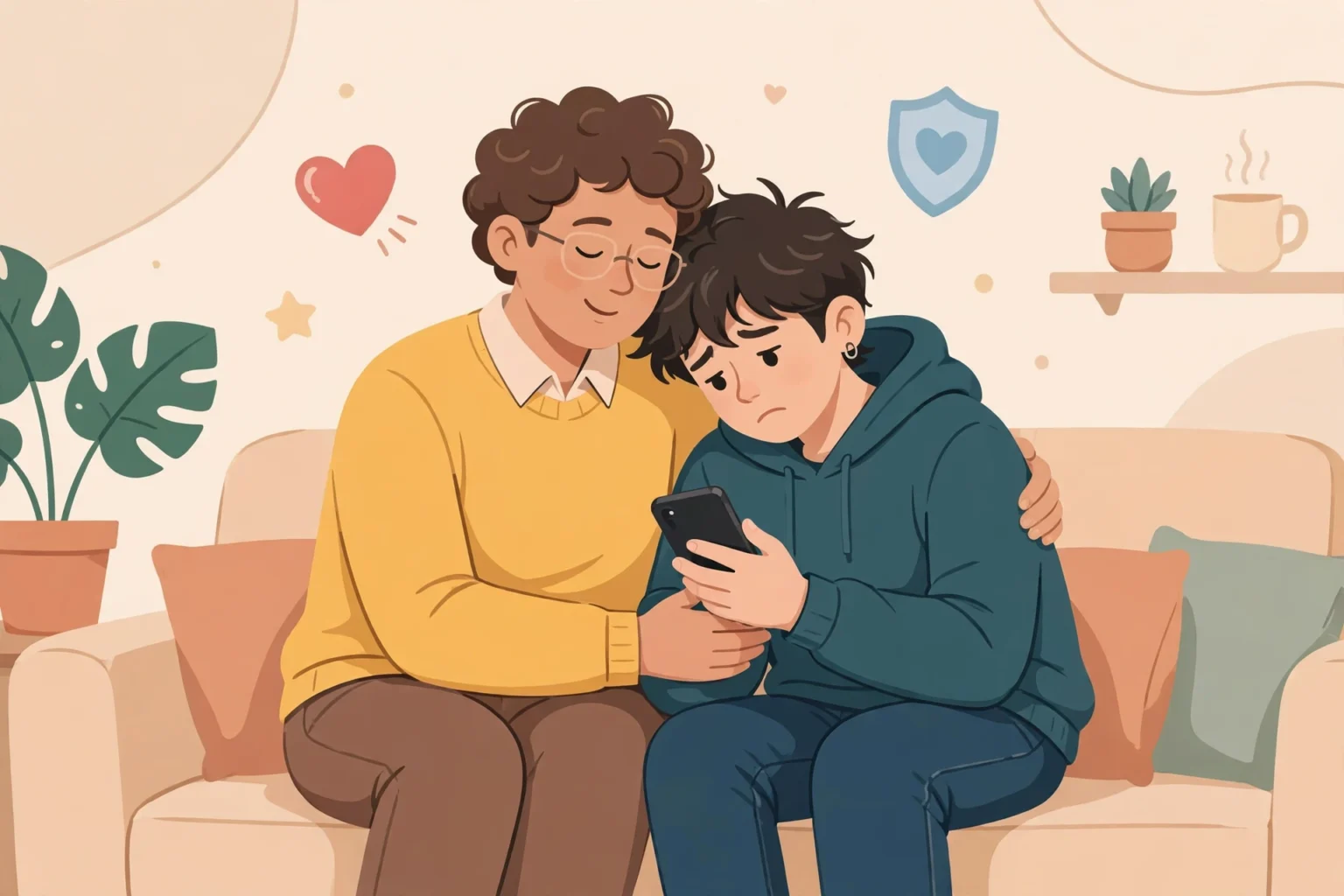
Start with support, not with blame or panic. Sit with your child in a quiet place. Let them tell the story at their own pace.
Use simple, steady words. Say, “I believe you, and we will deal with this together.” Avoid asking why they did not tell you sooner. That question can shut the talk down.
Ask how they feel, and what worries them most. Some children fear more bullying if they report it. Others fear losing their phone or game account.
Agree on a short plan before you act. Tell your child what you will report, and who you will contact. If a step feels scary, break it into a smaller step.
Do not reply to the bully in anger. An angry reply can make the thread longer. It can also give the bully more material to share.
Step 2: Save evidence before you block or report
Evidence helps platforms, schools, and police take action. Save it before you block the account. Blocking can hide the messages from view.
Take screenshots that show the username, the date and time, and the full message. Save the link to the post if the app gives one. Note the app name and the device used.
Keep the original messages where you can. Do not edit screenshots. Store copies in a folder only you and your child can open.
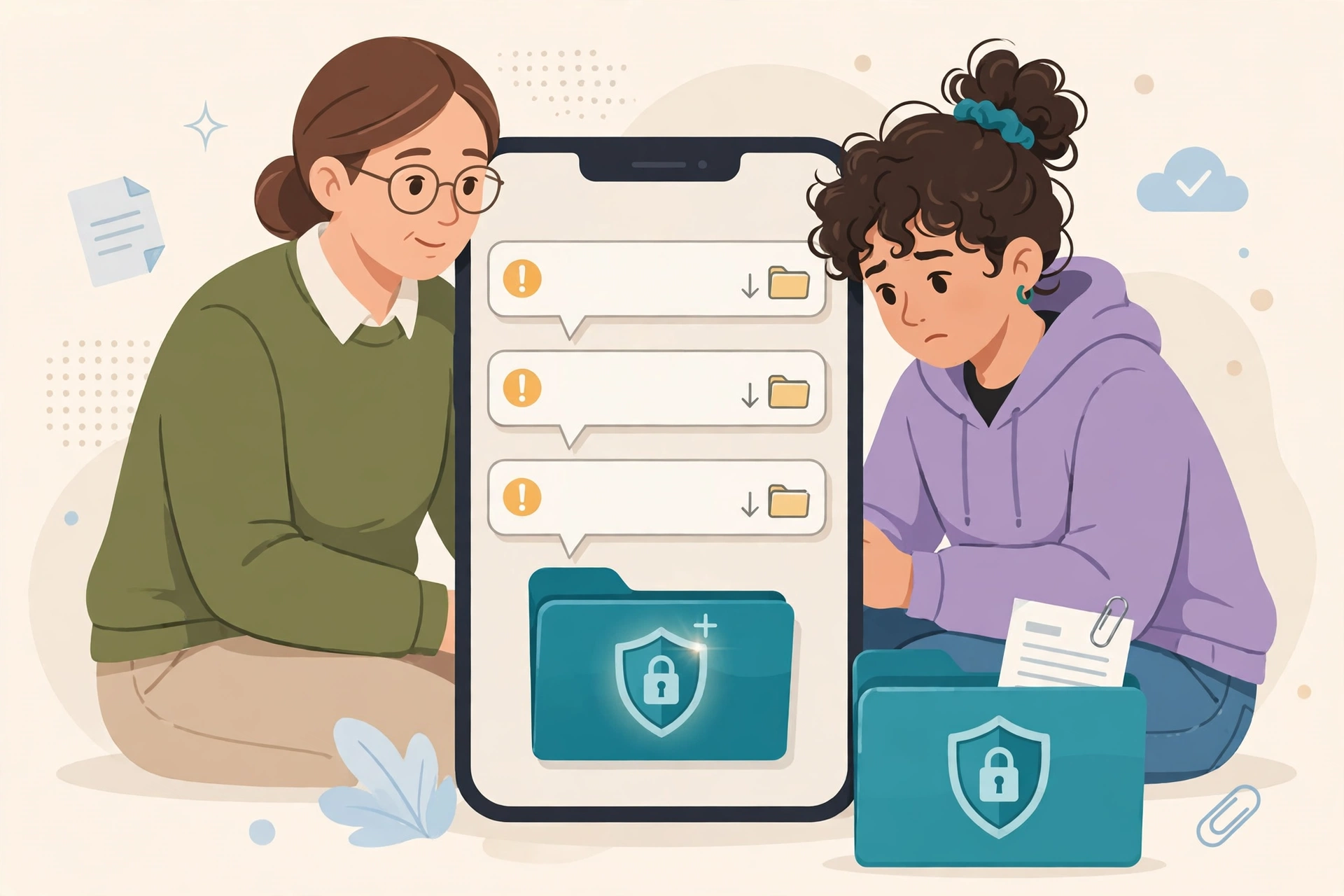
Write a short note with each screenshot. Record what happened, when it happened, and who else saw it. A clear timeline helps a school act faster.
For a guide to wider family rules, read our complete family online safety guide. It links phone rules, chat rules, and school device rules in one place.
Step 3: Report and block on each app
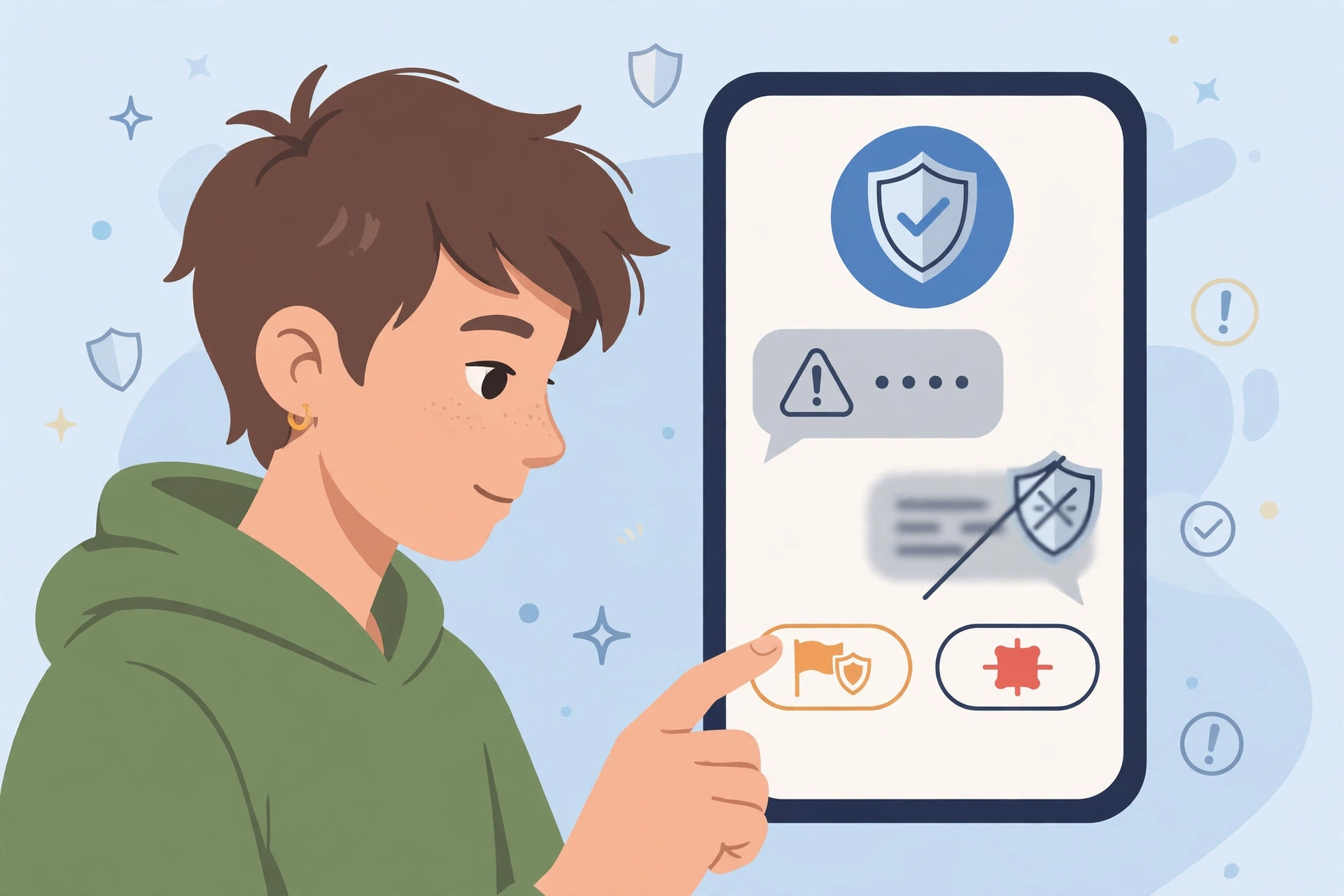
Most apps have a report button on the message, post, or profile. Use it, and choose the closest reason, such as bullying, harassment, or hate. Add a short note if the form allows one.
Block the account after you save evidence and report it. Blocking stops new messages from that account. It does not erase the report you already made.
Check privacy settings at the same time. Set the account to private or friends only where possible. Limit who can send messages, tag photos, or join groups.
Do not try to trace the bully yourself. Do not post their details in public. That step can cause more harm, and it can break platform rules.
If the content breaks the law, or it involves threats or sexual images, keep the evidence and contact local police or a trusted reporting service. Do not delete the material before you ask for advice.
Report and block checklist by place
| Place | Report step | Block and privacy step |
|---|---|---|
| Social media app | Report the post, comment, or profile in the app | Block the account and set the profile to private |
| Group chat | Report the message and ask a group admin to act | Leave the group if needed, and mute the thread |
| Game chat | Use the in game report tool for the player | Mute, block, and set chat to friends only |
| Text or email | Save the message and report spam or abuse to the carrier or provider | Block the number and filter unknown senders |
| School platform | Report through the school system and tell a teacher | Ask the school to limit contact on that platform |
Bullying often moves between apps. Check each place your child uses. A block on one app does not stop contact on another app.
Step 4: Work with the school in a clear way
Schools can act when bullying affects learning or safety. Contact the school in writing, not only in a quick chat. Include dates, app names, and a short summary of the evidence.
Ask who will handle the case, and what the next step will be. Ask for a date for an update. Keep copies of every message you send and receive.
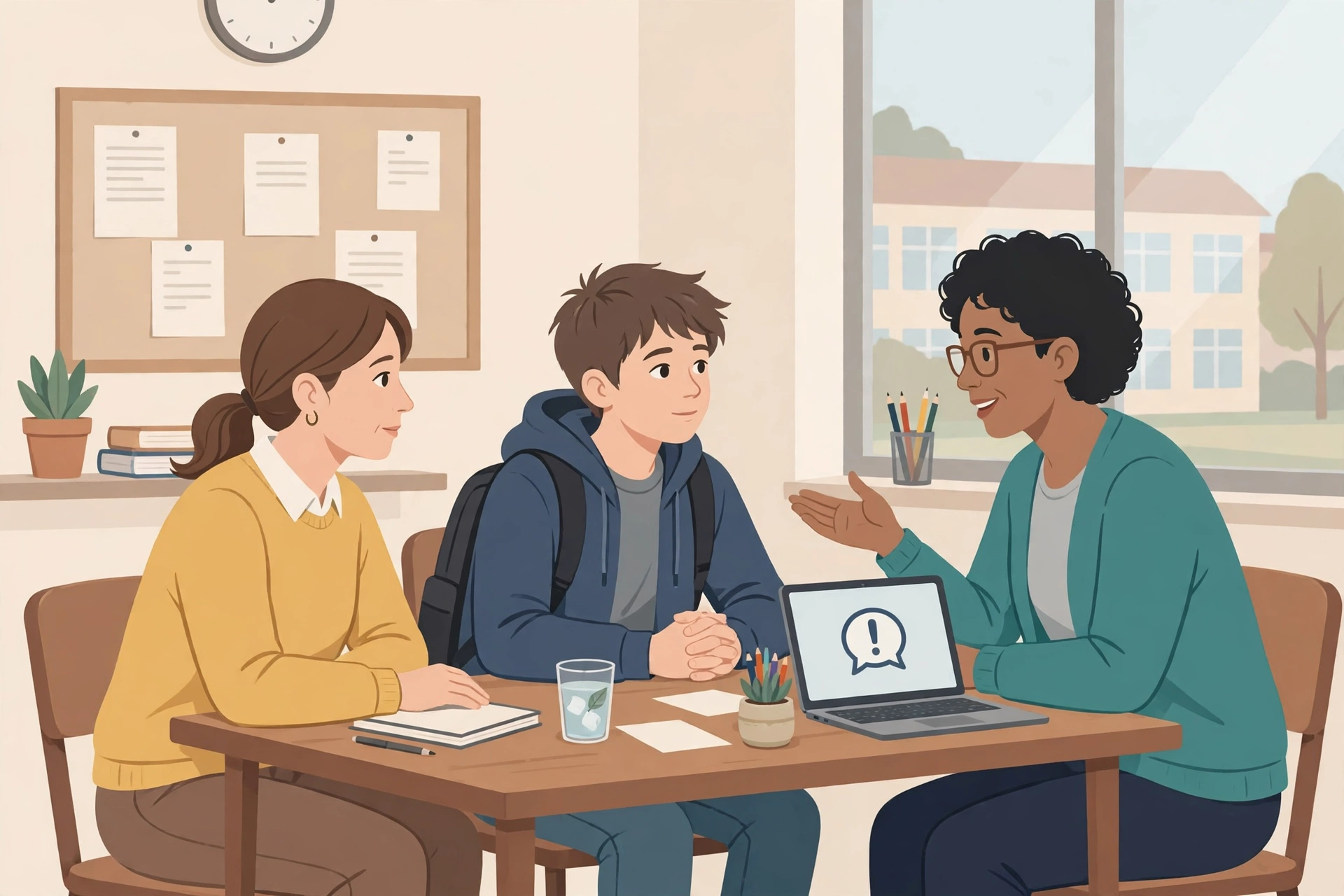
Do not name other children in public posts. Share names only with the school or a reporting service that needs them. Public posts can harm your child and other children.
If the school response is slow, follow up in writing. Ask for a meeting with a teacher, a counselor, or a head of year. Bring your timeline and your screenshots.
If bullying happens in games or group chats, the school may still help when classmates are involved. Our Discord safety guide for teens explains server rules and direct message controls. Our Roblox safety guide for kids and our Minecraft safety guide for kids explain chat and server choices in plain language.
Step 5: Support your child after the report
Reporting does not end the stress at once. Check in often, even if your child says they are fine. Ask about sleep, appetite, mood, and school work.
Keep normal routines where you can. Meals, sleep, homework, and play help a child feel safe. Avoid a sudden total ban on all devices unless safety requires it.
Help your child rebuild safe online spaces. Keep kind friends close, and leave groups that feel hostile. A new group or hobby can restore confidence.
Watch for signs that more help is needed. These include lasting sadness, fear of school, self harm talk, or a big change in behavior. Contact your doctor, a school counselor, or a trusted mental health service in that case.
If your child talks about self harm, take it seriously at once. Stay with your child, and seek urgent local help. Do not leave them alone with the worry.
When to escalate beyond the school
Escalate when threats continue, when private images are shared, or when the school cannot stop the harm. Escalate also when the bully is an adult, or when the contact comes from outside school.
Keep your evidence folder ready for police or a platform safety team. Write down each new incident with a date and time. Do not reply to threats.
For serious cases, ask the platform to preserve the account data. Some platforms keep data only for a short time. A fast report helps protect that record.
Help your child respond with kindness and strength
Kindness is not weakness. A child can be kind and still set a firm boundary. Teach your child to stop, save evidence, block, and tell an adult.
Talk about bystanders too. A child who sees bullying can help by not sharing the post. They can support the target in private, and report the post.
Practice short replies for pressure moments. Try, “I am leaving this chat,” or “I do not want to talk about this.” A short exit is safer than a long argument.
Praise brave choices. Thank your child for reporting, for blocking, and for helping a friend. Praise builds the habit of asking for help.
Prevent the next incident without taking away trust
Prevention starts with clear rules, not with secret checks. Agree on which apps your child can use, who can contact them, and what to do if a message feels wrong.
Set privacy controls together on your child’s own devices. Turn on private profiles, message filters, and friend only contact where the app allows it. Review the settings again after each new app install.
For Android phones, our parental controls guide for Android walks through Family Link limits, bedtime, and app approvals. For a wider view, our guide to monitoring your child’s phone safely explains how to tell your child what you check, and why, so trust stays intact.
Teach your child to pause before they post. A photo, a joke, or a comment can spread beyond the first group. Ask, “Would you say this face to face, and would you want it shared?”
Talk about group chats in advance. Agree that your child can leave a group that turns cruel. Leaving is not rude when the group harms someone.
Keep devices out of bedrooms at night where possible. Late night messages cause more conflict, and less sleep makes the next day harder. A charging station outside bedrooms helps the whole family.
If your child has bullied someone else
Some parents learn that their own child took part in bullying. Stay calm, and focus on repair, not only on punishment. Ask what happened, and listen to the full story.
Help your child take responsibility. That may mean a sincere apology, deleting a post, and a clear plan to stop. Contact the school if the harm involved classmates.
Do not excuse the behavior because it was only a joke. Explain the impact in plain words. Ask your child how they would feel if they received the same message.
Set a clear consequence that fits the act. Remove the app for a set time, or limit group chats until trust returns. Review the rule together after a week.
A family plan you can write today
Write a short plan with your child, and keep it where both of you can see it. Include safe apps, approved contacts, and the steps to take if bullying starts.
- We tell a trusted adult at once if a message feels threatening or cruel.
- We save screenshots before we block or delete anything.
- We report on the app, and we tell the school if classmates are involved.
- We keep profiles private, and we review settings each month.
- We do not share private photos, passwords, or personal details online.
- We leave groups that turn cruel, and we do not spread rumors or images.
Review the plan each month. Apps change, friends change, and children grow. A short review keeps the plan useful, not forgotten.
Key takeaways and safety checklist
- Stay calm, and support your child before you act.
- Save screenshots with usernames, dates, and full messages.
- Report on the app, then block the account.
- Tell the school in writing if classmates are involved.
- Check in often, and watch for lasting sadness or fear.
- Escalate threats, shared private images, or harm that will not stop.
- Set private profiles, and review app settings each month.
- Teach your child to stop, save, block, and tell an adult.
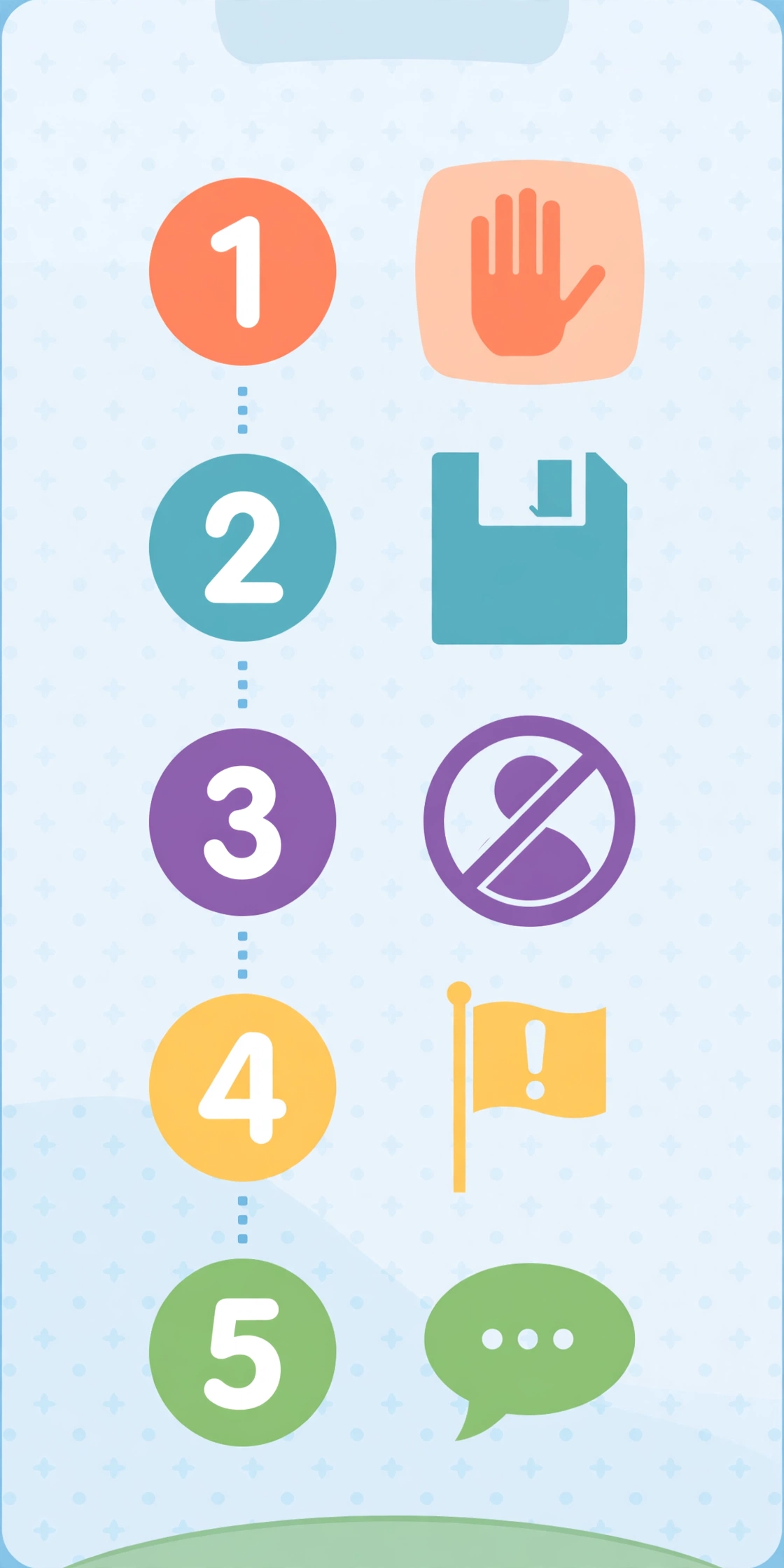
Start today with three quick checks. Open your child’s main app settings, check who can send messages, and ask your child if anything online feels unsafe.
Final verdict: calm action protects your child best
How to deal with cyberbullying comes down to a simple order. Support your child, save evidence, report and block, and get school help when needed. Speed matters, but calm action matters more.
Your next step is simple. Sit with your child today, agree on the plan in this guide, and save it where you can find it fast. A child who knows the plan will ask for help sooner.
Frequently asked questions
What is the first thing I should do about cyberbullying?
Stay calm and support your child first. Then save screenshots, report the account, and block it. Tell a trusted adult or the school if classmates are involved.
Should my child reply to the bully?
No. A reply often makes the thread longer. Your child should stop, save evidence, block the account, and tell a trusted adult.
Should I delete hurtful messages right away?
No. Save screenshots first, with usernames and dates. Deleting messages can remove the evidence a platform or school needs to act.
When should I contact the school?
Contact the school when classmates are involved, or when bullying affects learning or safety. Write a short message with dates, app names, and a summary of the evidence.
When should I contact the police?
Contact local police or a trusted reporting service for threats, shared private images, or harm that will not stop. Keep your evidence, and do not reply to threats.