Last updated: October 2026
- What is Discord, in plain terms?
- What are the main risks for teens on Discord?
- How does Discord Family Center work?
- How do you set up Discord safely, step by step?
- How should families handle servers and channels?
- How should teens handle friend requests and direct messages?
- How can families make voice chat safer?
- What should families know about Nitro, gifts, and scams?
- What should you do when something goes wrong?
- What should a family agreement for Discord include?
- Key takeaways for parents
- Final verdict: start strict, then build trust
- Frequently asked questions
Quick answer: Discord can be safe for a teen when a parent sets it up with them, limits friend requests and server messages, and keeps the conversation open. Use Family Center, choose strict privacy settings, and agree on server rules before your teen joins large public groups. If a message feels wrong, save the evidence, block the person, and report it.
This guide is for parents and guardians who help their own teen use Discord. It explains what Discord is, what can go wrong, and how to set up safer defaults step by step. It uses Discord official Safety Center and support pages for the features it names.
What is Discord, in plain terms?
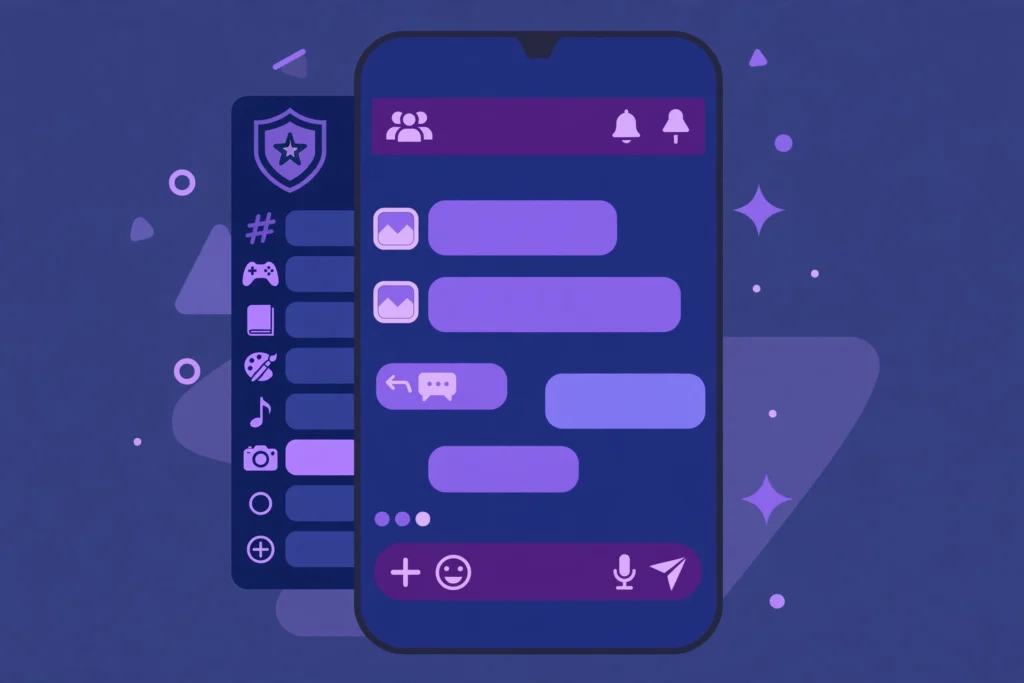
Discord is a chat app for text, voice, and video. People talk in private messages, in small groups, and in larger communities called servers. A server can have many channels, and each channel can focus on one game, hobby, or topic.
Teens often use Discord to play games with friends, study together, and join fan groups. The app feels social because voice chat is easy and messages arrive fast. That speed is also why clear rules matter from day one.
Who can use Discord?
Discord says users must be at least 13 years old, and must meet any higher minimum age that applies in their country. That rule is in Discord Terms of Service. A parent should not create an account for a younger child to get around the age rule.
Age alone does not make a teen ready for every server. Some servers are small and run by people your teen knows in real life. Others are large, public, and hard for any parent or teen to check in full.
What are servers, channels, and roles?
A server is a community space with its own rules and moderators. Channels are rooms inside that server for text or voice. Roles can change what a member can see, post, or manage.
Server owners and moderators set many of the rules inside their own server. Discord sets platform rules too, but it cannot watch every channel all the time. That is why your teen needs to know how to leave a bad server fast.
What are the main risks for teens on Discord?
The main risks are contact from strangers, sexual content, bullying, scams, and pressure to share personal details. These risks are not unique to Discord. They appear on most social apps where teens can talk to people they do not know.
Strangers can use a shared game or hobby as a friendly opening. They may ask for a private chat, a photo, or a move to another app. A teen should treat that shift to private contact as a warning sign, not as a normal next step.
How do grooming and pressure usually start?
Grooming often starts with praise, gifts, or shared secrets. The adult or older teen may offer game items, help with a game, or claim to understand your teen better than others do. The contact may then become more private and more demanding over time.
Red flags include requests to keep chats secret, requests for photos, talk about bodies or sex, and gifts with strings attached. Another red flag is anger or guilt when your teen says no or takes time to reply. Teach your teen that a real friend does not punish a boundary.
What about bullying and harmful content?
Bullying on Discord can happen in a server, in a group chat, or in a voice channel. It can include insults, exclusion, threats, or sharing a screenshot out of context. Voice chat can feel worse than text because tone and laughter add pressure in the moment.
Harmful content can also appear as a meme, a link, or a video in a busy channel. A teen may see it before a moderator removes it. Your teen needs a simple plan for that moment, which is to close the channel, tell you, and not forward the content.
How does Discord Family Center work?
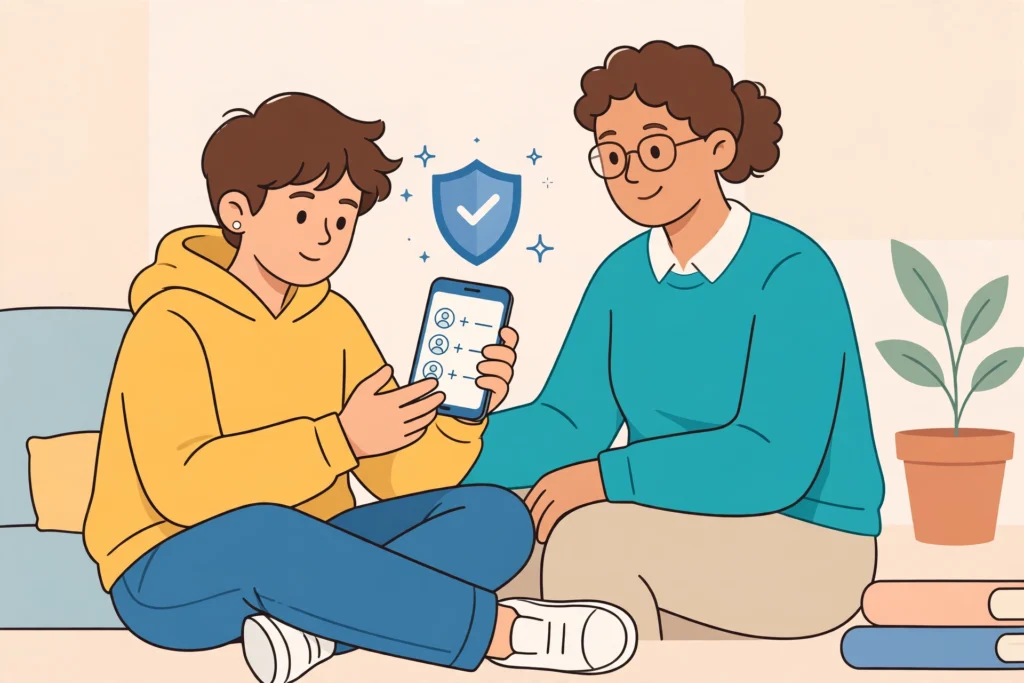
Family Center is a Discord tool that helps a parent stay informed about a teen account, with the teen agreement. Discord describes it in its support pages for parents and guardians. Both the parent and the teen must choose to connect, and the teen can disconnect.
Once connected, a parent can see recent activity, such as new friends, new servers, and people the teen has messaged or called. Discord says a parent will not see the words in the messages, only the users contacted. That limit matters, because it keeps some privacy while still giving a parent a starting point for talks.
Family Center also lets a connected parent see and adjust some teen settings. These include sensitive content filters, friend request choices, and server direct message choices. A parent can also set a monthly spending cap and schedule screen downtime in Family Center, as Discord support pages describe.
To start, Discord points parents to the Family Center area in account settings. The teen then shares a connection request, often with a QR code or a link, and the parent accepts it. Do this together, in the same room, so your teen can ask questions and see exactly what you can and cannot see.
Family Center is not a full monitoring tool and it does not replace talks at home. It also does not let a parent change a teen friend list or force a teen to leave a server. Use it as a shared dashboard, not as a secret check, and review it together each week.
How do you set up Discord safely, step by step?
Set Discord up together, before your teen joins new servers. Start with the account, then privacy, then friends, then servers. Save the login details in a safe place that only your family can reach.
- Use a strong, unique password for the Discord account, and turn on two-factor authentication for extra account security.
- Check that the birth date and age group on the account are correct, because teen protections depend on them.
- Use a display name that does not give away a full name, school, town, or age.
- Turn on sensitive content filters, so flagged media is blurred or blocked for a teen account.
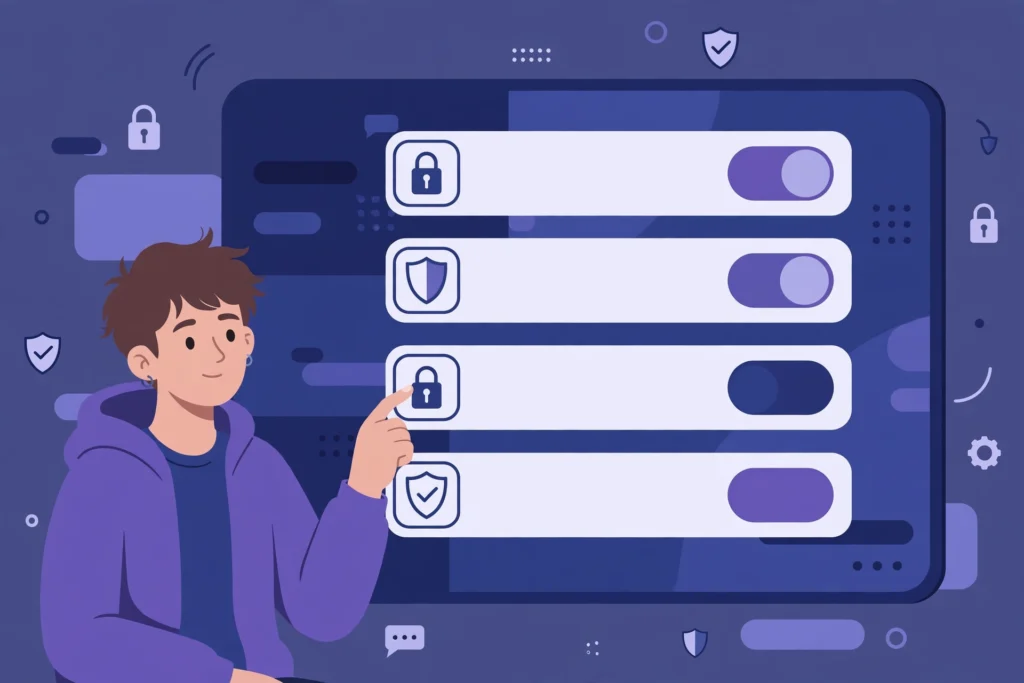
- Limit who can send friend requests and server messages, and review those choices together.
- Agree on downtime, such as no Discord during school hours or after a set bedtime.
Account security matters because a stolen account can contact all of your teen friends. Two-factor authentication adds a second check when someone signs in. Keep backup codes in a safe place, and never share a password or a login code with a friend or a server member.
Privacy settings are not a one-time job. Discord updates its app, and your teen may change a setting by accident. Check the settings together each month, and after any big app update. A short check is better than a long argument later.
Which starting settings should parents choose?
Start strict, then loosen one setting at a time as your teen shows good judgment. A strict start is easier to explain than a sudden clampdown after a problem. The table below gives a safe starting point for most younger teens.
| Setting area | Safe starting choice | Why it helps |
|---|---|---|
| Sensitive content filter | Blur or block flagged media | Reduces surprise exposure in chats and servers |
| Friend requests | Friends of friends or server members only | Cuts random requests from strangers |
| Server direct messages | Off for large or public servers | Stops private contact from server strangers |
| Message requests | On, with review before replying | Keeps unknown messages in a separate place |
| Account security | Two-factor authentication on | Protects the account if a password leaks |
These choices are a starting point, not a promise of safety. A filter can miss content, and a friend of a friend can still be a stranger. Talk about the limits of each setting, so your teen does not trust a filter more than their own judgment.
For a wider family plan, read our family online safety guide, which covers devices, screen time, and house rules in one place. The Discord rules below should fit inside that wider plan, not replace it.
How should families handle servers and channels?
Start with servers your teen already knows, such as a school club, a sports team, or a small friend group. Add one new server at a time, and review it together after a week. If the server has no clear rules, no active moderation, or constant rude chat, leave it.
Read the server rules with your teen before they post. Rules often cover language, spoilers, self promotion, and age limits for channels. If a channel is marked for older users or contains adult topics, your teen should not try to get around that limit.
What makes a server safer or riskier?
A safer server usually has a small member list, known moderators, clear rules, and a calm tone. A riskier server may have thousands of strangers, open voice channels at all hours, and little moderation. Size alone does not prove danger, but size makes it harder to know who is talking to your teen.
Watch for servers that ask new members to share a photo, an age, or a location to gain access. A game server does not need that personal detail. Your teen can enjoy a game without proving who they are to strangers.
How should teens handle friend requests and direct messages?
Teach a simple friend rule: accept only people your teen knows in real life, or people a trusted friend can vouch for in a clear way. A shared server is not enough proof that a person is safe. Many strangers join the same public server.
For direct messages, the safest habit is to pause before replying to a new contact. Your teen can check the profile, ask how they found the account, and talk to you if anything feels odd. A polite stranger is still a stranger until your family knows more.
Message requests deserve extra care. Discord support pages note that message requests can be on for teen users, and that messages from people who are not friends need review. Keep that review habit: do not move a chat to another app, and do not share a phone number or a school name to prove trust.
What should a teen never share in a chat?
- Full name, school name, class schedule, or home address.
- Photos that show a school uniform, a house number, or a location sign.
- Passwords, login codes, or account recovery details.
- Photos of themselves that they would not want a stranger to keep or share.
If a person asks for any of these details, your teen should stop the chat and tell you. A game item, a shoutout, or a promise of help is not worth a personal detail. The same rule applies in voice chat, where details can slip out in a fast conversation.
How can families make voice chat safer?
Voice chat feels private, but a server voice channel can include many listeners. Teach your teen to check who is in the channel before they speak. If unknown users join, your teen can leave, mute, or move to a smaller channel with known friends.
Set voice rules for the home too, such as using headphones, keeping the door open, or using voice chat only in a shared room for younger teens. These rules are about safety and sleep, not about spying on every word. They also make it easier for a parent to notice a bad tone or a stranger in the chat.
For more on phones and social apps, see our social media safety for kids guide and our guide to monitoring your child phone safely. Both cover the same core idea: set the device rules first, then set the app rules inside them.
What should families know about Nitro, gifts, and scams?
Nitro is a paid Discord subscription that adds extra features, such as larger uploads and custom emoji. It does not make an account safer, and it does not prove that a person is real. A scammer can buy Nitro, use a nice profile, and still try to steal an account.
Common Discord scams include fake Nitro gifts, fake game giveaways, and links that ask your teen to log in again. The link may look like Discord, but it can lead to a fake login page. Teach your teen to never log in through a link sent in a chat, and to go to the official app or site instead.
Another scam uses a hacked friend account. The message may say, try this game, or vote for me, and include a link. If a friend sends a strange link, your teen should check with that friend outside Discord before clicking. A quick check can stop an account takeover.
Set a spending rule before any purchase. Family Center can help a parent set a monthly spending cap, as Discord support pages describe. No purchase should happen in a hurry, in a voice chat, or because a stranger offers a discount.
What should you do when something goes wrong?
Stay calm and save the evidence first. Do not delete the chat right away, because a report may need the message details. Take a screenshot if it is safe to do so, and note the username, the server name, and the time.
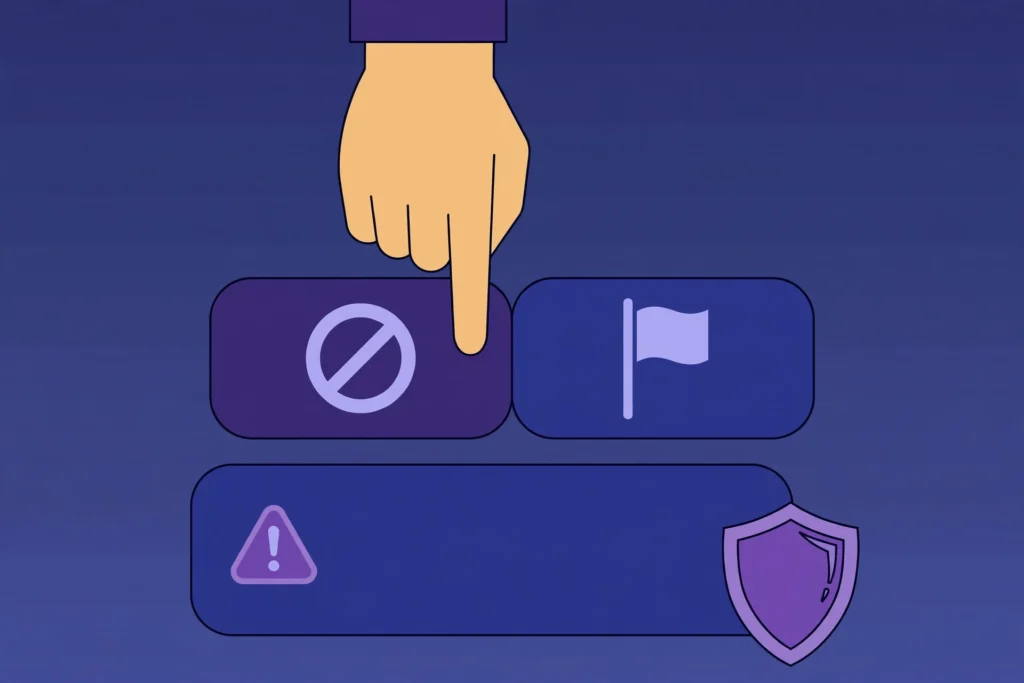
Next, block the person so they cannot send more messages. Then report the message or the user through Discord in-app reporting. Discord support pages for parents explain that a parent can also submit a report to Discord Safety, and that in an emergency a parent should contact local law enforcement.
After you report, talk about what happened without blame. Ask what felt wrong, what your teen wishes they had done, and what rule you should change. If your teen feels unsafe, remove them from the server and take a break from Discord until the plan feels clear again.
How do you block and report in simple steps?
| Step | What to do | Why it matters |
|---|---|---|
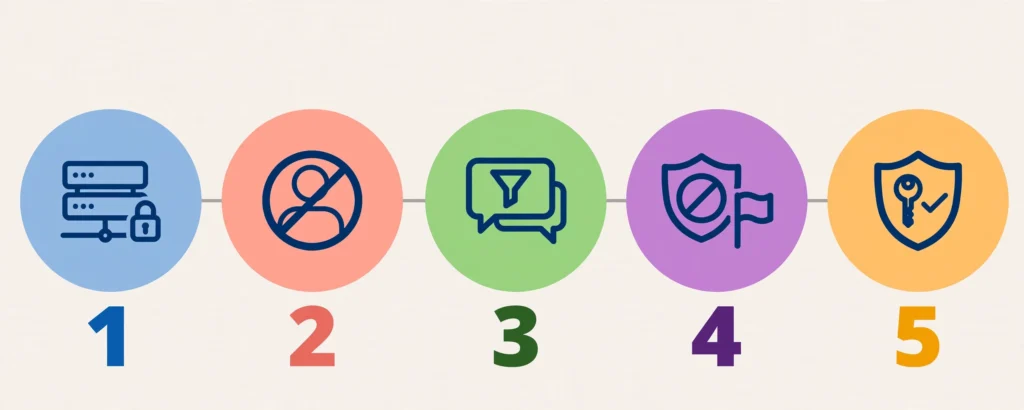
| 1. Pause | Stop replying and leave the voice channel | Stops pressure in the moment |
| 2. Save | Keep the message link and a screenshot | Helps Discord review the report |
| 3. Block | Block the user so contact stops | Prevents more messages |
| 4. Report | Report in the app, or use the parent report route | Flags the account for review |
| 5. Talk | Tell a parent and review the server rules | Changes the plan for next time |
Blocking is not rude when a person is unsafe or pushy. It is a safety tool, and your teen should use it without guilt. A good friend will respect a block or a pause, and will not demand instant replies.
What should a family agreement for Discord include?
A short written agreement works better than a long list of bans. Write it together, sign it, and review it each month. Keep it on the fridge or in a shared note, so no one has to guess the rules.
- We set up Discord together, and we check settings together each month.
- We accept friend requests only from people we know, or people we agree on together.
- We do not share personal details, photos, passwords, or login codes.
- We leave servers that feel rude, sexual, or unsafe, and we tell a parent right away.
- We use Discord only during agreed hours, and we keep phones out of bedrooms at night.
- We talk first when a message feels wrong, and we block and report without shame.
For a similar app plan, see our TikTok Family Pairing guide and our YouTube parental controls guide. The same habit applies on each app: agree on the rules, set the controls, and review them together.
Key takeaways for parents
- Set up Discord together, with Family Center, strict friend requests, and sensitive content filters.
- Start with small, known servers, and review any new server after one week.
- Never share personal details, photos, passwords, or login codes in a chat.
- Save evidence, block, and report when a message feels wrong, then talk about it at home.
Final verdict: start strict, then build trust
Discord is not good or bad on its own. It is a tool, and its safety depends on the servers, the settings, and the habits around it. Start strict, keep the talks short and regular, and loosen one rule at a time when your teen earns it.
Your next step is simple: sit with your teen tonight, open Family Center together, and write your one-page Discord agreement. Sources checked for this guide: Discord Safety Center at discord.com/safety, Discord Family Center for Parents and Guardians, Discord How to Contact Discord Safety for Parents and Guardians, and Discord Terms of Service.
Frequently asked questions
Quick answers to the questions parents ask most about Discord safety for teens.
Is Discord safe for teens?
Discord can be safe with strict settings, small known servers, and regular parent talks. Safety depends on servers, contacts, and habits, not on the app alone.
What is the minimum age for Discord?
Discord requires users to be at least 13, and to meet any higher minimum age in their country. Parents should check the birth date on the account.
What does Discord Family Center show parents?
It shows recent activity, such as new friends, servers, and people contacted. It does not show message words. Both parent and teen must opt in.
How can a teen block and report someone?
Stop replying, save the message link and a screenshot, block the user, then report in the app. Tell a parent and review the server rules together.
Should teens accept friend requests from strangers?
No. Teens should accept only people they know in real life, or people a parent has agreed on. Strangers should stay in message requests, unanswered.