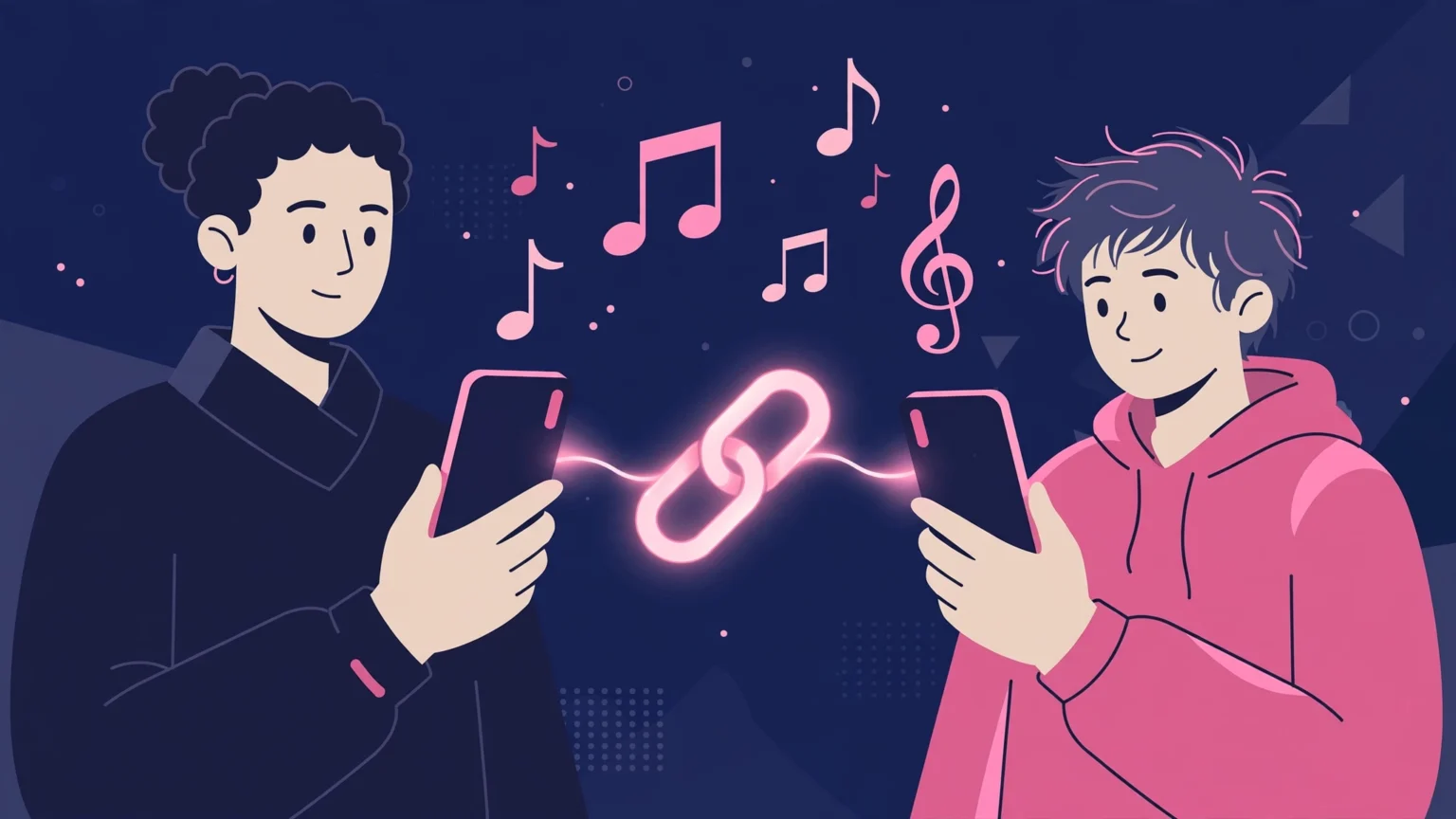
TikTok Family Pairing links a parent TikTok account to a teen account, so the parent can set screen time, turn on Restricted Mode, and control who can message, comment, and find the teen. To set it up, both of you open TikTok, go to Settings and privacy, then Family Pairing, and link the accounts with a QR code. It is free, and it takes about ten minutes.
Last updated: October 2026
This guide is for parents and guardians who help their own teen use TikTok more safely. Family Pairing works in the open. Your teen knows the accounts are linked, and TikTok tells the teen when settings change.
How we check facts. We use TikTok official help pages for the setup steps and the list of controls. We do not claim hands-on testing. Some links on this site may earn us a commission at no extra cost to you.
What is TikTok Family Pairing?
Family Pairing is a TikTok tool that connects two accounts. The parent account can set limits on the teen account from their own phone. The teen keeps their own login, feed, and followers, but key safety settings sit with the parent.
It is not a spy tool. It does not show you every video your teen watches or every message word for word. It gives you controls and basic time data, and it is meant to start talks at home. For wider app safety, read our social media safety guide for kids.
Both accounts need the TikTok app and their own logins. Your teen must agree to link, because the teen scans the code or confirms the link on their phone. If your teen will not link, the talk matters more than the tool, and the last part of this guide helps with that talk.
How do you set up Family Pairing step by step?
Follow these steps in order, with both phones in the same room. TikTok describes this flow in its official help, and the menu names below match the app. If a name looks a bit different on your phone, update the app first and try again.
Steps on the parent phone
Open TikTok and tap Profile at the bottom. Tap the menu button at the top, then Settings and privacy. Tap Family Pairing and pick Parent. Tap Next, and the app shows a QR code. Keep that code on your screen for the next step.
Steps on the teen phone
On your teen phone, open TikTok and go to Profile, then the menu, then Settings and privacy, then Family Pairing. Pick Teen and tap Next. Scan the QR code on the parent phone, then confirm the link. Both phones should now show that the accounts are paired.
Once linked, tap your teen account inside Family Pairing on your phone. You will see the list of controls you can set. Go through them one by one with your teen next to you. For general phone level controls that sit outside TikTok, our roundup of the best parental control apps is a good next read.
What controls does Family Pairing give you?
Family Pairing gives you a set of daily and safety controls. You can set a daily screen time limit for TikTok alone. When time ends, your teen needs a passcode that you set if they want more time that day.
You can turn on Restricted Mode, which aims to limit videos that may not fit all viewers. You can control Search, so you choose if your teen can search for people, videos, and sounds. You can also guide discoverability, which affects who can find the teen account and whether TikTok suggests it to others.
For social contact, you can set who can send direct messages, who can view the videos your teen liked, and who can comment on your teen videos. The options are usually Everyone, Friends, or No one, and some options are locked by age, as the next part explains. Pair these settings with our screen time limits guide to set whole phone limits too.
| Control | What it does | Good starting choice |
|---|---|---|
| Daily Screen Time | Caps TikTok use each day, with a parent passcode for more time | Set together, review weekly |
| Restricted Mode | Aims to limit content that may not suit all viewers | On for younger teens |
| Search | Allows or stops searching in TikTok | On, with talks about safe search |
| Discoverability | Guides who can find and get suggestions for the account | Private account for teens |
| Direct messages | Sets who can message your teen | Friends only, or off where age rules allow choice |
| Liked videos and comments | Sets who can see liked videos and who can comment | Friends only |
What teen account rules does TikTok apply by age?
TikTok applies some rules by age on its own, no matter what a parent sets. On its official pages, TikTok says accounts for users aged 13 to 15 are private by default. That means only approved followers can see their videos at first, and the account is not suggested to others in the same way as a public account.
TikTok also says direct messaging is only for users aged 16 and over. For teens, some Family Pairing settings cannot be made looser than the age rule. For example, a parent cannot turn on a contact option that TikTok blocks for that age group.
Rules can change and can differ by country. Check the current age rules inside the app and on TikTok help pages for your region. If your child is under 13, TikTok is not for them under its own terms, and a parent should not set up a normal teen account for them. Use age fit apps instead, and read our guide on blocking apps on your child phone if you need to remove TikTok for now.
Family Pairing setup checklist
- Both phones have TikTok and are signed in.
- Parent picks Parent, teen picks Teen, in Family Pairing.
- Teen scans the QR code and confirms the link.
- Set screen time and a passcode only the parent knows.
- Turn on Restricted Mode for younger teens.
- Set messages, comments, and liked videos to Friends or stricter.
What are the limits of Family Pairing?
Family Pairing only works inside TikTok. It does not control other apps, the browser, or a second TikTok account your teen makes with a new email. A teen can also watch TikTok in a web browser when signed out, with fewer controls. Phone level tools help close that gap.
Restricted Mode is a filter, not a promise. TikTok says it aims to limit content that may not be fit for all viewers, but some videos can still slip through and some good videos can be blocked. Tell your teen to report videos that worry them and to talk to you about what they see.
Your teen can also ask to unlink the accounts. TikTok will show the change, but the tool works best when your teen agrees to keep it. That is why the setup talk matters. For a view of how monitoring tools work in general, see how to monitor your child phone safely and legally.
How do you talk to your teen about Family Pairing?
Start with safety, not control. Say that you want to help them enjoy TikTok without strangers, late night scrolling, or content that upsets them. Ask what they like on the app and who they follow. Listen first, then set the controls together.
Agree on a review date, such as in one month. If your teen follows the rules, loosen one setting, like a bit more screen time. If a rule breaks, tighten one setting for a short time and talk about why. Teens accept controls more when they can see a path to more freedom.
If your teen uses other social apps, set the same kind of rules there. Our guide to the Snapchat monitoring app options for parents shows how other apps handle parent controls. Keep the same message on every app: trust grows with good habits, and you check to keep them safe, not to catch them out.
Frequently asked questions
Quick answers to the questions parents ask us most about Family Pairing.
Is TikTok Family Pairing free?
Yes. Family Pairing is a free TikTok feature. You only need a TikTok account for the parent and a TikTok account for the teen, and you link them inside Settings and privacy, then Family Pairing.
Can my teen turn off Family Pairing?
Your teen can request to unlink the accounts in the app, and TikTok makes the link status visible. The tool works best with your teen agreement. Talk about why it is on and review the settings together each month.
Does Family Pairing let me read my teen messages?
No. Family Pairing lets you set who can send direct messages to your teen, but it does not show you the message text. It is a control tool, not a message reading tool.
What age is TikTok Family Pairing for?
Family Pairing is for teen accounts. TikTok says users aged 13 to 15 have private accounts by default, and direct messaging is only for users aged 16 and over. Rules can differ by country, so check TikTok help for your region.
What should I set first in Family Pairing?
Set daily screen time with a parent passcode, turn on Restricted Mode for younger teens, and set messages, comments, and liked videos to Friends or stricter. Then set the account to private and review the settings with your teen.