Last updated: October 2026. Legal and consent note: This guide is for parents and guardians monitoring their own child device. Do not use a monitoring app on a partner, friend or any other adult without consent. That can be illegal and it breaks trust. In modern society, kids spend a lot of time on social media. As a parent, you may worry about who your child talks to, what they share and whether strangers are contacting them. Those are real concerns. This expanded guide explains, in plain terms, what Snapchat monitoring apps can actually do in 2026, what they cannot do, and which claims in old reviews are no longer true.
Snapchat is a popular messaging platform where users exchange photos and videos that are designed to disappear after viewing. Your kids might be communicating with friends on Snapchat every day, and most of that use is harmless. The risk comes from contact with strangers, pressure to share private images, bullying in group chats and late night use that affects sleep and school. A monitoring app cannot remove those risks on its own. The best protection is a mix of clear family rules, privacy settings on the child account, the tools Snapchat itself gives parents, and, only where it is needed and lawful, a parental monitoring app installed openly on a device you own.
Many Snapchat spy apps are on the market, and getting one can be confusing. Below, we look at three names that appear in many old reviews, and we correct the record for 2026. First, an important fact check. Most apps that claim to show you someone else Snapchat messages need one of three things: physical access to install software on the target Android phone, the person iCloud or Snapchat account credentials, or a jailbroken or rooted device. An app that promises full Snapchat access from just a username, with no install and no credentials, is not being honest. Second, Snoopza, which older lists promoted for Snapchat, no longer lists Snapchat monitoring among its supported features. Do not buy it for Snapchat. Third, one of the three apps below has shut down completely.
1. mSpy – Parental monitoring app with limited Snapchat features
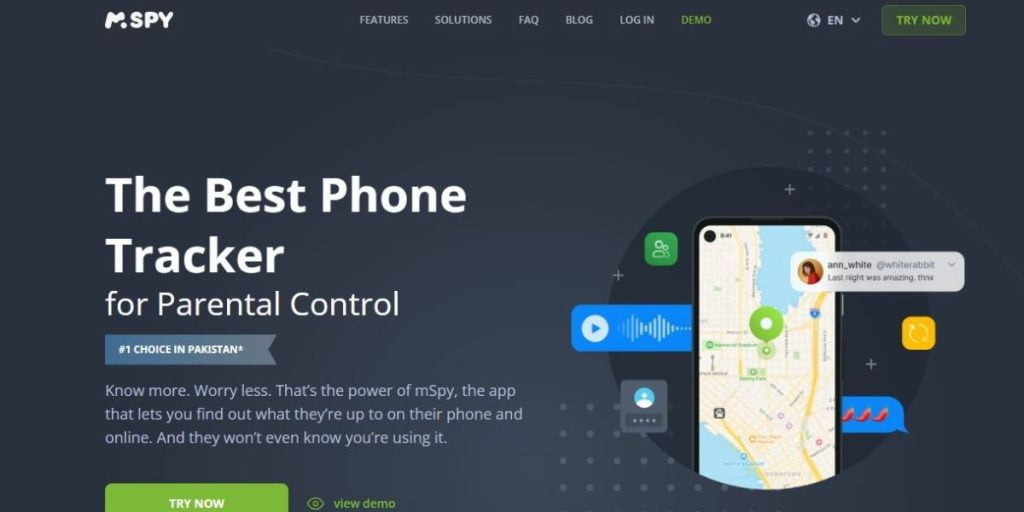
The mSpy monitoring tool works on Android and iOS devices, but what it can do on Snapchat depends heavily on the device and the setup method. On Android, mSpy needs to be installed on the phone itself, which means you need physical access to a device you own. On iPhone, the no-jailbreak method works through iCloud backup, which means it needs the child Apple ID credentials and access to backups, and the data is only as recent as the last backup. Neither method gives a live mirror of every Snap as it happens. Check the mSpy official site for the current feature list for your exact phone model and software version before you pay, because Snapchat changes its app often and features break.
As Snapchat is a platform where people largely exchange photos and videos, you should ensure any app you choose is clear about how it gets that data. On Android, Snapchat monitoring in apps like this usually relies on screenshots, notifications or a keylogger running on the device. That is intrusive, it can affect battery life and security software may flag it. On iOS without a jailbreak, media from Snapchat is much more limited. If a seller will not explain the method in plain language on its official site, treat that as a warning sign and do not enter your child account details on a copycat site.
mSpy also markets access to chat messages, so a parent can see who a child is talking to. In practice, what you see depends on the setup. With the iCloud method you may see backup data and basic activity, not disappearing messages in real time. With the Android method you may see more, because the app is on the device, but messages that were deleted before the app syncs may never appear. If you flag a contact as unsafe, use that as a starting point for a conversation with your child and, where needed, block and report the account inside Snapchat itself. Monitoring works best when a child knows a parent is keeping them safe, not when it is a secret.
The keylogger feature on mSpy records text typed on an Android device where the app is installed. Old reviews promoted this as a way to see a child Snapchat login details. That is a poor and risky goal. A parent should not collect a child passwords in secret. Passwords give access to much more than Snapchat, and storing them creates a new security risk. If you manage your child account, set it up with an email and password that you keep as the account manager, turn on two-step verification, and agree with your child what you will and will not check. A keylogger, if used at all, should only be on a device you own, for your child, and within local law.
The good
- It has a keylogger for Android devices it is installed on. It should not be used to take account passwords in secret
- You can access photos and videos
- It lets you access chat messages
- It has a screen recorder
The bad
- It does not offer a free trial
2. uMobix – Parental monitoring with limits on deleted Snapchat content
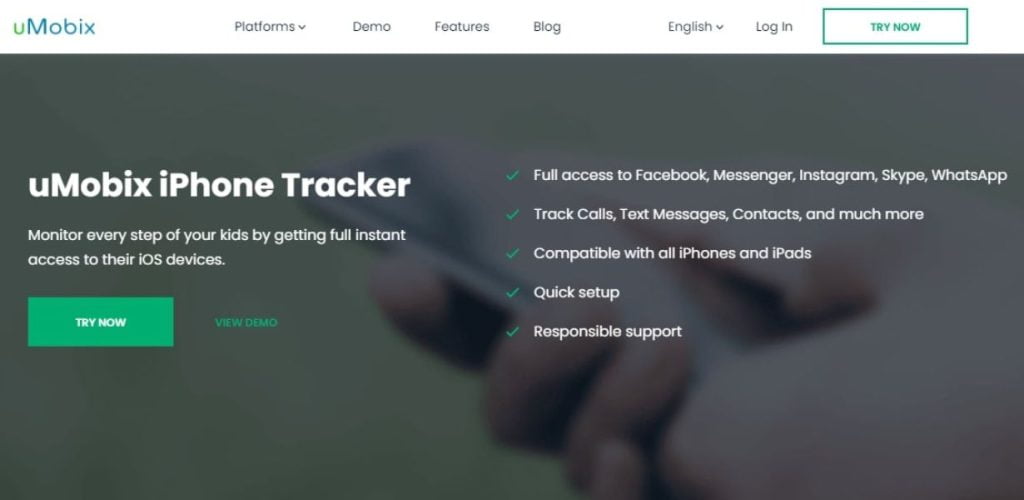
Another app promoted for Snapchat is uMobix. Snapchat users can set a timer for deleting photos after they are viewed. Old reviews claimed uMobix could simply retrieve those deleted files and messages for you. That claim needs correcting in 2026. No third party app can reliably bring back every disappearing Snap. What an app on the device may capture is content that is still on the phone when it syncs, screenshots taken while content is open, or notifications and typed text on Android. If a Snap was viewed and deleted before the app captured it, it is usually gone. Treat any seller that guarantees full recovery of all deleted Snapchat messages as misleading, and check the uMobix official site for what it currently claims to support.
You may see some Snapchat activity with uMobix, depending on the device and setup, but you should not expect complete access to all messages, including every deleted one. The app needs to be installed on an Android device you can access, or it needs iCloud credentials for an iPhone, with the same backup limits described for mSpy above. Group chats, new contacts and app use time are the kinds of information parents usually find most useful, because they show patterns without pretending to recover private content that Snapchat was designed to delete. For a teenage child, agree the monitoring openly and review it together at set times.
If you are a proactive parent, you can set a schedule that will limit the time your kids spend on Snapchat. You can also restrict Snapchat remotely, preventing your kids from being on this social platform.
The good
- It may capture activity that is still on the device when it syncs. It cannot guarantee recovery of all deleted messages
- It gives you access to group messages
- It enables you to restrict the amount of time spent on Snapchat
- You can view the profiles of the people in chats
The bad
- The pricing can be costly compared to other spy apps
3. Cocospy – Discontinued in 2025: Do Not Use It
Important update: Cocospy is no longer a recommended Snapchat spy app, because Cocospy has shut down. In February 2025, Cocospy and the related Spyic operation closed after a data breach that exposed data from millions of people, according to security reporting at the time. Any site still selling or offering Cocospy downloads in 2026 should be treated with great caution. Those copies may be scams, malware or old software that no longer works. This section is kept in the guide only to warn parents who read older reviews that listed Cocospy as a top choice.
Because the service has closed, claims about viewing contact details, sent and received Snapchat messages or any other Cocospy feature no longer apply. If you used Cocospy in the past, change the passwords for accounts that were on the monitored device, check the device for unknown apps, and be alert for phishing messages. Data breaches of monitoring apps are a serious risk, because those apps collect very private information about children and families. This is one more reason to prefer built in parental tools and well known providers with a clear security record.
Old Cocospy features such as conversation timestamps are history. Do not pay any site that promises to reactivate them for you. If you need a current option, compare mSpy and uMobix on their official sites, read the Snapchat limits described above, and start with Snapchat Family Centre, which is free and is made by Snapchat itself.
Our older Cocospy review is no longer a recommendation. It is kept for reference only, and its 2024 conclusions do not apply after the 2025 shutdown.
The good
- It offered a demo before the service shut down in 2025. It is no longer available
- It has conversation timestamps
- It has a friendly pricing plan
- User friendly
The bad
- Some features might not work on iPhones
In Summary
In summary, use monitoring only for your own child, and start with the safest tool. Snapchat Family Centre is a free feature inside Snapchat. A parent account can link to a teen account, with the teen knowing about the link, and a parent can see the teen friend list and who the teen has communicated with in the last seven days, without reading the content of messages. For many families, that is enough, and it respects a teen privacy better than a spy app. If you still need device level monitoring, mSpy and uMobix are the current paid names to compare, with the limits explained in this guide: Android features need an install on a device you own, iPhone features need iCloud credentials and backups, disappearing messages cannot be fully recovered, and Snoopza and Cocospy should not be bought for Snapchat in 2026.
When choosing a Snapchat monitoring app, Reddit and other forums can show user complaints and warnings, which can be useful. However, forum posts are not fact checked and many are old. How we evaluate: We base this guide on the features and limits stated on provider official sites, on Snapchat own help pages for Family Centre, and on security reporting about discontinued apps. We do not claim hands-on testing. Disclosure: Some links in this post may be affiliate links. If you buy through them, SpyIdea may earn a commission at no extra cost to you. Also see our guides on how to use spy apps lawfully, how to detect spyware on iPhone and the best private Instagram viewer apps, and talk to your child before you install anything.