Last updated: October 2026
- How we evaluate these apps
- Key takeaways
- mSpy vs uMobix at a glance
- Price and plans compared
- How setup works for each app
- Android features compared
- What you see in the dashboard
- iPhone method and limits
- Social media coverage
- GPS tracking and geofencing
- Keylogger and extra tools
- Support and refunds
- Pros and cons
- Verdict: which one fits your family
- When neither app is right
- Frequently Asked Questions
Quick answer: Choose mSpy if you want geofencing alerts and the lower yearly price. Choose uMobix if you want fast Android updates and strong deleted message recovery. Both plans cover one device, and both apps do their best work on Android.
Use these apps only on a phone that belongs to your own child. Tell your child about the monitoring when their age makes that talk appropriate. Never use them on a partner, a friend, or any other adult.
Parents often land on mSpy and uMobix at the same time. The two apps look alike at first glance, yet small gaps set them apart. Location tools, iPhone support, and price all pull in different directions.
This guide compares both apps side by side, using only facts from the vendors’ own pages. Both apps promise calm for worried parents. The truth sits in the small print, so this guide reads that small print for you.
If you are new to this topic, start with our guide on how to monitor your child’s phone in a safe and legal way. Then come back here and pick the app that fits your family.
How we evaluate these apps
We compare the features each vendor documents on its own website. We never copy claims from other review sites. Prices in this guide are the listed prices we checked on 19 October 2026.
Promotions change often, so your checkout price may differ from the listed price. We also weigh refund terms, device limits, and the iPhone limits each vendor states. Where a feature list stays silent, we say so instead of guessing.
We also recheck each claim when prices or feature lists change. This page shows its last update month at the top, so you always know how fresh it is.
Affiliate disclosure: SpyIdea may earn a commission when you buy through links on this page. That never changes the price you pay. It also never changes how we describe or rank a product.
Key takeaways
- mSpy costs $11.66 per month on the 12 month plan, and uMobix costs $12.49 per month.
- mSpy documents geofencing alerts, while the uMobix feature list does not mention geofencing.
- Both apps give their full feature set on Android, not on iPhone.
- uMobix updates Android data about every five minutes, and mSpy updates can arrive just as often.
- Each standard plan covers one device, and mSpy sells a Family Kit for up to three devices.
- Both vendors offer a 14 day refund window with strict conditions, and neither lists a free trial.
- mSpy offers a dashboard demo that you can open before you pay.
- Support from uMobix includes a phone line during stated office hours.
mSpy vs uMobix at a glance
The table below puts the core facts in one place. It covers price, devices, platform limits, and support. Read it first if you are short on time.
| Feature | mSpy | uMobix |
|---|---|---|
| Price for 1 month | $48.99 | $49.99 |
| Price for 12 months, per month | $11.66 | $12.49 |
| Devices per licence | 1 device | 1 device |
| Android features | Full documented set | Full documented set |
| iPhone method and limits | iCloud sync or local connection, smaller set | iCloud only, much smaller set, no GPS or keylogger |
| Social media coverage | WhatsApp, Instagram, Snapchat, Telegram, Facebook Messenger and more | WhatsApp, Instagram, TikTok, Snapchat, Telegram and more |
| GPS and geofencing | GPS tracking plus geofencing alerts | GPS tracking, no geofencing listed |
| Keylogger | Yes, on Android | Yes, on Android |
| Refund window | 14 days, conditions apply | 14 days, conditions apply |
| Free trial or demo | No free trial, demo available | No free trial |
| Support | Email support and help center | Email and phone support in office hours |
Two gaps stand out from the table. Geofencing appears only in the mSpy column. The iPhone limits also hit uMobix harder, since it loses GPS and the keylogger on iOS.
If you feel torn, open the mSpy demo and study its layout first. uMobix asks you to pick a device before anything else. That first step already hints at how each brand thinks.
Price and plans compared
Both apps push you toward the yearly plan. The one month price feels steep with either vendor. The real contest sits in the 12 month row of the table.
mSpy Premium costs $48.99 for one month. The three month plan drops the rate to $27.99 per month. The 12 month plan drops it to $11.66 per month.
What uMobix charges
uMobix costs $49.99 for one month. Its three month plan costs $29.99 per month. Its 12 month plan costs $12.49 per month.
So mSpy undercuts uMobix at every term, but only just. The gap stays at one dollar per month or less. Price alone should not decide this choice for most families.
Device limits matter more than the small price gap. A standard mSpy plan covers one device, and the mSpy Family Kit covers up to three devices. A standard uMobix plan also covers one device.
Always check the full amount due on the checkout page. A low monthly figure can still mean a full year billed at once. That habit protects you with either vendor.
How setup works for each app
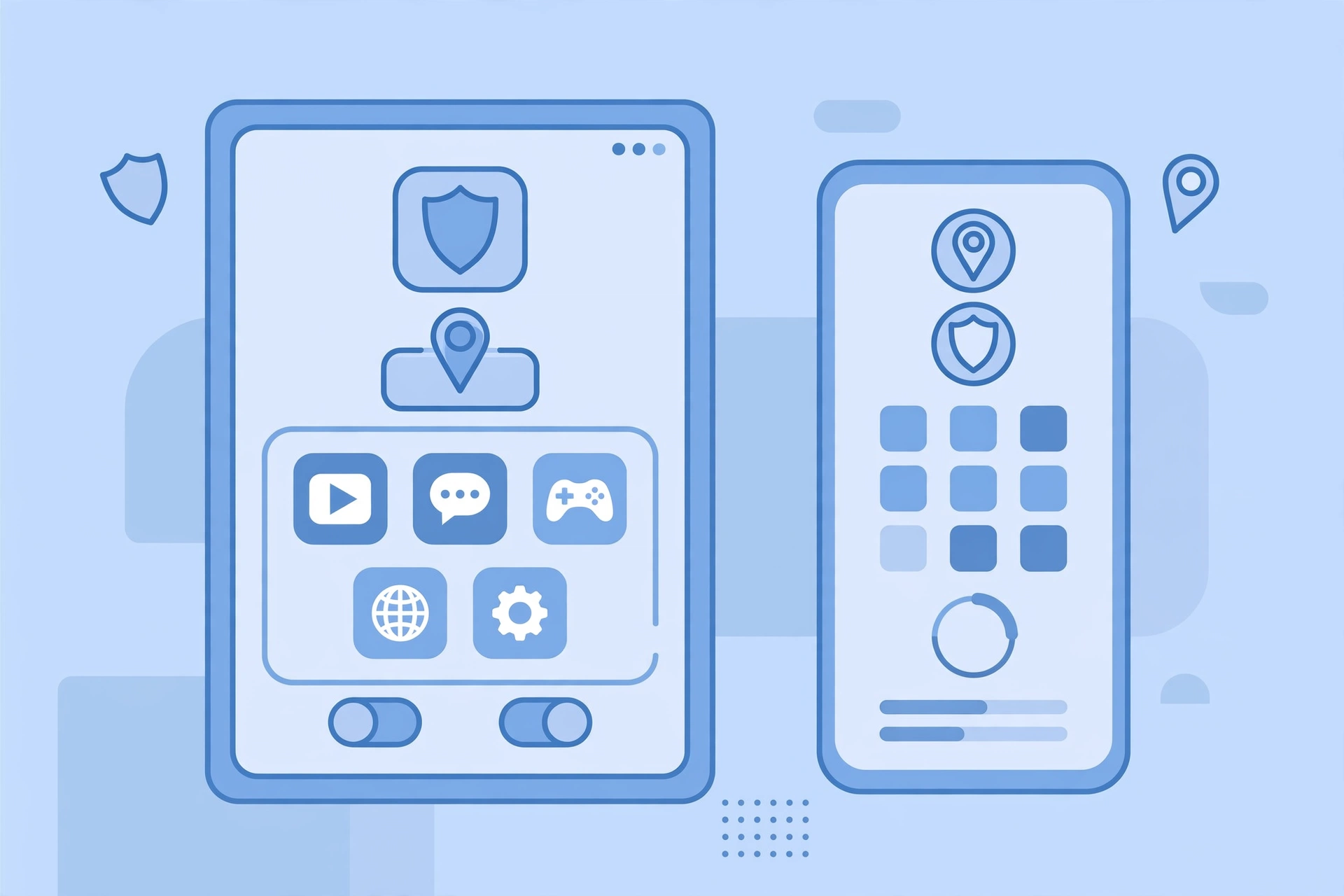
Both vendors sell a short setup flow on their sites. mSpy lists three steps: create a free account, pick a plan, then start monitoring. uMobix starts with a device choice, then moves to account creation and its install steps.
Android setup needs a few minutes with the phone in your hand. That is true for both apps. iPhone setup skips the install and leans on iCloud instead, which the next sections explain.
What you need before you start
For an Android phone, you need the device itself and its unlock code. For an iPhone, mSpy states that physical access or iCloud credentials are required. Keep the child’s Apple ID details ready if you go the iCloud route.
Take setup slowly and keep the phone plugged in. A calm setup avoids most of the small errors that new users later raise with support teams. Rushing helps no one here.
Android features compared
Android is where both apps earn their keep. Each vendor documents its full feature set on Android. That set covers messages, calls, social apps, browser history, and location.
After setup, you read the reports in a web dashboard from your own phone or computer. Both vendors put their Android update cycle at about five minutes. Fresh reports feel close to live at that pace.
Where mSpy stands out on Android
The vendor lists a keylogger, a screen recorder, and keyword alerts. It also lists an app blocker and a website blocker. Those tools suit parents who want tight control over apps and searches.
Where uMobix stands out on Android
uMobix lists more than 40 features on its official site. It highlights deleted messages, deleted calls, and deleted contacts. It also lists remote blocking for apps you want to close off.
Both apps also list installed app views and browser history on Android. Those two reports help you spot new apps and risky sites early. Check them once a week at least.

Before any install, review what each app can access on the phone. Our audit guide shows you how to check app permissions on Android and iPhone, step by step.
What you see in the dashboard
Both apps send their reports to a private web dashboard. You sign in and read them from your own device. No extra app sits on your phone for this part.
mSpy lists reports for calls, text messages, GPS locations, social apps, and browsing history. Its dashboard groups those reports inside one control panel. uMobix lists reports across more than 40 feature areas, from calls and messages to installed apps and browser history.
iPhone method and limits
iPhone is the weak spot for both apps. Apple blocks the deep access that Android allows. Both vendors lean on iCloud data instead of a full install on the phone.
That method needs iCloud backup switched on for the child’s phone. Data moves only when the phone backs up, so reports can lag. Fine detail, like typed text, rarely survives this route.
mSpy on iPhone
mSpy documents two iPhone routes. One syncs through iCloud, and the other uses a local connection to a computer. Both routes give a smaller feature set than Android gives.
uMobix on iPhone
uMobix documents an iCloud route for iPhone. Its iPhone set is much smaller than its Android set. The vendor’s own material lists no GPS tracking and no keylogger on iOS.
| Feature area | Android | iPhone |
|---|---|---|
| Social app reports | Full documented coverage | Limited, through iCloud data |
| GPS location | Both apps on Android | mSpy limited, uMobix not listed |
| Geofencing | mSpy only | Not documented for either app |
| Keylogger | Both apps on Android | Not part of the iCloud sets |
| Update speed | About every five minutes | Tied to iCloud backup timing |
The lesson is simple. Buy either app for an Android phone if you want the full set. Buy for iPhone only with modest hopes, and read our guide to setting up parental controls on iPhone before you pay.
Also set expectations with your child before you start. An iCloud based report can miss fresh chats for hours at a time. That gap is a platform limit, not an app fault.
Social media coverage
Both dashboards aim at the apps kids actually use. mSpy lists WhatsApp, Facebook Messenger, Instagram, Snapchat, and Telegram. Its site names more chat apps beyond those five.
uMobix lists WhatsApp, Instagram, TikTok, Snapchat, and Telegram in its social coverage. It also stresses deleted message recovery on Android. That focus matters when kids clear their chats fast.
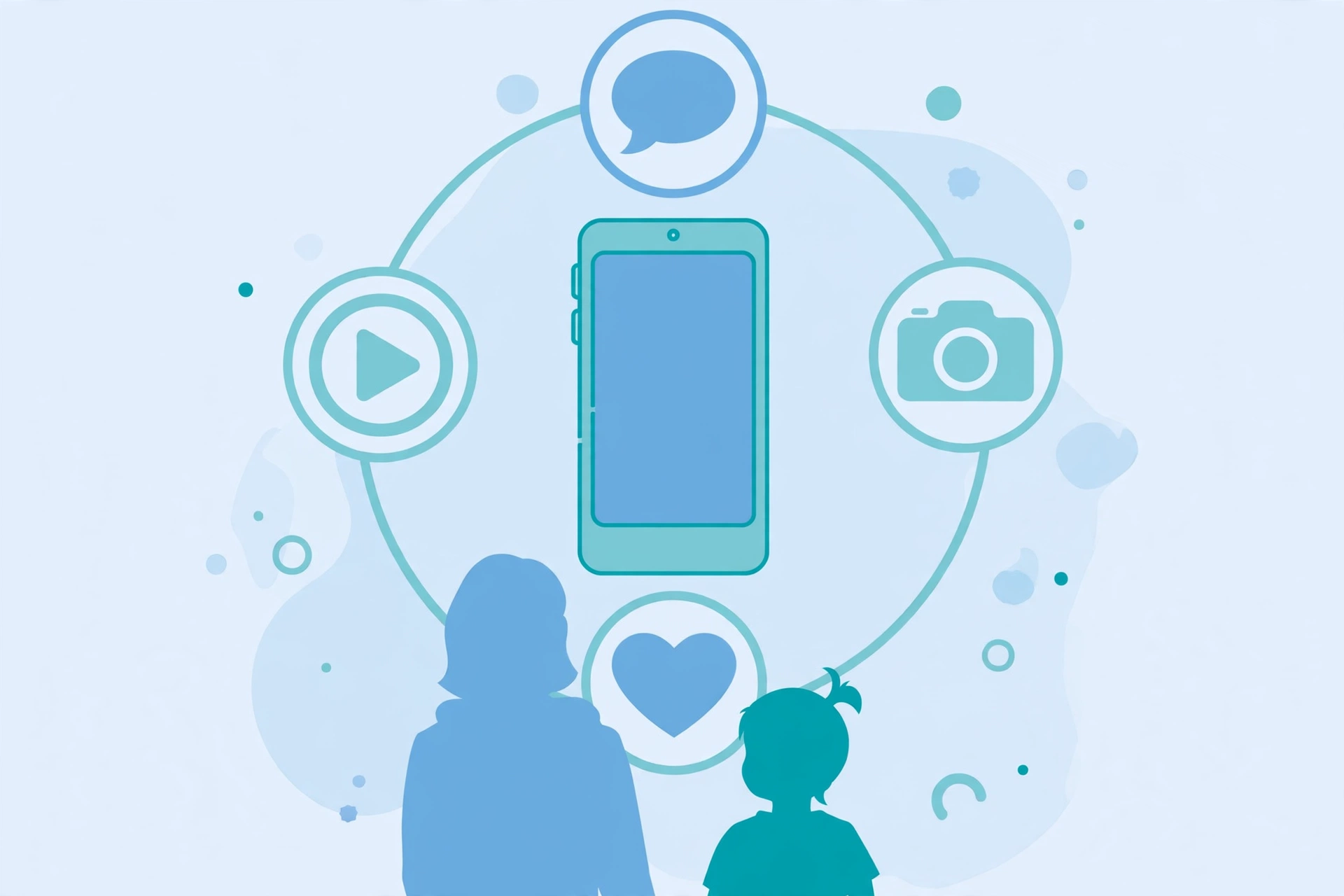
TikTok appears in the uMobix list on its features page. Parents who worry about short video apps may weigh that line with care. mSpy counters with a wide chat app list of its own.
The app names matter less than your child’s phone type. On Android, both lists stay close to what the marketing pages promise. On iPhone, both lists shrink to whatever iCloud shares.
GPS tracking and geofencing
Location is where the two apps split in a clear way. Both document GPS location tracking on Android. Only one of them documents geofencing alerts on its feature list.
mSpy lists a GPS locations tracker and geofencing alerts. You draw zones on a map, such as home or school. The app then flags arrivals and departures for those zones.
The uMobix feature list shows GPS location, but no geofencing. We checked its official features page again on 19 October 2026. It still lists no geofence tool, only a separate link named Geofinder.
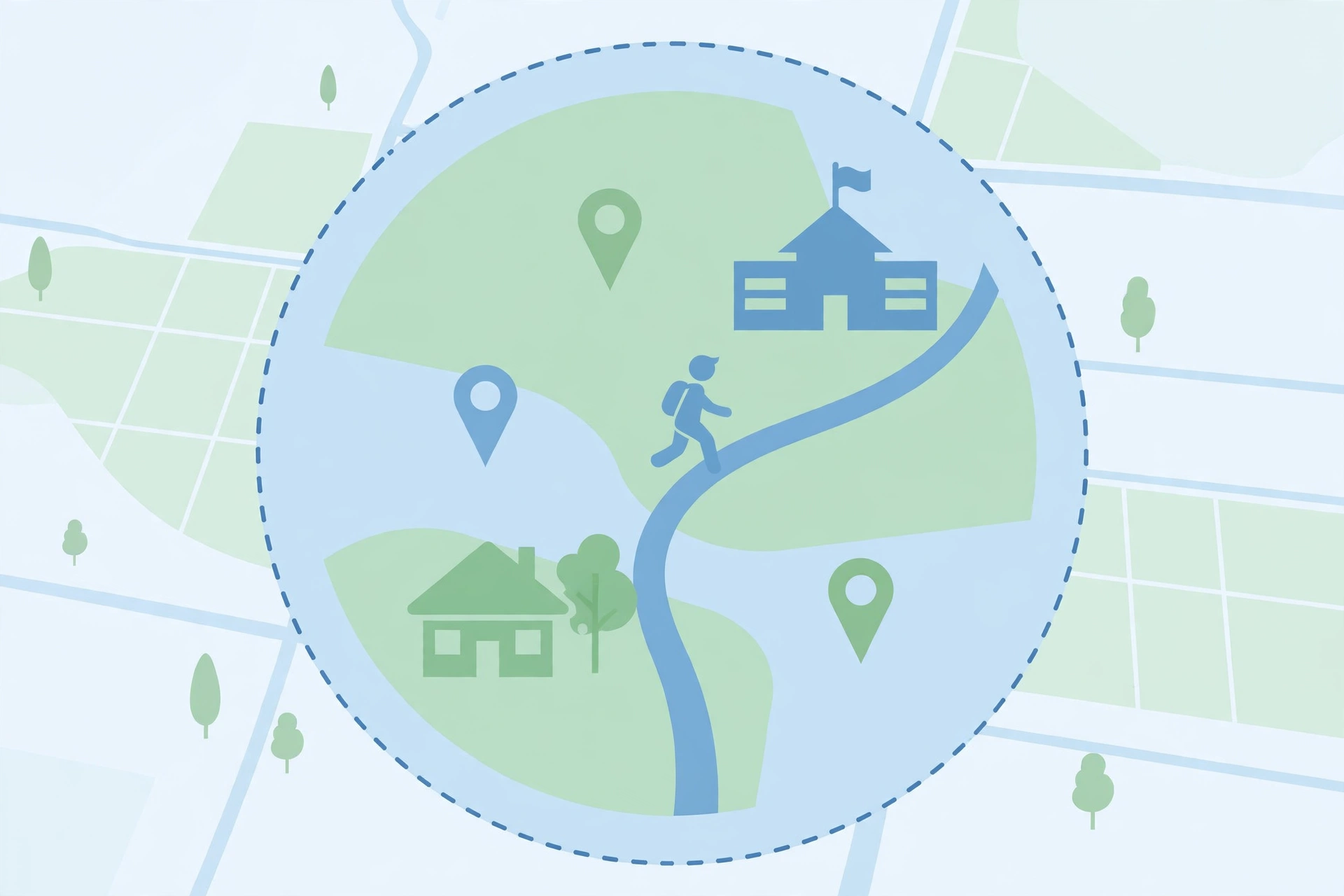
Geofencing helps most on school days and club nights. A zone alert tells you a phone left a safe place. You learn that with no need to watch a map all day.
Keylogger and extra tools
Both apps list a keylogger for Android. The vendor pages describe it as a record of typed text in the dashboard. Parents often use it to spot risky searches or contact from strangers.
mSpy adds keyword alerts, so a flagged word can trigger a notice. uMobix adds remote blocking and strong deleted data views. These extras help, yet the core sets stay close.
A keylogger sounds harsh to many parents. Use it with care, and keep the focus on safety risks. Reading every word a teen types can damage trust fast.
Support and refunds
Both vendors run support through email and help pages. mSpy lists support@mspy.com on its site. uMobix lists support@umobix.com and a US phone number, with office hours of 7:00 am to 09:00 pm GMT.
Refund terms stay tight with both brands. mSpy allows 14 days on the first subscription, and only for technical faults its team cannot fix. uMobix also sets a 14 day window, and its policy adds its own conditions.
Neither vendor lists a free trial. mSpy offers a demo of its dashboard, so you can view the layout first. Read the refund page of your chosen vendor before you pay anything.
Test support before you need it at midnight. Send one pre-sale question to the team you like. Note how fast and how clearly they reply to you.
Pros and cons
Here is the honest balance for each app. The lists use only features and terms the vendors document. Your own needs decide which list should weigh more.
mSpy pros and cons
Pros:
- Geofencing alerts are documented, unlike its rival.
- The 12 month price is the lowest in this comparison.
- Two iPhone routes give a little more choice.
- A demo lets you view the dashboard first.
Cons:
- One device per standard plan, like its rival.
- The iPhone feature set is far smaller than Android.
- Refunds cover technical faults only, under strict terms.
uMobix pros and cons
Pros:
- Deleted messages, calls, and contacts get a clear focus.
- Android updates arrive about every five minutes.
- Phone support sits next to email support.
- The social app list includes TikTok.
Cons:
- No geofencing in the documented feature list.
- The iPhone set drops GPS and the keylogger.
- It costs slightly more at every term.
Verdict: which one fits your family
Pick mSpy if geofencing matters to you. It also wins if you want the lowest yearly price in this pair. Its two iPhone routes add a small extra flexibility.
Pick uMobix if your child uses Android and deletes chats often. Its fast updates and deleted data views suit busy social apps well. Its phone support line may also reassure first time buyers.
For younger kids, safe zones often matter most, and that points to mSpy. For older teens on Android, chat recovery often matters more, and that points to uMobix. Either way, agree the rules with your child before you install.
Mixed households should weigh the device limit with care. The mSpy Family Kit covers up to three devices under one roof. That can beat buying two single licences for siblings.
Our final word stays simple. Both apps do the core job on Android, and both shrink on iPhone. Let geofencing and chat recovery break the tie for your family.
Our mSpy vs EyeZy comparison shows how the same app stacks up against an alert first rival.
When neither app is right
Skip both apps if you only need basic limits and location. Free built in tools may cover your needs with no install at all. They also avoid every iCloud workaround in this guide.
Google Family Link gives Android families location sharing, app limits, and filters for free. Apple Screen Time gives iPhone families downtime, app limits, and content blocks for free. Both tools respect the platform rules by design.
You can also mix approaches at home. Many families pair a free tool for daily limits with honest talks about apps and contacts. That mix costs nothing and builds trust.
See our roundup of the best free parental control apps for more no cost options. Android owners can also follow our parental controls for Android guide for a step by step setup.
Frequently Asked Questions
These short answers cover the questions parents ask us most. Each answer sticks to the facts in the table above.
Which is cheaper, mSpy or uMobix?
mSpy is slightly cheaper at each term we checked. It costs $11.66 per month on the 12 month plan, while uMobix costs $12.49.
Does uMobix have geofencing?
No. The uMobix feature list we checked on 19 October 2026 shows GPS tracking but no geofencing. mSpy documents geofencing alerts.
Do these apps work on iPhone?
Yes, but with smaller feature sets. Both rely on iCloud data, and uMobix lists no GPS or keylogger on iOS.
Can I monitor more than one child with one plan?
A standard plan from either vendor covers one device. mSpy sells a Family Kit that covers up to three devices.
Is there a free trial?
Neither vendor lists a free trial. mSpy offers a dashboard demo, and both offer a 14 day refund window with conditions.