
Last updated: October 2026
If you are looking for a keylogger for an iPhone, start with an honest warning. A modern iPhone does not allow the quiet, system wide keystroke recording that is possible on Android or on a computer. Apple keeps each app inside its own sandbox, so a normal app cannot watch what is typed in every other app.
What most services sell for iPhone is something narrower, and this guide explains that difference in plain language before it names any product.
There are many keyloggers for iPhone in the market, and it might be challenging to pick one to use. Here is a list of the best keyloggers to monitor iPhone devices.
Use this guide only for a lawful, parental control purpose. That means monitoring your own iPhone, or an iPhone you provide to your own child, and following the disclosure rules that apply where you live. Many parents tell their child that monitoring is in place, and that open approach is the one this guide assumes. It does not help you monitor another adult in secret, and it does not help you read a partner, a friend, or a coworker without clear consent.
For a company owned phone, the rule is similar. Only monitor a device your organisation owns, only where the law allows it, and only after the employee has been told in writing. A personal phone is different. Having access to a phone for five minutes does not give you a right to install anything on it.
Why is iPhone keylogging so limited? On a computer, a keylogger runs in the background and records keys across the whole system. iOS was built to stop exactly that. Apps cannot read keystrokes from other apps, third party keyboards are fenced off from password fields and secure input, and the system warns the user when a custom keyboard is given full access. That is why no honest guide should promise full, invisible keystroke capture on a current, non jailbroken iPhone.
In practice, iPhone services fall into three groups. The first group works through an iCloud or computer backup. You sign in with the account used on the phone, or you connect the phone to a computer, and the service shows you messages, photos, browser history, and other data that is already in that backup.
That can include text that was typed into a message, but it is not a live recording of every key press. Updates also depend on how often a backup runs, so the information can be hours old
The second group is the jailbreak group. A jailbreak removes some of the software restrictions Apple puts on iOS. On a jailbroken phone, a monitoring app can sit deeper in the system and can record keystrokes in a way that is closer to a computer keylogger. The trade off is large. Jailbreaking can break banking apps, it can stop some updates, it can make the phone less stable, and it is not available for every iPhone model and every iOS version. It also needs physical access to the phone for setup. For most families, that is a poor trade.
How we evaluate: For this October 2026 update, we checked each product against its official website. We looked for whether the company still sells an iPhone product, whether it lists a keylogger for iOS in its own words, and what setup that iOS method needs, such as an iCloud account, a computer backup, physical access, or a jailbreak. We did not claim hands on testing for this update, and we have changed or removed claims that the official sites did not support. Affiliate disclosure: Some links on SpyIdea may be affiliate links. If you buy through them, we may earn a commission at no extra cost to you. That does not change the corrections in this guide.
1. mSpy
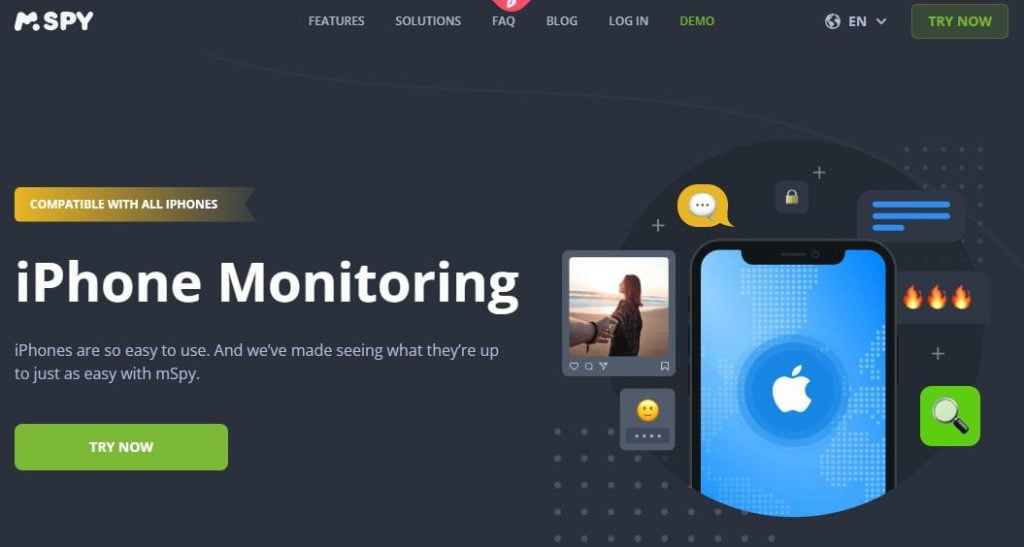
mSpy is the best known name in this list, and its official site does have a dedicated iPhone keylogger page. Read that page closely, though. In its own FAQ, mSpy says the no jailbreak solution does not give the same keylogger function as a jailbroken iPhone. With the no jailbreak method, you can see typed content in some popular messaging apps, including WhatsApp and the built in Messages app, and you can check browser history. That is useful for a parent. It is not a recording of every keystroke on the phone, it is not the same for every app, and it should not be sold as complete control of the device. The older version of this guide said exactly that, and we have corrected it.
Features
- It lets users monitor messaging platforms, including SMS and social media messages
- It can monitor YouTube searches
- It records the target device’s entire browsing history
- It comes with GPS location tracking
- Has screen recording
Pros
- Can show messages that are available through the iPhone method you use
- User-friendly for both parents and children
- A clear dashboard that is simple for a parent to read
- Shows typed content only within the limits of the iPhone method you choose
Cons
- mSpy’s monthly plan is slightly costly compared to other keyloggers
2. KidsGuard Pro
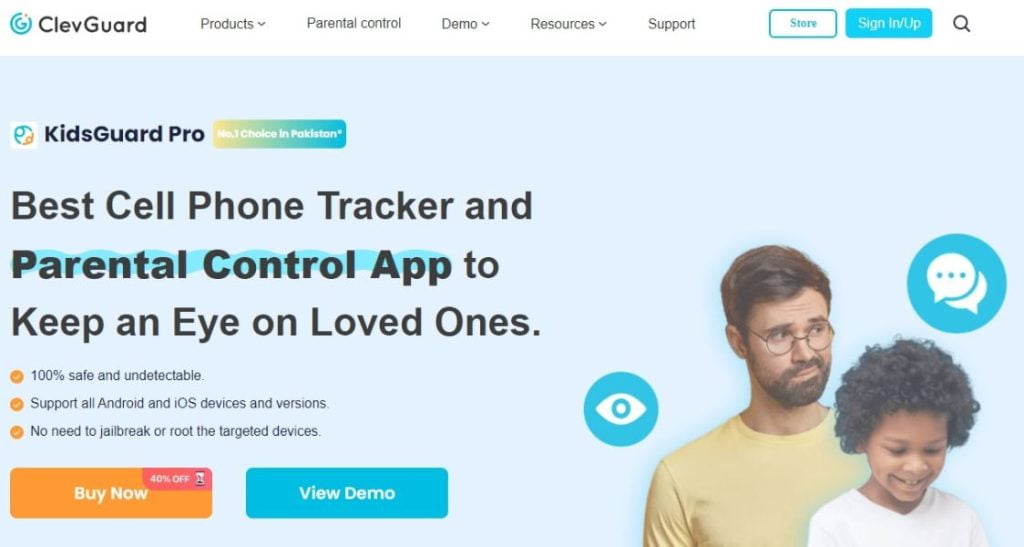
KidsGuard Pro is made by ClevGuard, and it is sold as a parental control product. Its iPhone version is different from its Android version, and that difference matters here. On the official KidsGuard Pro for iOS page, ClevGuard says the iOS product works without a jailbreak by reading data through iTunes or iCloud backups, and that you need physical access to the iPhone or its computer for setup. The same page lists a keylogger among the data types you can view. On the main ClevGuard site, however, the keylogger feature is described as recording keystrokes on Android and Windows keyboards. Put together, the honest reading is this. On iPhone, KidsGuard Pro gives you backup based viewing that can include typed content. It is not the real time, live keystroke recording that the older version of this guide claimed.
Features
- KidsGuard Pro lets you view all information about the target device, including contacts, call logs, messages, social media platforms, and location
- Lists a keylogger entry for iOS, but the iOS data comes from an iTunes or iCloud backup, so it is not live, system wide keystroke capture
- Allows you to search for specific typed keywords
- Comes with location-tracking abilities
Pros
- Easy to use
- Allows you to search the data you can see for specific words
- Allows you to track the target’s physical location
Cons
- It does not have a content restriction feature
- The iOS version is inferior to the Android version in terms of real-time monitoring
3. uMobix
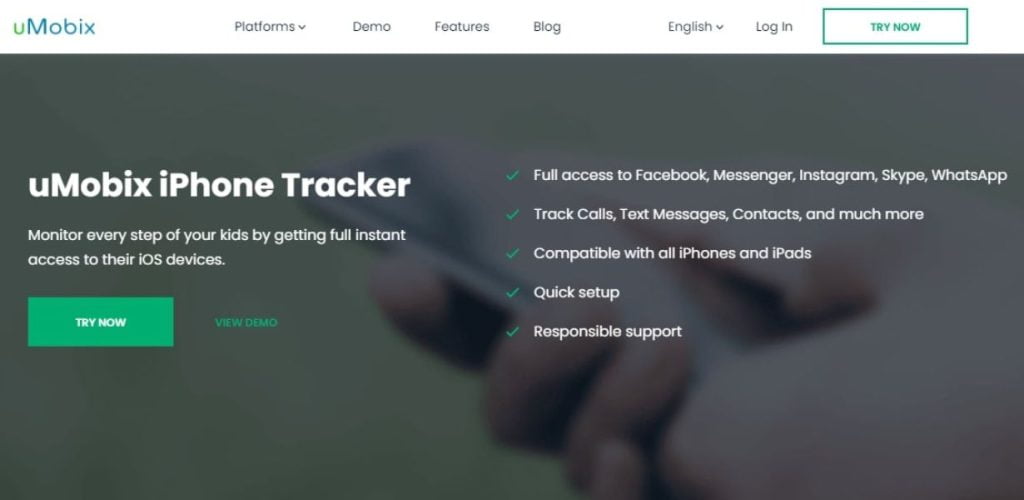
uMobix is a phone monitoring service with a strong focus on social media and messages. Its official site lists a keylogger in general terms, with language about seeing what is typed on a phone. For iPhone, the same site describes monitoring that does not need access to the device itself, which is the iCloud based route. That route cannot work like an Android keylogger, where an app is installed on the phone itself. So treat uMobix on iPhone as account and backup based monitoring, not as live keystroke capture. The older version of this guide also said uMobix could give you a persons passwords. We have removed that claim, because the official iPhone information does not support it, and no parent should buy a product expecting to collect passwords.
Features
- Every search query and message comes with a timestamp
- Shows browser history on a supported setup. It should not be relied on to reveal passwords on an iPhone
- It lets you restrict the amount of time your kids’ or employees spend on social media
- Issues an alert every time your kids or employees sign into a social media app
- It lets you turn off messages and apps and block websites and devices
Pros
- A clear dashboard for calls, texts, and location
- Ability to monitor text messages
- Ability to view incoming and outgoing calls
Cons
- The Installation process on iOS devices can be complex
- Restricts one subscription to a single device
4. FlexiSPY

FlexiSPY is the most advanced product in this list, and it is also the clearest example of the jailbreak trade off. Its official iPhone page does list a keylogger, with language about seeing what is typed on the phone. The same site is open about what that iPhone method involves. It talks about hiding a jailbreak, it warns against simple no jailbreak claims, and it says you need physical access to the device before you buy. In short, FlexiSPY can offer a real iPhone keylogger, but only on a jailbroken phone that meets its compatibility rules. It is not a solution for a normal, up to date iPhone that you do not want to modify, and the cost and the legal duty that comes with this level of access are both high.
Features
- It records keystrokes
- Has phone recording, video recording, and ability to take screenshots
- Needs a jailbroken iPhone and physical access for setup, so it is not a simple install on a standard, up to date phone
Pros
- Has great organization of results in organized folders
- Supports many features
- Offers real-time alerts
- You can remotely deactivate FlexiSPY from the target device
Cons
- You need to conduct a jailbreak (remove software restrictions) on the target device
Removed in October 2026: Spyic
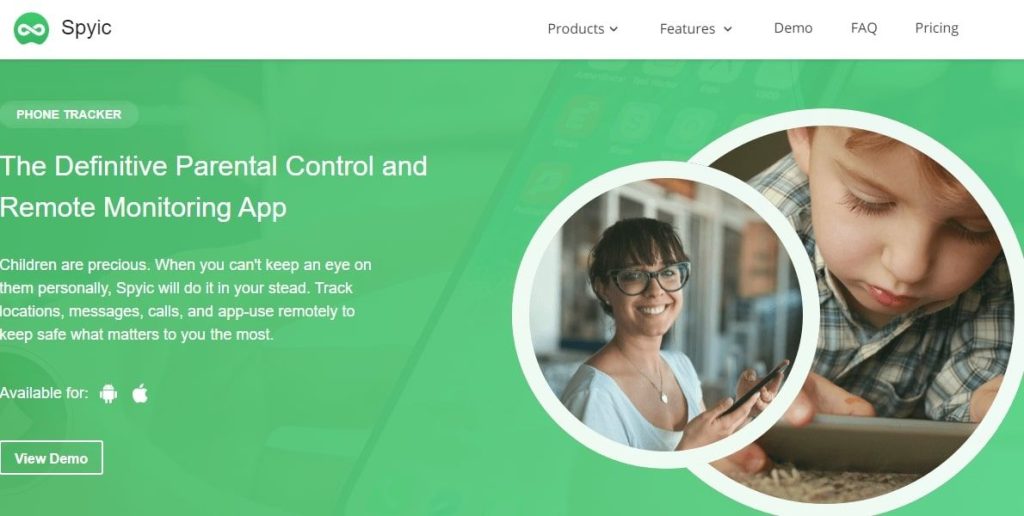
Spyic was in the older version of this guide. We have removed it from the list of recommended products. When we checked in October 2026, the official Spyic website could not be reached, so we could not confirm that the product is still sold, still supported, or still offers any iPhone keylogger feature. A guide should not recommend a service that a reader cannot verify or buy from an official source. If Spyic returns with a working official site and clear iPhone information, we can look at it again in a future update. Until then, do not rely on old Spyic claims you find on other sites.
Features
- Its official website could not be reached during our October 2026 check
- We could not verify that the product is still sold or supported
- We could not verify any current iPhone keylogger claim for this product
Pros
- No longer recommended in this guide
- Use one of the verified products above instead
Cons
- Official site was unreachable when we checked in October 2026
- Old feature claims could not be confirmed on an official page
Best Keyloggers For iPhone – Final Verdict
There is no perfect iPhone keylogger, because the iPhone itself is built to stop this kind of recording. For most parents, the sensible choice is not the product with the boldest promise. It is the product whose iPhone limits are clear before you pay. mSpy and KidsGuard Pro both offer a no jailbreak route that can show you messages and other backup based information, and both are clearest when you read their iPhone pages instead of their headlines. uMobix is worth a look for social media and message monitoring, as long as you go in expecting account based iPhone monitoring and not live keystroke capture. FlexiSPY is the only product here that offers a deeper keylogger, and it does so at the price of a jailbreak, physical access, and a much higher cost. Spyic is no longer recommended, for the reasons given above.
Before you pay for any of these services, try the tools that are already on the iPhone. Apple Screen Time, Family Sharing, and guided app limits are free, they are visible to your child, and they cover the most common parental worries, such as late night use, new app downloads, and contact with strangers. For many families, those built in tools are enough, and a paid service only makes sense if it adds a clear benefit that you can name in advance.
If you want to read more before you choose, look at our wider roundup of the best spy apps for a broader view of phone monitoring, and compare it with the products in this guide. The right choice depends less on a long feature list and more on a simple question. Does the official iPhone page for that product explain, in plain words, how it works on a current iPhone, what access it needs, and what it cannot do? If the answer is yes, you can judge it fairly. If the answer is no, treat every other claim with care.
You can also read our full mSpy review for a closer look at that one product, its features, its pricing, and the legal notes that go with it.
A final word on choosing. Pick the product with the clearest limits, not the boldest promise. Write down what you need it to do, check that its official iPhone page says it can do that thing in the way you plan to use it, and check the law and the disclosure rule for your situation before you install anything. If a service cannot explain its iPhone method in simple words, move on. And keep the person who uses the phone in the conversation, especially when that person is your child. Monitoring works best as a short term safety tool with a clear end, not as a permanent habit.