
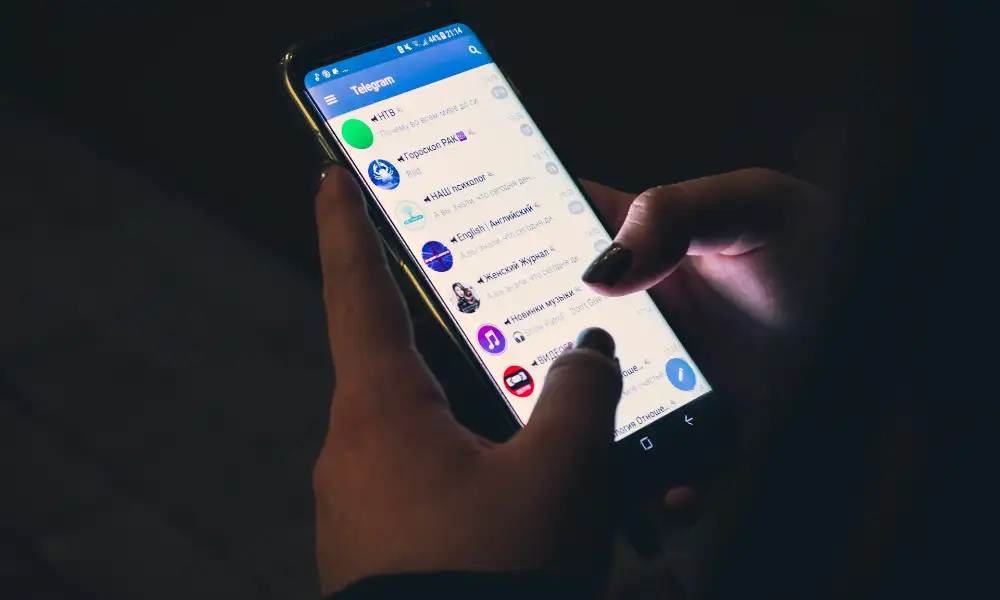
Last updated: October 2026. WARNING: Keylogger via Telegram tools are a common scam and malware vector. Sites and apps that promise to let you read another person Telegram messages by entering a username or phone number are usually scams. They may steal your money, your Telegram account or install malware on your device. Do not download or install them.
Legal and consent note: Using a keylogger to capture what another person types without consent can be illegal. This guide is reframed for protection. It explains the real risks, corrects old claims about the apps below, and shows how to protect your own Telegram account and devices.
Parents who are worried about a child on Telegram should use open, age appropriate tools and talk to the child. Built in device parental controls and Telegram privacy settings are safer than secret keyloggers sold by unknown sites.
There is no legitimate app that can read another person private Telegram chats from just a username. Telegram messages are stored in the user account and on their devices. Anyone who had access would need the person device, their logged in account or their verification code, which is why account protection matters more than spy tools.
In this article, we look at keyloggers and Telegram in 2026, which old claims are no longer true, and how to protect yourself.
What Is A Keylogger?
A keylogger is a form of software that allows a person to monitor the data you put in your computer or phone’s keyboard. With a keylogger, you can access everything typed on the target phone or computer including personal information and passwords.
If a keylogger is on a device, it may record what is typed in Telegram on that device. That is a risk for the device owner, not a feature to use against someone else.
There are two main types of keyloggers. The section below explains them only so you can recognise the risks to your own devices.
A hardware keylogger, also known as a USB keylogger is a physical device placed between a CPU box and the keyboard cable. It will intercept signals to log everything that someone types while using Telegram or other apps on their computer. While a USB keylogger is effective, you will need physical access to the target device to install it.
Conversely, a software keylogger usually needs to be installed on the device itself, which means physical access or the device owner account details. Claims that a keylogger can be installed remotely on a stranger phone with no access are a common scam sign.
How Does A Keylogger For Telegram Work?
A keylogger is a form of mobile spyware. Mobile spyware has become prevalent in the modern day world, and it can be used for both good and bad. As a parent, you might be forced to use a spying tool like a keylogger to keep your kids safe. On the other hand, you should also be aware of the threat posed by such technology to your safety.
If a keylogger is installed on your device without your knowledge, it could record what you type in Telegram and other apps. That is why unexpected apps, battery drain and changed settings are warning signs to check on your own phone.
A keylogger on a compromised device can also capture passwords and codes typed on that device. Protect your Telegram account with two-step verification and a device passcode, so a typed password alone is not enough to take over your account.
A keylogger may send logged data to a dashboard controlled by the person who installed it. If you find an unknown monitoring app on your device, remove it, change passwords from a clean device and turn on two-step verification.
Hardware keyloggers are a physical attack risk for computers. If you use a shared or work computer, check for unfamiliar USB devices between the keyboard and the computer, and report anything you do not recognise. Do not use such a device on another person computer.
Names Promoted as Keyloggers via Telegram: What Changed by 2026
Now that we know what a keylogger is and how it works in general terms, we look at the names that old reviews promoted, and what has changed by 2026. This section does not give download or install instructions for keyloggers aimed at other people accounts.
1. mSpy
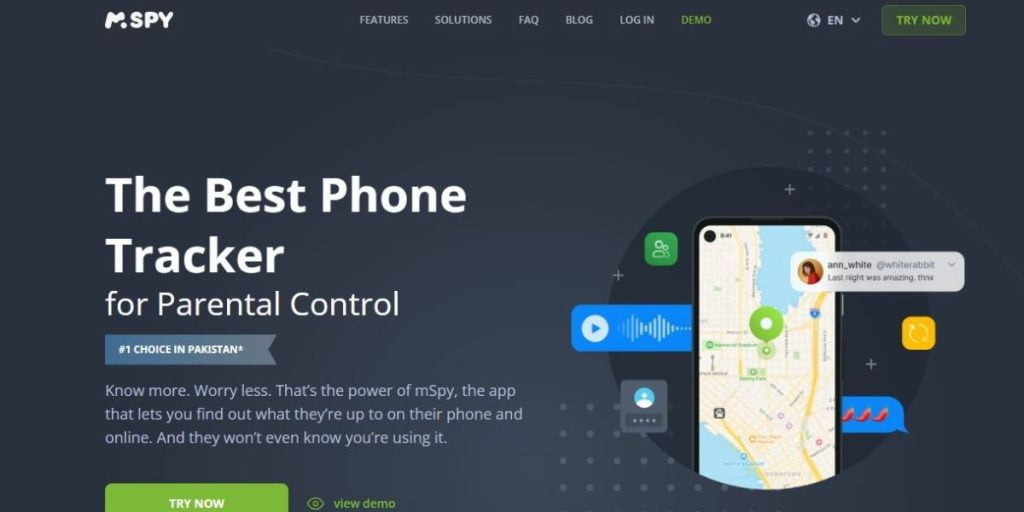
mSpy is a monitoring product that markets keylogger features for parental use. This guide does not recommend using it, or any keylogger, on another adult device or Telegram account.
Dashboard and alert features are only lawful to use on a device you own or on your child device as a parent or guardian. Check the official site for current features instead of old review claims.
Besides capturing the keystrokes being made on the target phone, mSpy can also send you alerts in case inappropriate words are detected. Therefore, it is a good parental monitoring tool if you want to protect your kids from the dangers of the internet.
mSpy markets a keylogger feature for parental monitoring. Claims that any monitoring app is completely undetectable should be treated with care, because modern Android and iOS versions show app permissions, battery use and security warnings. Only consider a parental control app for your own child device, from the official site, and check local law and disclosure rules.
Any claim to view another person messages and files should be treated as a warning sign, not a benefit. Telegram account access without consent can be illegal.
Pros
- It captures keystrokes without detection
- It can detect inappropriate words
- It can monitor sent and received messages and files on Telegram
- It is easy-to-use
Cons
- If you are using mSpy as a keylogger for Telegram on an Android phone, you need physical access to the device.
2. Cocospy

Important update: Cocospy should no longer be recommended. In February 2025, Cocospy and the related Spyic operation shut down after a data breach that exposed data from millions of people, according to security reporting at the time. Do not download Cocospy from mirror sites. Copies offered now may be scams or malware.
Because Cocospy has shut down, old rankings of its Telegram monitoring features no longer apply in 2026. If you used it in the past, change your passwords, check your devices for unknown apps and watch for phishing messages that use leaked data.
Old advice to be discreet when monitoring a child is poor advice in 2026. Parents should be open about safety rules and use age appropriate controls that the child knows about.
Because the service has shut down, there is no Cocospy Telegram keylogger to use in 2026. Sites still offering it should be avoided.
Pros
- It has an advanced stealth mode
- It lets you capture keystrokes on Telegram
- It has a user-friendly interface
Cons
- It has fewer features compared to mSpy
3. Hoverwatch
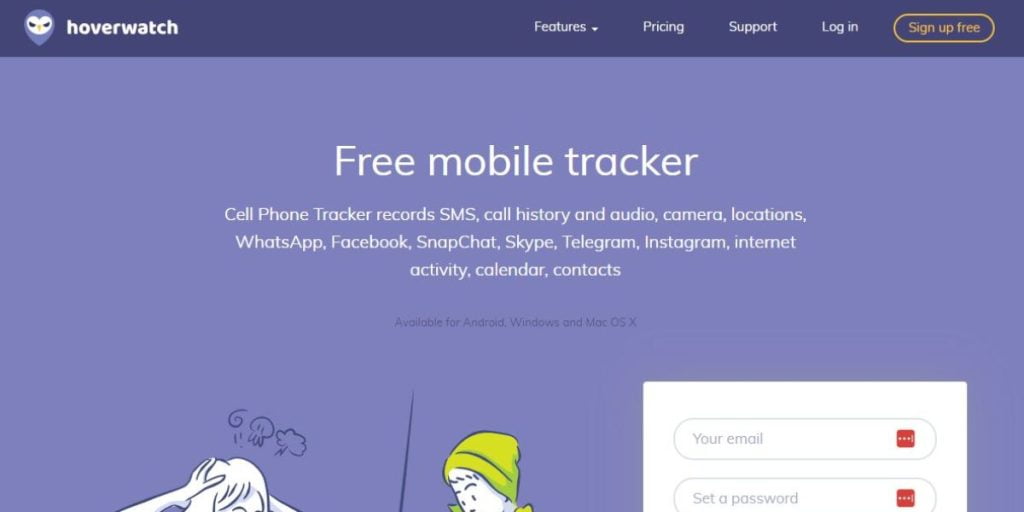
Hoverwatch is a monitoring program that has been promoted for capturing keystrokes. Do not use it on a phone or Telegram account that is not yours or your child device.
Hoverwatch is not a free keylogger. It is a paid monitoring product with a limited trial at times. Check the official site for current pricing, and do not download copies from free download sites.
Install instructions for monitoring another person phone are not given in this guide. If a site offers a quick install to spy on a partner or friend, treat it as a scam and a legal risk.
No one should be able to see what another person is typing on their phone. If an app promises that, it is describing surveillance, not a safe parental control tool.
Pros
- It is easy to install and use
- Most keyloggers require physical access to install on an Android phone
- It can monitor multiple devices
- It is stealth
Cons
- Its real-time alert feature is inadequate
4. uMobix
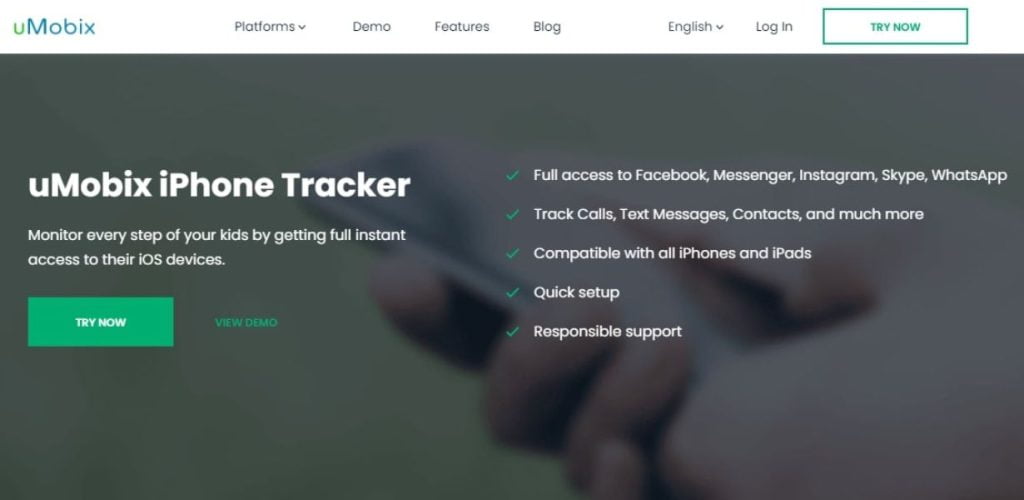
uMobix is a monitoring product for parents. It should not be described as a tool to monitor a partner. Monitoring a partner phone or Telegram without consent can be illegal and abusive.
This keylogger for Telegram also lets you flag specific words or phrases and receive reports whenever you search for these words on Telegram.
Claims that a monitoring app is undetectable are a reason for caution. Modern phones show permissions and security information, and hidden monitoring of another person can be illegal.
Pros
- It offers accurate reports and summaries
- It lets you flag specific words
- It is undetectable
- It lets you access sent and received messages
Cons
- It tends to affect the battery life of the target device
5. EyeZy
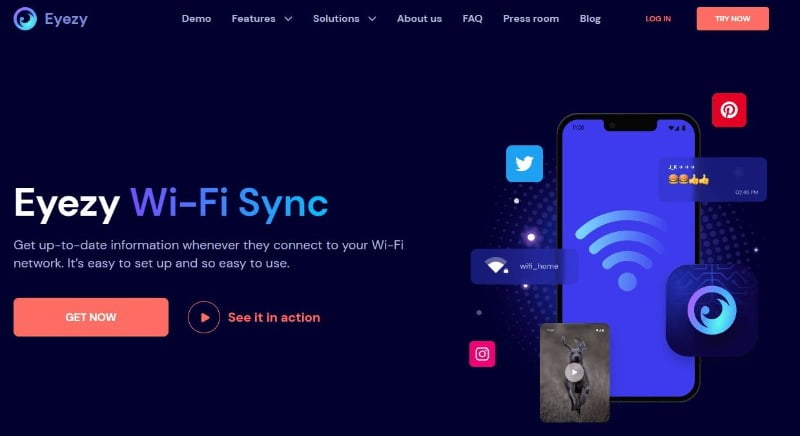
EyeZy is a monitoring product that markets keystroke capture for parental use. Only consider parental control products from official sites, for your own child device, and with clear family rules.
This keylogger will give you a complete insight into the searches of your child and loved ones. You can also set alerts that will ensure your kids do not view inappropriate content. You can read through the chat logs to see what the other person is doing.
EyeZy not only captures Telegram keystrokes but also those of other instant messaging apps and social media platforms. The keylogger can also access the target types on their notes.
Pros
- It is user-friendly
- It gives you insights into what the target is searching for in Telegram
- You can set alerts for inappropriate words
- It is easy to use
Cons
- It can only capture keystrokes on a single device
Protecting Yourself from Keyloggers
Keyloggers are not a useful tool for spying on a loved one. They are a risk to the person whose device is compromised. Use the protection steps below for your own devices.
Firewall
One of the best ways to protect your phone and computer against keyloggers is by using a firewall. A firewall can detect and prevent the transfer of data using a keylogger. You can also prevent attacks with monitoring software and antivirus programs.
Password managers
You can also protect yourself against a keylogger using a password manager. Password managers ensure you do not type your login details, which minimizes the chances of such data being collected by a keylogger.
For extra protection, you can also adopt two-factor authentication that ensures hackers do not steal passwords and access systems.
Antivirus software
Antivirus software can help detect and remove many keyloggers and other spyware, but no tool removes every threat at once. Keep it updated, run a full scan and remove unknown apps it flags.
Basic security practices
Some keyloggers can be installed on the target device through phishing schemes. In this case, you need to be cautious before following links sent to you via unknown sources. You should also refrain from downloading apps from unknown sources.
Wrapping Up: Protect Your Telegram Account in 2026
To protect your own Telegram account: turn on two-step verification in Telegram settings, set a strong device passcode, open Telegram Settings and then Devices to end sessions you do not recognise, and never share your login code with anyone. Use Secret Chats for sensitive one-to-one chats where you need end-to-end encryption.
If a site promises to show you everything on another person phone from Telegram, treat it as a scam. Such sites often take payment and deliver nothing, or deliver malware.
For your own child safety, use open parental controls and family rules, and also protect your own devices with the steps in this guide. Also see our guide to the best encrypted messaging apps for safer chat options.
FAQs
Is it possible to read someone’s Telegram chats?
No, not in a legitimate way. There is no app that can read another person private Telegram chats from just a username or phone number. Claims that offer this are usually scams or malware. Accessing another person account without consent can be illegal.
What is a keylogger?
A keylogger is a tool that captures keystrokes typed on a device where it is installed. It is a privacy risk for the device owner and should not be used on another person device without consent.
How does a keylogger work?
A keylogger works by capturing keystrokes. It will record the keystrokes made on the target device. Whether they are typing a conversation or passwords, a keylogger will ensure that you can see everything that they are typing.
Is it legal to snoop on someone’s Telegram?
It is usually illegal to snoop on someone Telegram without consent. Laws differ by place, but unauthorised access to accounts and messages can lead to criminal charges. Parents should use open, lawful parental controls for their own child devices.