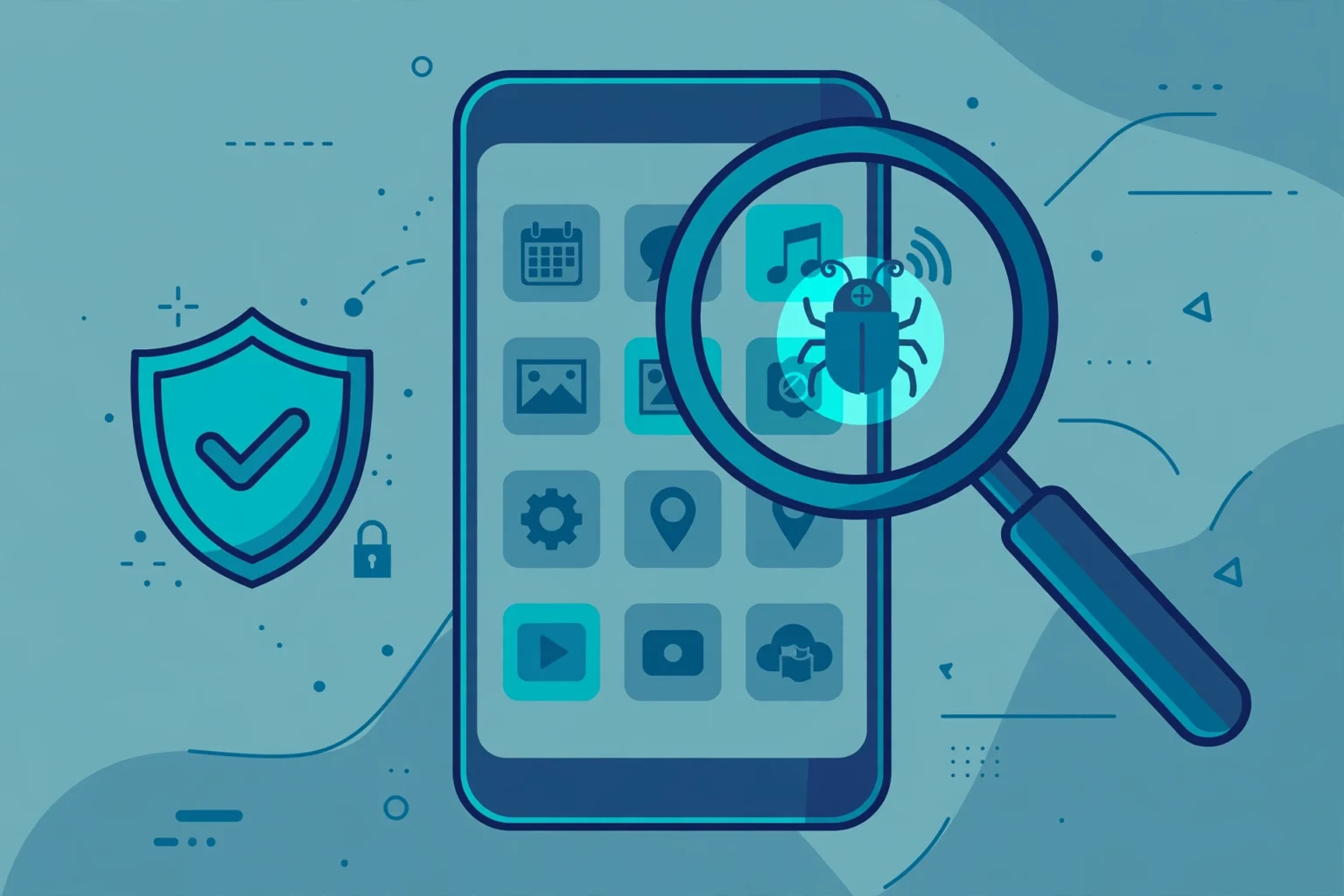
Keyloggers, also known as keystroke loggers or keyboard captures, are a form of spyware. So, the question is: what is a keylogger? A keylogger is stealthy in monitoring and recording every keystroke on a device without the victim’s knowledge.
- What Is A Keylogger?
- Types Of Keyloggers
- How Do Keyloggers Work?
- How To Protect Yourself From Keyloggers
- How To Remove Keyloggers
- Keylogger Types in Detail
- How Keyloggers Spread
- Signs Your Device May Have a Keylogger
- How to Detect and Remove a Keylogger on Windows
- How to Detect and Remove a Keylogger on Android
- How to Detect and Remove a Keylogger on iPhone
- How to Prevent Keyloggers
- Legal and Ethical Use of Keyloggers
- Final Thoughts
Last updated: October 2026
The digital era has made keyloggers a go-to tool for hackers. With many people on their computers and smartphones daily, it has become easier for hackers to monitor what people type and say.
What Is A Keylogger?
Whenever you enter data on your computer or phone’s keyboard, you assume that no one is watching and keeping track of your activities. However, you must be aware of cybercriminals using keyloggers to log everything you type.
A hacker can access your personal information, passwords, and credit card details with keyloggers. They also know the web pages you visit, compromising your online privacy.
Once a keylogger software is installed on your device, it will record everything you type. The information is then transmitted to a server controlled by the hackers.
Types Of Keyloggers
There are two main types of keyloggers: hardware keyloggers and software keyloggers.
Hardware keyloggers
A hardware keylogger is a physical device inserted between the CPU box and the keyboard cable into the keyboard port. It then intercepts signals to log everything you type. However, a threat actor needs to have physical access to the victim’s device to use it.
Software keyloggers
Unlike hardware keyloggers, software keyloggers do not require physical access to the victim’s computer. The software is downloaded onto the victim’s device to monitor activity. A software keylogger can also operate as a remote administration Trojan (RAT) without antivirus programs’ detection.
There are different types of software keyloggers:
- A JavaScript keylogger is written in JavaScript code and installed on websites. It records keystrokes entered by website visitors.
- A form-grabbing keylogger logs data entered into an online form. The keylogger mostly appears in malicious websites where users are prompted to provide credentials.
- An API keylogger uses application programming interfaces (APIs) to record keystrokes. The software creates log files each time you press a key in the application.
How Do Keyloggers Work?

Keyloggers do not damage a computer or operating system. Malicious actors use the malware to detect and exploit personal information, including credit card data, to make unauthorized purchases.
Hackers can also use the log files to sign into email accounts to steal information or scam contacts. Threat actors can also log into bank accounts to transfer funds. The malware also threatens companies by infiltrating the network to steal confidential information.
Hackers spread keyloggers through phishing campaigns, social engineering, and downloading malicious software from the internet.
How To Protect Yourself From Keyloggers
Using a firewall is one of the best defenses against keyloggers. A firewall will detect and prevent data transfer using this malware. Monitoring software and antivirus programs also prevents attacks.
Using a password manager that automatically fills in usernames and password fields could protect against keyloggers. Two-factor authentication (2FA) will also offer extra protection to ensure hackers do not steal passwords to access systems.
How To Remove Keyloggers
If you detect a keylogger is installed on your device, you should take steps to remove it immediately. Antivirus software can remove a keylogger automatically. However, if you do not have this software, take the following steps:
- Uninstall the keylogger program from your device
- Clear the temporary files
- Reset the device and restore it from the backup system
Keylogger Types in Detail
Software keyloggers are programs or apps. The simplest kind hooks into the keyboard functions of the operating system and records each key press in a log file. More advanced software can also take screenshots, record clipboard text, track which apps were opened and send the log to a remote server at set intervals.
Hardware keyloggers are physical devices. A small adapter can sit between a keyboard and a computer, or inside a keyboard itself, and store keystrokes on its own memory. They do not need software, so normal antivirus scans cannot see them. They are mostly a risk for shared or public computers, and the defence is simple: check the cable and ports of any machine you do not own before typing passwords on it.
Kernel-level keyloggers work deep inside the operating system, close to the core code that talks to the hardware. Because they load early and run with high privileges, they can record keystrokes before many security tools start, and they are hard to remove. Form-grabbing keyloggers take a different approach. Instead of recording every key, they capture the data sent from web forms, such as login and payment forms, at the moment the form is submitted. That is why a page can look normal while the details you typed are copied. Some monitoring tools sold for parents include a keylogger feature, which is why our guide to the best spy apps for tracking call history also explains why consent and the law matter for this kind of software.
How Keyloggers Spread
Most malicious keyloggers do not arrive on their own. They are bundled with something else. Common routes are phishing emails with fake invoices or delivery notices, cracked or pirated software, fake browser updates, malicious ads, and free apps downloaded from unofficial stores. A file may look like a document or an installer, but opening it runs a hidden setup in the background.
Physical access is another route. Someone with a few minutes alone with an unlocked computer or phone can install a monitoring app manually. That is why a strong lock screen code, and not sharing that code, is one of the most effective defences against this type of spyware.
Signs Your Device May Have a Keylogger
No single sign proves a keylogger is present, but several signs together are a warning. Look for a device that suddenly runs slower, a battery that drains faster than usual, data use you cannot explain, apps you do not remember installing, security settings that have changed, or passwords that stop working because accounts were accessed from somewhere else. Typing lag, where characters appear a moment after you press the keys, can also be a clue on a computer. If money has moved, or account alerts show logins you did not make, treat the device as unsafe until it has been cleaned and your passwords have been changed from a different, trusted device.
How to Detect and Remove a Keylogger on Windows
Start with a full scan. On Windows, open Windows Security, then Virus and threat protection, and run a full scan, followed by an offline scan if the first scan finds anything. Next, open Settings, then Apps, and sort by install date. Remove programs you do not recognise, especially remote access tools and anything installed around the time the problems started. Check Task Manager for processes that use a lot of CPU or network in the background, and search the exact process name online before you end or remove it, because some are normal system tasks. If the scan finds a keylogger, or the device still behaves oddly after removal, the safest step is to back up your documents, photos and other personal files, then reset Windows and reinstall from a clean source. After cleaning, change important passwords from a trusted device, starting with email and banking, and turn on two-step verification.
How to Detect and Remove a Keylogger on Android
On Android, open Settings, then Apps, and review the full app list, including apps with names that try to look like system services. Remove anything you did not install. Check Settings, then Security, for device admin apps, and remove admin rights from any app you do not trust, because admin rights can stop an app from being uninstalled. Also check which apps can install unknown apps, and turn that off for browsers and file managers. Run a scan with Google Play Protect from the Play Store, and consider a scan with a well known mobile security app from the Play Store only. If a hidden keylogger is still suspected, back up personal files and do a factory reset, then reinstall apps one by one from the Play Store. For a wider check of your phone habits, follow the steps in our guide on how to stay safe from spying.
How to Detect and Remove a Keylogger on iPhone
A normal, non-jailbroken iPhone is much harder to infect with a classic keylogger, because iOS apps are sandboxed. The bigger risks are a jailbroken phone, a configuration profile you do not recognise, a managed device profile added by someone else, or someone simply knowing your Apple ID password and reading your backups or messages from another device. Open Settings, then General, then VPN and Device Management, and remove profiles you did not add. Update iOS to the latest version your phone supports, change your Apple ID password, and turn on two-factor authentication. If the phone is jailbroken and you did not do it, restore it with a computer to remove the jailbreak. Our step by step guide on how to detect spyware on iPhone covers these checks in more detail.
How to Prevent Keyloggers
Prevention is mostly habits. Keep your operating system and apps updated, because updates close the holes malware uses. Download software only from official stores and vendor sites. Do not open attachments or links that you were not expecting, even if they use a real company name. Use a password manager, so you type passwords less often, and use passkeys or an authenticator app for important accounts. Lock every device with a strong code that other people do not know, and do not leave devices unlocked in shared places. On a shared computer, check for hardware adapters before you type, and avoid logging in to banking or email at all if you can wait.
Legal and Ethical Use of Keyloggers
Keyloggers are dual use tools. An employer may monitor company owned devices under a clear written policy, and a parent may use parental control tools on their own minor child device in many places, but secretly logging another adult phone or computer can be a criminal offence and can also break computer misuse and privacy laws. Consent, ownership of the device, and local law all matter, and the rules are not the same in every place. Before using any monitoring tool, read our plain language overview of the legality of using spy apps and our guide on how to use spy apps responsibly. When in doubt, do not install it, and get local legal advice instead.
Final safety reminder: if a keylogger may have captured banking or email passwords, do not just remove the program. Clean the device first, then change those passwords from a separate trusted device, review recent account activity carefully, and contact your bank quickly if anything looks wrong or unfamiliar.
Final Thoughts
A keylogger software compromises your online privacy. An antivirus program must be installed to protect yourself against this malicious software. However, if you are already infected, you should immediately remove the malware from your device.