Last updated: October 2026
- What Is an Air Freshener Spy Camera?
- How These Hidden Cameras Work
- Where These Cameras Turn Up, and Why It Matters
- Signs an Air Freshener Might Be a Camera
- How to Detect One: A Step by Step Check
- What to Do If You Find One
- The Legal Framing, in Plain Language
- Protecting Your Own Home and Accounts
- Final Thoughts
An air freshener is one of the last things anyone questions in a room. It sits in a corner, plugged into a wall, doing an ordinary job. That is exactly why a small number of hidden cameras are disguised as air fresheners, and why travellers, tenants, and guests keep finding them in places where no camera should ever be.
This guide takes a detection and protection angle only. It explains how these devices work, the signs that give them away, and a calm step by step routine for checking a hotel room or rental. It also explains the legal framing in plain language, and what to do if you find one. Nothing here is about recording anyone in secret, because doing that in a private space is harmful and, in most places, illegal.
What Is an Air Freshener Spy Camera?
An air freshener spy camera is a working or imitation air freshener with a miniature camera hidden inside its casing. From the outside it looks like a normal plug-in unit or a battery powered scent dispenser. Inside, behind a dark or tinted section of plastic, sits a tiny lens connected to a small circuit board, a memory card slot or Wi-Fi radio, and a power source.
The disguise works for three reasons. First, air fresheners belong in bathrooms and bedrooms, the very rooms where privacy matters most. Second, they are expected to be plugged in all day, so a power cable or a unit sitting in a wall socket raises no suspicion. Third, almost nobody picks one up, opens it, or compares it with the real product. Understanding those three points is the key to spotting one.
How These Hidden Cameras Work
Knowing the basic parts makes detection much easier, because every part leaves a trace you can look for.
- The lens: A pinhole lens, often only a millimetre or two wide, hidden behind tinted plastic or inside what looks like a screw, a sensor window, or a vent hole.
- Power: Plug-in models draw power from the wall socket, which lets them run around the clock. Battery models run for hours or days and are often paired with motion activation to save power.
- Storage or streaming: Some models record to a micro SD card inside the unit. Others connect to Wi-Fi and stream live video to a phone app, which means they appear as a device on the local network.
- Motion activation: Many only record when they sense movement, so there may be no recording light and no obvious activity while you are in the room.
- Night vision: Better models include tiny infrared LEDs so they can record in the dark. Those LEDs can glow faintly and are one of the most useful things to check for.
The same disguise logic applies to other household objects, from chargers and clocks to audio devices. Our guide to hidden spy audio recorders and discreet recording devices shows how the same tricks are used for sound rather than video, and the warning signs are very similar.
Wearable disguises use the same trick on the body instead of a room; see our guide to the spy camera necklace with audio and video
Where These Cameras Turn Up, and Why It Matters
Reported cases follow a pattern. Short term rentals, budget hotels, rented rooms, and shared bathrooms account for most discoveries, along with a smaller number in changing areas and workplaces. The person affected is almost always someone who reasonably believed they were in a private space: a guest, a tenant, or a partner or housemate.
That expectation of privacy is what makes these devices so serious. A camera in a shop window is security. The same camera hidden in a bathroom or bedroom is a violation, and the law in most countries treats it that way. A two minute check when you arrive somewhere new is a small habit that protects you from a very real harm.
Signs an Air Freshener Might Be a Camera
Start with your eyes. Most disguised cameras fail a careful visual check, because the disguise has to make room for a lens somewhere.
- An extra hole or dark dot that does not match the normal vents or the scent window, especially one that faces the bed, shower, or changing area.
- A unit that faces the wrong way. A real air freshener works anywhere. One aimed carefully at a private area, or placed at an odd height or angle, deserves a closer look.
- No scent, no refill, no brand. Many fakes cannot actually freshen air. If there is no fragrance, no visible refill, no logo, and no settings or controls, be suspicious.
- Unusual weight or parts. A hidden camera unit often feels heavier than a simple plastic freshener, and may have a memory card slot, a tiny reset pinhole, or a small switch hidden on the back or underside.
- Lights with no explanation. A tiny LED that blinks or glows in a pattern a normal freshener would not have, or a faint red glow in the dark from infrared LEDs.
- A second plug or odd wiring. A unit that occupies a socket but passes no power onward, or cables that run somewhere unexpected.
How to Detect One: A Step by Step Check
Run through these checks in order when you arrive at a rental, hotel, or any room that is new to you. The whole routine takes a few minutes.
- Scan the private areas first. Stand in the bathroom and bedroom and look for objects aimed at the bed, shower, toilet, or changing space. Note air fresheners, chargers, clocks, and smoke detectors in those lines of sight.
- Inspect the air freshener closely. Pick it up if you can do so safely. Look for an unexplained hole, a card slot, a switch, or a lens-like reflection. Compare it with photos of the genuine product online if it carries a brand name.
- Do the flashlight test. Turn off the room lights and shine your phone flashlight slowly across the front of the unit from different angles. Camera lenses reflect light back with a distinctive bright, bluish glint that plain plastic and vents do not.
- Do the dark room test. In darkness, look for tiny red or purple glows, which can be infrared LEDs switching on for night vision. Your phone front camera, which often lacks an infrared filter, can sometimes show these as bright spots even when your eyes cannot.
- Check the Wi-Fi network. If you have access to the router or the host shares network details, look at the list of connected devices for anything unknown. Our guide on how to find out your router IP address explains how to reach the router settings page where that device list lives. Network scanning apps can also list devices, though names are often vague, so treat results as a clue, not proof.
- Consider an RF detector for frequent travel. A radio frequency detector can pick up signals from a camera that is actively transmitting. It will not find a camera that only records to a card and stays silent, which is why it supports the visual checks rather than replacing them.
- Trust the pattern, not one clue. One odd detail can be innocent. An unbranded, scentless unit with an extra hole, aimed at the bed, on the network under an unknown name, is a pattern worth acting on.
What to Do If You Find One
Stay calm and protect the evidence. Do not smash the device or delete anything, because you may destroy proof of what happened. Photograph the unit in place, including where it is positioned and what it faces. If you feel unsafe, leave the room and contact the property manager, the booking platform, or the police from somewhere you feel secure.
Unplug the device or cover the lens if you need privacy immediately, and say clearly, in writing to the host or platform, what you found and when. Booking platforms treat undisclosed indoor cameras seriously. Airbnb, for example, banned indoor security cameras in listings worldwide in 2024, and other platforms require disclosure of any camera even in shared spaces. Reporting protects the next guest as well as you.
The Legal Framing, in Plain Language
Laws differ by country and, in the United States, by state, so this is general information and not legal advice. Three principles come up almost everywhere. First, recording someone where they have a reasonable expectation of privacy, such as a bathroom, bedroom, or changing room, is a crime under video voyeurism laws in many jurisdictions, consent or not. Second, audio is usually stricter than video, because wiretapping and eavesdropping laws apply, and some places require every party to a conversation to agree to recording. Third, platforms and landlords have their own rules on top of the law, and undisclosed cameras in rented homes routinely breach them.
The legitimate side of this technology is narrow and always disclosed. A homeowner who tells guests and carers that a camera is present in a shared living area, for child or elder safety, is in a different position from anyone hiding a device in a private space. If you want visible, disclosed protection for your own family, look at our guide to the best nanny cams for protecting your kids instead, and always tell the people it covers. Hidden cameras sit within a wider family of monitoring tools, and our explainer on what system monitors are and how they are used shows where the legal and ethical lines are drawn for software as well.
Protecting Your Own Home and Accounts
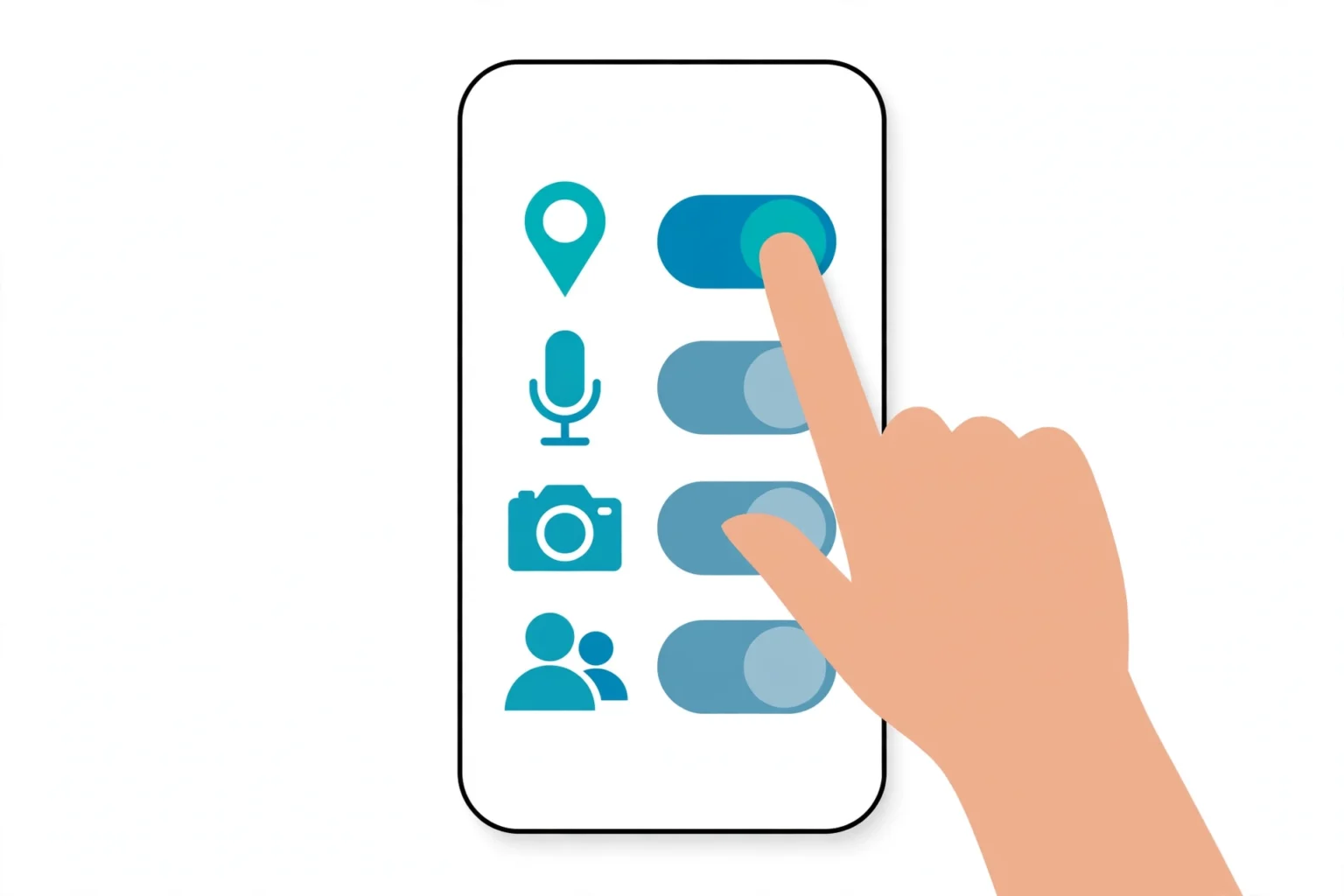
Protection runs both ways. If you own legitimate security cameras, secure them properly. Change default passwords, turn on two factor authentication for the camera app, and keep the firmware updated, because a badly secured camera can be watched by strangers. Check your own router device list every so often so you know everything connected to your network by name.
Keep camera and viewing accounts safe from ordinary account attacks too. A stolen app password can expose a whole home, which is why the account security habits in our trojan malware guide, such as unique passwords and multi-factor authentication, matter here as well.
Final Thoughts
You do not need expensive gear or paranoia to protect yourself. You need a routine. Look at the private areas when you arrive, pick up anything that seems off, run the flashlight and dark room tests, and glance at the network device list. Most disguised cameras fail at least one of those checks.
And if you find one, document it, protect your privacy, and report it through the platform and, where a private space was recorded, to the police. For more everyday habits that keep your data and your home safer, read our practical tips to stay safe on the internet and protect your data. A few careful minutes on arrival day is a fair price for peace of mind for the whole stay.