
Quick answer
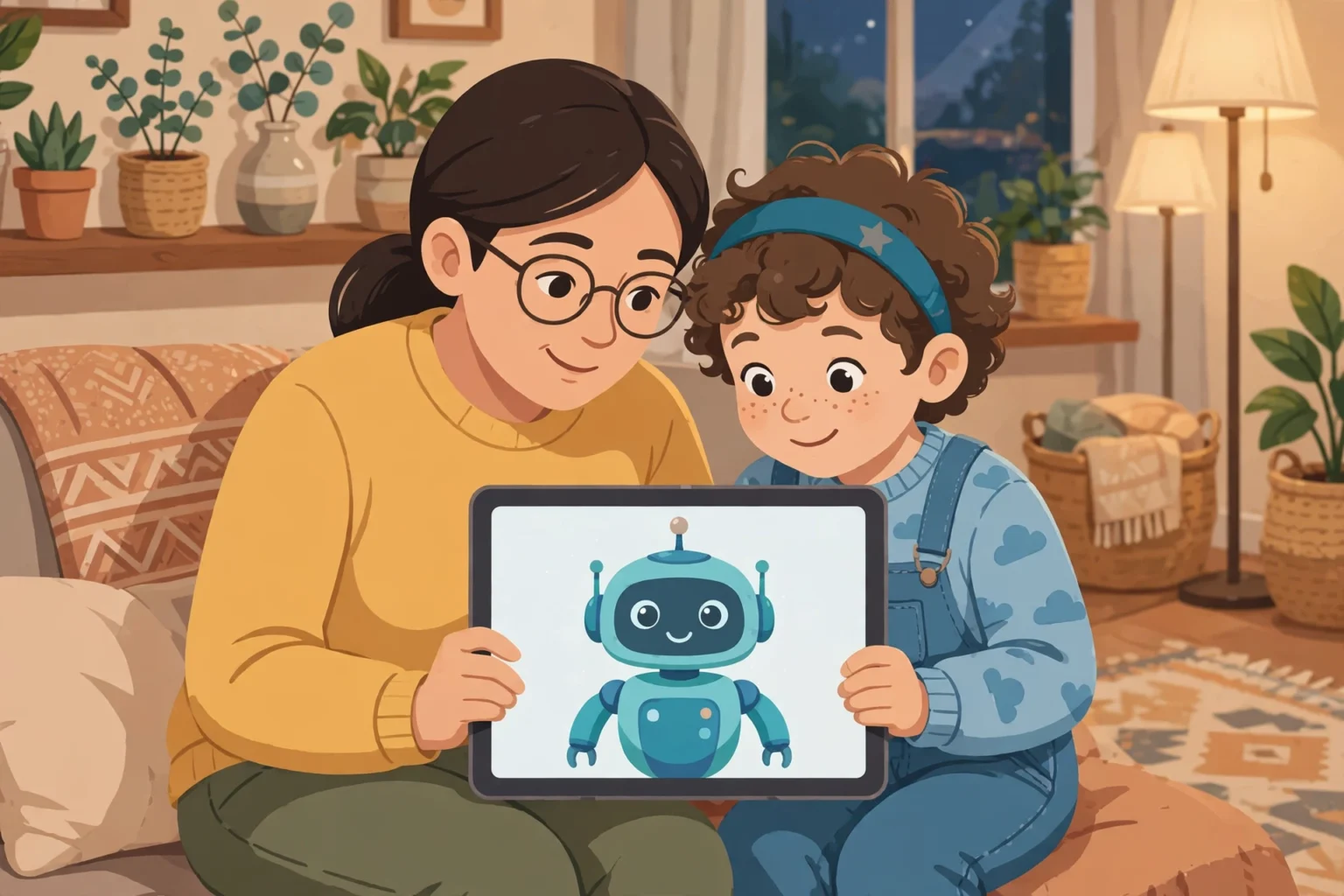
AI chatbots can be useful for older children, but they are not safe to use without limits. A chatbot can give wrong answers, repeat unsafe ideas, and collect the details a child types. Parents should set the account controls, agree clear rules, and check chats with their own child on a regular basis.
- Quick answer
- What is an AI chatbot?
- Why kids like AI chatbots
- The benefits, when you set limits
- The main risks parents should know
- Age limits: check the maker page first
- Privacy settings to set before first use
- Safe use rules that work for families
- Red flags: when to step in fast
- How to talk about chatbots without a fight
- Chatbots, homework, and school rules
- Chatbots inside social apps and games
- What to do if something goes wrong
- Key takeaways
- Final verdict
- A parent checklist for the first week
- Common mistakes parents make
Last updated: November 2026
Your child may already use an AI chatbot for homework, games, or chat. These tools feel friendly. They answer fast, and they sound sure of themselves. That friendly tone is the reason parents need a clear plan.
This guide explains what AI chatbots do, where the risks sit, and how to set safer rules. It covers age limits, privacy settings, red flags, and simple words you can use with your child. It does not claim hands-on testing of every chatbot. It points you to the chatbot makers own help pages for the final settings.
If you want a wider family safety plan, start with our family online safety guide. It links the main topics in this cluster in one place.
What is an AI chatbot?
An AI chatbot is a program that answers questions in written chat. A child types a question. The chatbot gives an answer in plain words. It can also write stories, solve sums, and explain ideas.
A chatbot does not know your child. It predicts words based on large amounts of text. That is why it can sound confident and still be wrong. It can also mix facts with made up details.
Popular chatbots include ChatGPT, Gemini, Copilot, and Meta AI. Each one has its own age rules and controls. The names sound alike, but the settings do not. Always check the maker page for the tool your child actually uses.
Why kids like AI chatbots
Children like instant answers. A chatbot never gets tired. It never judges a spelling mistake. It can help with a story at night, or with a hard homework question.
Many children also use chatbots for fun. They ask for jokes, games, and song ideas. Some children talk to a chatbot when they feel lonely or bored. That emotional use needs more care than a quick homework question.
The risk grows when a child treats the chatbot like a friend. A chatbot is not a friend. It does not care, and it does not keep secrets in the way a trusted adult does. Children need to hear that point in plain words.
The benefits, when you set limits
Used well, a chatbot can help a child learn. It can explain a hard topic in simple steps. It can give practice questions. It can help a child brainstorm ideas before writing.
A chatbot can also help with reading. A child can ask what a word means. A child can ask for a shorter version of a long text. These uses work best when a parent or teacher checks the final work.
The key point is simple. The chatbot should support learning, not replace it. If your child copies answers without thinking, the tool harms learning. Set a rule that your child must explain the answer in their own words.
The main risks parents should know
Wrong answers are the most common risk. A chatbot can invent facts, dates, and quotes. It can give a wrong maths answer with full confidence. Teach your child to check important facts in a book or a trusted site.
Privacy is the second risk. Anything a child types can be stored by the service. Some services use chats to improve their models, unless you turn that setting off. Children should never type their full name, address, school name, passwords, or photos of themselves.
Unsafe content is the third risk. A chatbot may give advice that is not right for a child. It may discuss sex, self harm, drugs, or eating disorders in an unsafe way. Filters help, but no filter is perfect. That is why open chats with your child matter more than any single setting.
Emotional risk is the fourth risk. A chatbot can agree too much. It can praise a child for a bad idea. It can keep a child chatting for a long time. Watch for late night use, secret use, or a child who prefers the chatbot to real friends.
Scams and tricks are a fifth risk. A chatbot can be used to write fake messages. A stranger can also copy a chatbot style to trick a child. For the wider warning signs, read our guide to online grooming warning signs. It helps you spot pressure and secrecy early.
Age limits: check the maker page first
Age rules differ by tool. Some tools allow teen accounts with a parent or guardian. Some tools are made only for adults. Some school tools have separate rules set by the school. Do not guess the age rule from an app store badge alone.
Open the maker help page before you create an account for your child. Search for the age rule and the parental control page on the maker site itself. If the rule is unclear, wait. A short delay is safer than a wrong account.
| Tool type | What parents should check | Safe first step |
|---|---|---|
| General chatbot app | Minimum age and teen account rules on the maker page | Use a parent managed account where offered |
| Search and assistant tool | Family controls in the main account settings | Turn on the family or teen controls first |
| School provided tool | School rules and the school admin settings | Ask the school what data it can see |
| Chatbot inside a game or social app | App age rating and chat controls in that app | Turn off open chat until you test it together |
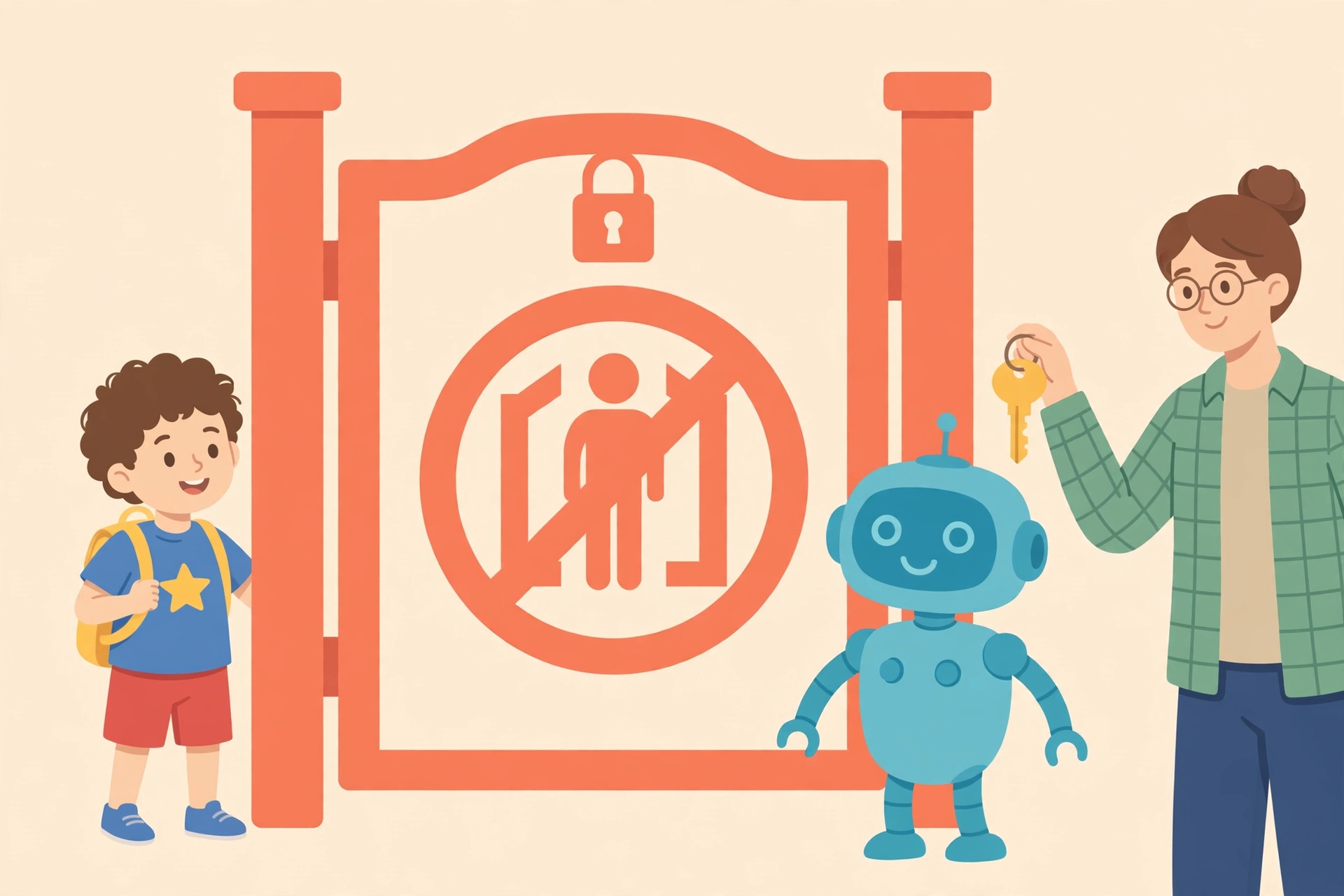
Age limits also matter for trust. A child under the stated age may not understand that answers can be wrong. A teen may understand more, but still needs help with privacy and emotional topics. Match the tool to the child, not only to the age number.
Privacy settings to set before first use
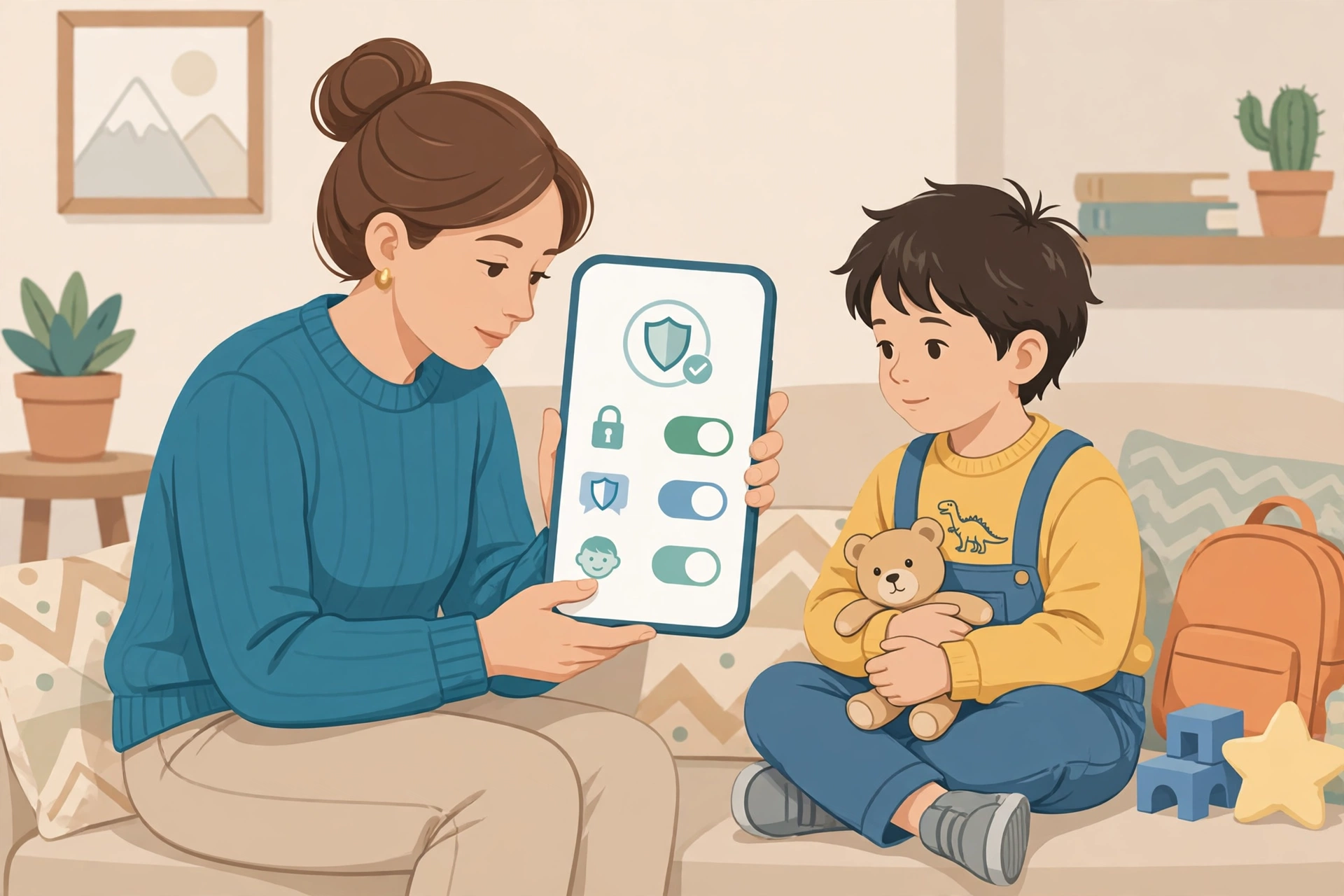
Set privacy controls before your child chats. Do this on your own child account or device, with your child beside you where possible. Explain each change in simple words. Children follow rules better when they understand the reason.
| Setting | What to do | Why it helps |
|---|---|---|
| Chat history and training | Turn off use of chats for model training where the maker offers that choice | Limits how your child words are reused |
| Saved chats | Delete old chats on a regular basis | Reduces stored personal details |
| Voice and image input | Turn off voice and photo sharing unless needed | Stops extra personal data from being sent |
| Connected apps | Remove links to email, photos, and other apps | Stops the chatbot reaching more data |
| Personal details rule | Agree a no personal details rule with your child | Protects identity even if a setting changes |
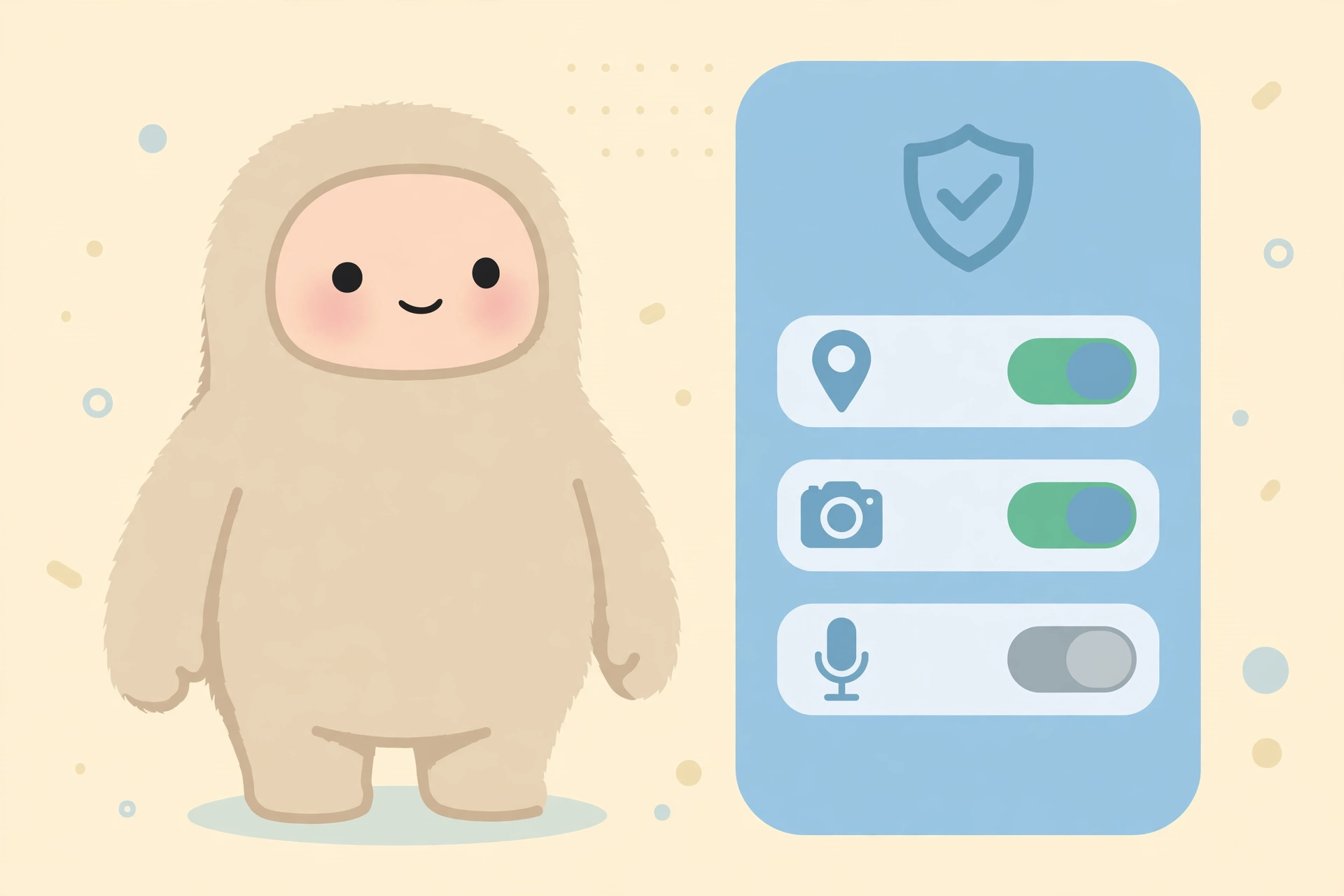
Check settings again after app updates. Updates can add new features or reset a choice. Put a monthly check in your calendar. It takes five minutes, and it keeps the account aligned with your rules.
Safe use rules that work for families
Agree five simple rules before first use. Write them down. Put them near the device. Rules work best when they are short and clear.
- Use the chatbot in a shared room, not alone at night.
- Never share your name, school, address, passwords, or photos.
- Check homework answers in a book or with a teacher.
- Stop and tell a parent if a chat feels scary, rude, or secret.
- Keep chat time short, and keep real play and friends first.
These rules also help with games and chat apps. If your child plays games online, read our guide to online gaming safety for kids. Many of the same chat and stranger rules apply there too.
Red flags: when to step in fast
Some signs need a quick response. Do not wait for a pattern. Step in, stay calm, and talk with your child.
- Your child hides the screen or deletes chats every time you walk in.
- Your child shares personal details, photos, or school details with a chatbot.
- A chat gives advice about sex, self harm, drugs, or hiding things from parents.
- Your child feels sad, anxious, or upset after chatting.
- Your child spends long hours chatting late at night.
- A stranger or a new online friend asks your child to move to a private chat.
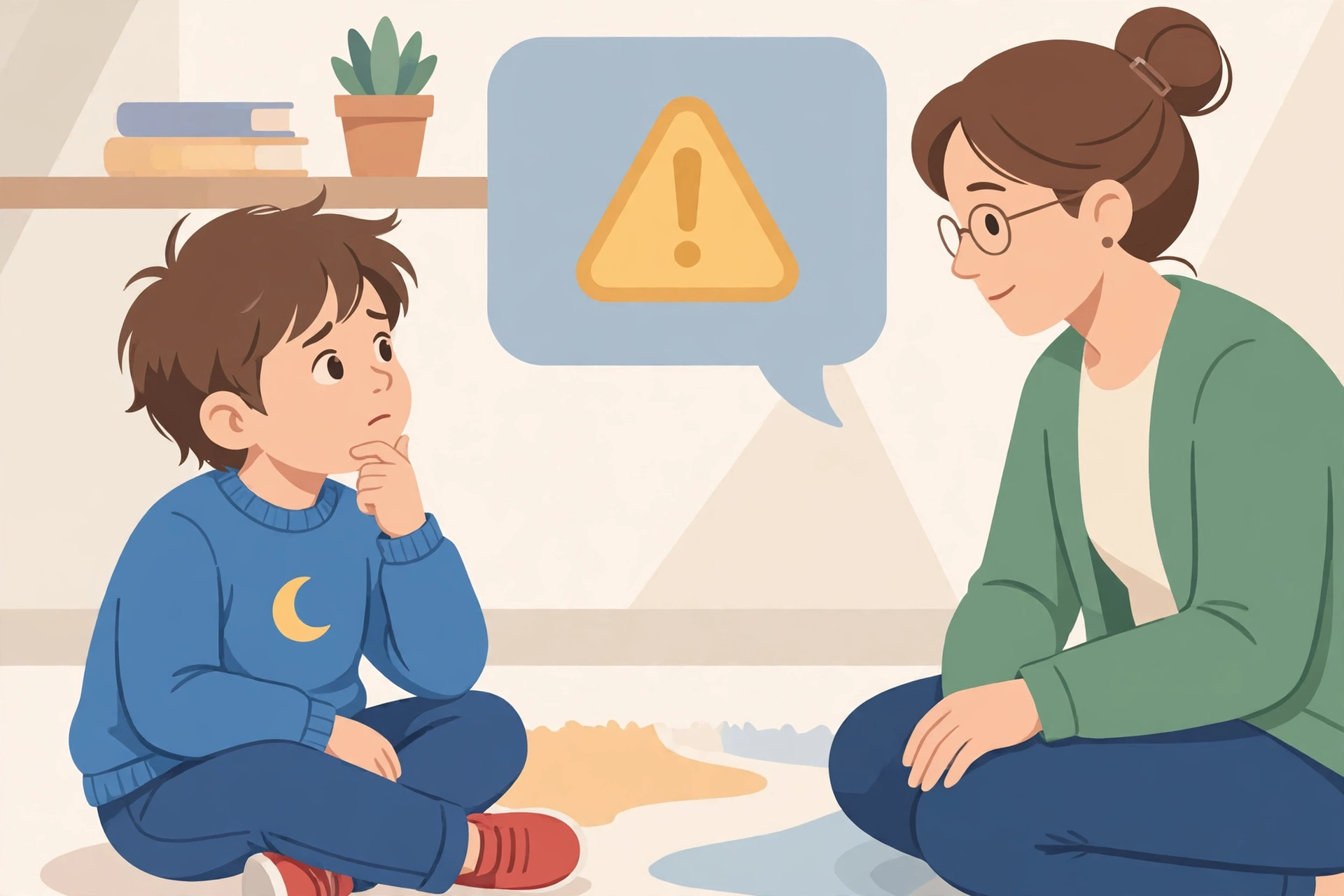
If a stranger is involved, save the evidence on your own device where you can. Do not delete it at once. Talk with your child about what happened. If you need help, use a trusted local support service. For more on peer harm, read our guide on how to deal with cyberbullying.
How to talk about chatbots without a fight
Start with curiosity, not blame. Ask your child to show you a fun chat. Ask what the chatbot got wrong. Children open up when they do not feel judged.
Use short scripts. You can say: Show me a chat you liked this week. You can say: What would you do if it gave a scary answer? You can say: Let us set the privacy controls together, so you stay in charge.
Agree what happens if a rule breaks. A clear consequence works better than a sudden ban. For example, a child who shares personal details loses solo chat time until you reset the controls together. Keep the tone firm and kind.
Chatbots, homework, and school rules
School rules matter here. Some schools allow AI help for brainstorming. Some schools ban it for graded work. Ask the school for its written rule. Teach your child to follow the stricter rule when home and school rules differ.
For homework, use a three step method. First, your child tries the work alone. Second, your child can ask the chatbot to explain the idea. Third, your child writes the answer in their own words. This method keeps learning in the centre.
Do not let a chatbot write essays or complete tests. That breaks school trust. It also hides gaps in learning. A short check with a teacher is better than a perfect answer your child cannot explain.
Chatbots inside social apps and games
Chatbots do not live only in one app. They appear inside social apps, games, and search tools. A child may meet a chatbot while playing or chatting with friends. Check the chat controls in each app, not only in the main chatbot app.
For teen chat apps, our guide to Discord safety for teens explains server and direct message controls. For younger children, our guide to Roblox safety for kids explains chat filters and friend controls. Use those guides with this one for a full plan.
Turn off stranger chat where you can. Turn off friend requests from unknown accounts. Review the friend list with your own child on a regular basis. These small checks stop many problems before they start.
What to do if something goes wrong
Stay calm and act in steps. First, stop the chat. Second, take a screenshot on your own device if you need a record. Third, delete the chat or block the account where that helps. Fourth, talk with your child about what felt wrong.
Report unsafe content inside the app where a report button exists. If a person harmed your child, report to the platform and to a trusted adult at school or in your local support service. Do not ask your child to keep chatting to gather more proof.
If your child shares personal details, change passwords for any linked accounts. Check privacy settings again. Talk about why the detail mattered, in plain words, without shame.
Key takeaways
- AI chatbots can help learning, but they can also give wrong or unsafe answers.
- Check the maker age rules and parental controls before first use.
- Turn off chat training use, delete old chats, and ban personal details.
- Use the chatbot in shared spaces, with short time limits.
- Talk with your child often, and step in fast when you see a red flag.
Final verdict
Are AI chatbots safe for kids? The honest answer is: safe enough only with a parent in the loop. A chatbot is a tool, not a babysitter and not a friend. With the right account, the right privacy settings, and regular talks, an older child can use one for learning and fun.
Your next step is simple. Today, open the chatbot your child uses. Check the maker age page and the privacy controls. Agree the five safe use rules together. Then check the chats with your own child once a week. That habit matters more than any single setting.
For the full family plan, return to our family online safety guide and work through the cluster guides one by one.
A parent checklist for the first week
Use this checklist in the first week. Tick each step with your child. It turns a long guide into a short, clear plan.
- Day one: Open the maker age page and the parental control page together.
- Day one: Turn off chat training use and delete old chats.
- Day two: Agree the five safe use rules and write them near the device.
- Day three: Test a homework question together and check the answer.
- Day five: Review chats with your own child and praise honest sharing.
- Day seven: Set a weekly check time and a simple time limit.
A weekly check does not need to be long. Ten minutes is enough. Ask what your child asked, what surprised them, and what felt wrong. End with a clear plan for the next week.
Common mistakes parents make
One common mistake is to rely on one setting. A filter helps, but it cannot replace talks. A child can find a new app in minutes. A habit of open talks lasts longer than any filter.
Another mistake is to ban the tool without a reason. A sudden ban can push a child to use it in secret. Explain the risk, set a limit, and offer a safer way to use it. Children accept limits better when they see the reason.
A third mistake is to share your own account. A child on a parent account can reach adult content and adult data. Use a separate account for your child where the maker offers one. Keep your own passwords private.
A fourth mistake is to forget updates. New features can change privacy choices. Check the app after a major update. Ask your child what changed, and reset the controls together.
Are AI chatbots safe for kids?
They can be safe for older children with limits, privacy controls, and weekly parent checks.
What age can a child use an AI chatbot?
Check the maker page for the exact age rule. Many tools require a teen account with a parent or guardian, and some are for adults only.
What should kids never share with a chatbot?
Never share a full name, address, school name, password, photo, or location. Use a nickname and keep chats general.
How can parents set safer chatbot controls?
Use a parent managed account where offered, turn off chat training use, delete old chats, and review settings after updates.
What should I do if a chatbot gives an unsafe answer?
Stop the chat, stay calm, save a screenshot on your own device if needed, report it in the app, and talk with your child about what felt wrong.