
Last updated: October 2026
- What does it mean to deactivate Instagram?
- Reasons to Deactivate Instagram
- How to Deactivate Instagram: Step-by-Step Guide
- How to Deactivate Instagram on Different Devices
- How to Deactivate Instagram on Phone (iOS and Android)
- How to deactivate Instagram on Mobile Web Browser
- How to Deactivate Instagram on Desktop
- What Happens When You Deactivate Instagram?
- How to Reactivate Your Instagram Account
- Other Options to Consider Instead of Deactivation
- Conclusion: Learning How to Deactivate Instagram the Right Way.
- FAQs
- How Long Can a User Leave an Instagram Account in a Deactivated State?
- What happens to my followers when I deactivate my Instagram?
- Is it possible to deactivate the Instagram account more than once?
- What is the difference between deleting Instagram and deactivating it?
- Can I still get tagged in posts even when my account is deactivated?
Updated for 2026: Instagram now handles deactivation through Meta Accounts Center. Open Settings, then Accounts Center, then Personal details, then Account ownership and control, then Deactivation or deletion, and choose Deactivate account. Deactivation hides your profile, photos, and comments until you log in again. It is not the same as permanent deletion.
Social media has become a vital part of our lives in this era of technology flooding our lives. With its rich content and a great number of users, the Instagram application is still among the top-rated social sites. However, there are always some circumstances where users may need to get off the platform, be it temporarily or be it in a more definitive fashion.
In case you’re thinking of desperately trying to convince yourself to take a break from the photo-centric app, you probably have many images of what it would be like to walk about without knowing how to deactivate Instagram account.
This guide will take you through the procedure of Instagram deactivation, covering all its aspects and answering common queries.
What does it mean to deactivate Instagram?
Before getting into the details of what type of procedures you need to follow in order to deactivate your Instagram account, it’s important that you know what the term deactivation actually refers to and what makes it different from deletion.
When you deactivate Instagram, your account is physically turned off for a limited period. Simply put, this means that other users cannot see your profile, your photos, your comments or your likes.
But this is not a permanent deletion. If and when you change your mind, you simply log back into that account that you have ‘frozen’, and it’s all just there and available for use.
Deactivation is a good alternative, especially for those who know that they would like to take some time off from social media but do not want to remove their profiles and content completely.
It’s fair to say that the Instagram management team provides the flexibility of temporarily deactivating the account which is another advantage.
Reasons to Deactivate Instagram
People do this for various, sometimes ill defined reasons. These include:
- Digital detox: going off social media, in particle, dramatic effect: spending time and connecting with people and doing things in real life.
- Privacy issues: desiring to unwarranted or limit web use temporarily.
- Managing time: trying to allocate less time to social networks in order to work better/more efficiently.
- Mental health challenges: leaving the net or the net habits because of internet-related stress or anxiety.
- Protection of personal accounts: Deactivating the account temporarily in case of external invasion.
No matter what your excuse is, it is good to know how to deactivate Instagram, as it can be helpful in keeping your online image in check.
How to Deactivate Instagram: Step-by-Step Guide
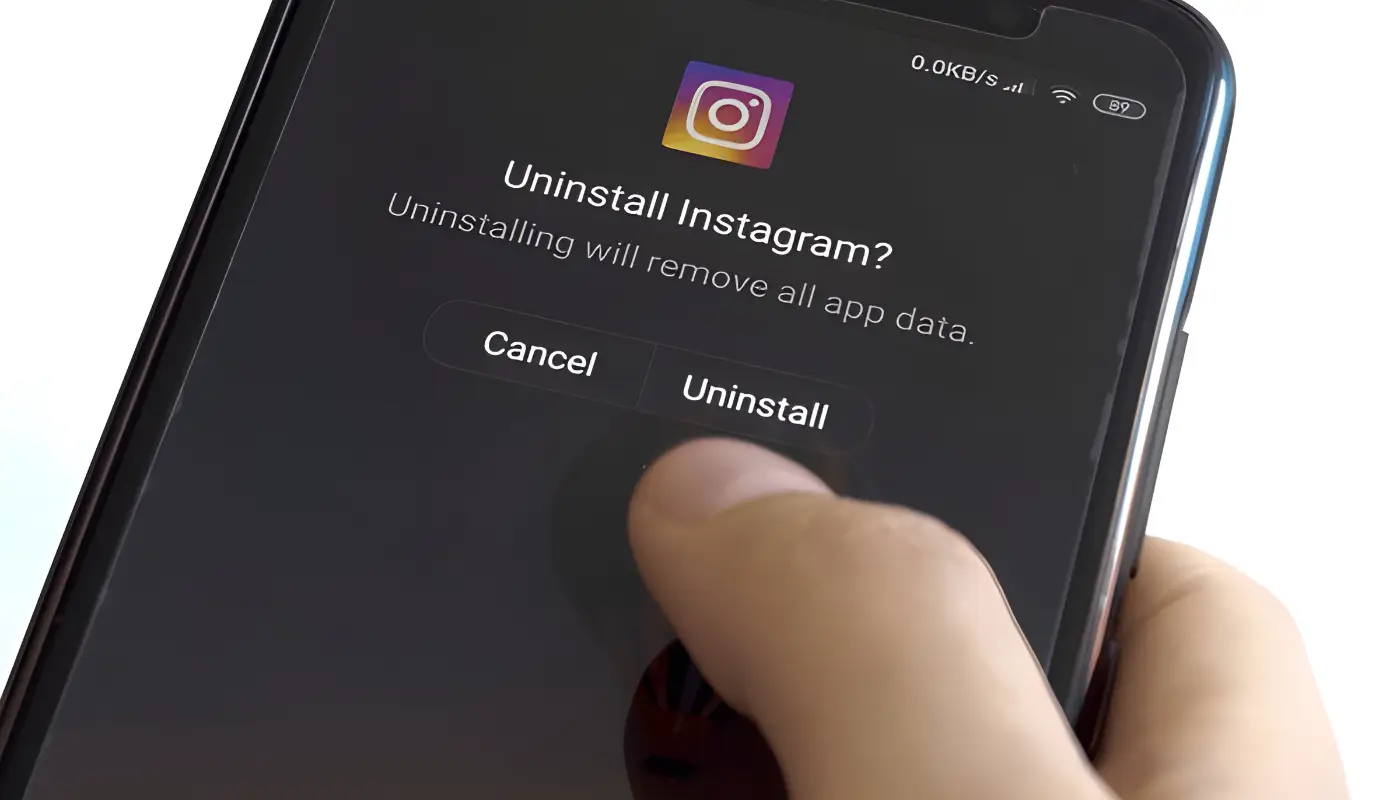
As such, having established deactivation and reasons thereof in the preceding section, let us proceed to learn how to deactivate the account on Instagram.
The procedure is quite simple, but make sure you don’t skip any steps to make sure your account is deactivated correctly.
Accessing Your Account Settings
Before we dive into the details of how to deactivate your Instagram account, the first step involves explaining how to enter your account settings. Here’s how:
- Open the Instagram mobile application or your computer’s web browser and visit instagram.com.
- If you do not have an account, log in.
- Look for or tap your profile name, which is the round image at the bottom right or at the top right of the web page, in which case you will be directed to your profile page.
- Locate the three horizontal lines situated in the upper right corner. This will open a menu that contains several options when turning clockwise.
- Go to the very bottom of the menu that opens and chooses Settings.
- Finding the Deactivation Option.
Once you’re in the Settings menu, these are the steps you should follow to locate the deactivation option:
- Move a little further down. Once there, choose “Account” from several options.
- Scroll down on the Account section, and at the very end of it, you will find “Temporarily disable my account” for the web or “Delete Account” on the mobile app.
- On the mobile application, tap on Delete Account, and on the next page that pops up, press Temporarily Disable Account.
- Explanation of Reason for Deactivation.
Instagram will provide you with some specific lines where you will need to state the reason for closing your account. This action is not optional, as you will be required to choose one of the available choices. The reasons provided include:
- Family emergencies
- Looking for work
- No time/Too much distraction
- Interested in taking something down
- Quite a few ads,
- No enough people to follow
- Opened another account
- Other posts
You may select the option that is closest to your situation.
Final Decision Making.
After giving your reason, Instagram will prompt you to enter your password again to ensure it is you trying to deactivate the account. Make sure to enter your password correctly.
Last Step for Account Deactivation.
As soon as you enter the password, there will be the last screen for confirmation. At last, to finish the whole process of how to deactivate Instagram, press the “Temporarily Disable Account” button.
While super, this wasn’t all that I was hoping for in my search for Instagram account deactivation and reactivation.
My users can expect that their profiles will be unavailable to other users, and you’ll be signed out of the application on all the devices.
How to Deactivate Instagram on Different Devices
Although the procedures for the Instagram account deactivation might be quite similar, the usage of this function may change slightly from device to device.
Let us look at ways to deactivate Instagram on phone and how to deactivate Instagram using mobile devices.
How to Deactivate Instagram on Phone (iOS and Android)
- Launch the Instagram application on your phone.
- Tap on the profile picture at the bottom right to view your profile.
- Click on the three dots on the top right of the screen.
- Click on Your account, then go to Settings > Manage > Delete my account.
- Click on the “Temporarily disable my account” option.
- Follow the steps needed to finish the deactivation procedure.
How to deactivate Instagram on Mobile Web Browser
In case you do not want to download Instagram on your mobile phone but would want to go to the site.
- Log in to your account at instagram.com.
- Click on the profile icon at the upper right of the page.
- Scroll to the right side of the page to the account settings option and choose Account. Then choose the Temporarily ‘disable’ my account option.
- Lastly, follow the prompts to complete the deactivation.
How to Deactivate Instagram on Desktop
For those who wish to understand how deactivation can be done by using Instagram’s service via a computer,
- Log in to your account at instagram.com.
- To log into the account, you can use your username or email ID.
- Proceed to Settings > Account > Temporarily disable my account.
- Then, proceed with the instructions given to finish the process of deactivating.
What Happens When You Deactivate Instagram?
I think rather needs to be understood and explored further when it comes to Instagram deactivation is what are the advantages, benefits, or changes upon such action. Here’s what you need to note:
- Your profile is no longer available to any other user: Other users won’t be able to access your profile, your posts and your stories.
- Other users do not take the username: Under this circumstance, no one else will be able to take that username as long as the account in question is suspended.
- Direct messages remain intact: Your direct message exchanges will remain intact and will turn active when you close the account.
- Follower/following lists are also kept: Aside from losing accounts you are following, you will also not lose your followers.
- All comments left and likes will be hidden: All your comments and “likes” given to other people’s posts will be removed and hidden.
- All imported applications will lose network connection: Whoever executes any apps that have been logged into the Instagram account will not be able to do take .
How to Reactivate Your Instagram Account
If you are one of the people who go through the in-app notifications with regards to how to deactivate your Instagram account and at some point in time decide to come back to inactive instinct, then reactivation will not take time:
- Launch the Instagram mobile application or type www.Instagram.com in the web browser.
- Log in using your account.
- In this case, press or squat tap “Login.”
Your account is going to be reerected with all its content, followers, and settings that were available before the period of inactivity.
Other Options to Consider Instead of Deactivation

If you have decided to delete Instagram but are not convinced this is what you want to do, there are alternatives you can pursue:
- Less time spent using the app: Track the amount of time spent on Instagram or other social media using its features or any other external apps.
- Mute accounts: Muting social accounts helps you preserve great relationships and content.
- Private account: Make your profile private to protect your posts from unauthorized people.
- Uninstall the app: You uninstall applications from the phone but do not deactivate the account.
Conclusion: Learning How to Deactivate Instagram the Right Way.
Figuring out how to deactivate Instagram is a helpful technique that everyone who aims to have appealing digital clothes off spells, even without clothes, should know.
Whether a person is going on holiday for a day or two and investing coming on social media or a careless break for weeks, the deactivation strategy protects a person from making further online activity with informed decisions.
It is worth saying that disabling an Instagram account should be a singular decision; such a decision can be made for any reason or no reason at all. However, if you believe that this is the right time to take a break from the audience, even if it is a temporary one, go and put everything you’ve learned from this tutorial into practice. People sometimes look for viewer tools when an account goes private or quiet, which is why we also reviewed the main private Instagram viewer apps and what they can and cannot honestly do. One name that comes up often in that space is covered in depth in our full Glassagram review, including its limits and the privacy questions around tools like it.
This clip demonstrates how to deactivate Instagram if you ever decide to.
Break down the illusion or the necessity to have one online presence by forming a balanced social media habit without eliminating it.
FAQs
We want to present some of the common and frequently asked questions regarding Instagram deactivation.
How Long Can a User Leave an Instagram Account in a Deactivated State?
Instagram permits any user to keep his or her account deactivated as long as he or she is obliged. As there is no specific duration, anyone can reactivate his or her account whenever they feel like logging back in.
What happens to my followers when I deactivate my Instagram?
No, you will not lose your followers when you deactivate your account. They are supposed to save your follower count and following list, such information is stored and retrieved with the account activation.
Is it possible to deactivate the Instagram account more than once?
Yes, you can deactivate your Instagram account and reactivate it at any time, as many instances as you want. However, there is an exception: Instagram offers this feature within one week after the account has been deactivated in such a manner in order to prevent abuse of this feature.
What is the difference between deleting Instagram and deactivating it?
The safe mode does not permanently erase your account and makes it possible to come back to your profile and all of the content you have posted. The links most passive users are looking for should be followed to know what deletion is, this is making an account from Instagram useless and and removing all the details of.
Can I still get tagged in posts even when my account is deactivated?
When your account is not active, users are unable to tag you in any posts or stories; however, users who are tagged will have their tag concealed until the user returns to their account.
Related guides: Learn how to unblock people on Facebook, compare the best parental control apps, read our guide on how to use spy apps responsibly, and check how to detect spyware on iPhone.