
Last updated: October 2026. Do you often get restricted access to your favorite shows on streaming websites such as Netflix and Hulu? Learn how Smart DNS services help you access geo-restricted content regardless of location. This guide explains what Smart DNS is, how it differs from a VPN, and how to choose the best Smart DNS service in 2026. Important: Smart DNS does not encrypt your traffic and does not make you anonymous. Use a VPN if you need privacy.
- What is Smart DNS, and how does it work?
- Why should anyone want to use a Smart DNS service instead of a traditional VPN?
- Smart DNS Services Ranked in 2026: The Complete Guide
- SmartDNSProxy
- Unblock Us
- NordVPN (Smart DNS Option)
- ExpressVPN (MediaStreamer DNS)
- CactusVPN
- KeepSolid SmartDNS
- Smart DNS vs. Smart DNS Proxy: What’s the Difference?
- Watch Hulu, Netflix, BBC iPlayer & American websites in the UK
- How to Process the Setting of Smart DNS on Different Devices (Apple TV, Routers, Smart TVs)
- Leading Smart DNS Services Offering Security Features
- VPN vs. Smart DNS: Which Technology is Better for Streaming?
- How Smart DNS Helps Stream Quality and Speed
- User Reviews and Recommendations: Which Smart DNS Services Are Worth It?
- Bullet Point Summary: Key Takeaways
- FAQs on Smart DNS and Smart DNS Proxy
If it’s about streaming on Apple TV, Smart TVs or portable devices, Smart DNS proxies can be useful in avoiding regional limitations on content delivery, read further. There is a reason why this technology should be used; continue and see how.
What is Smart DNS, and how does it work?
Smart DNS refers to the Domain Name System, which is a technique that allows users to watch content that is usually unauthorized in a particular region by sending DNS requests to a proxy server that is based in the country where the content can be accessed.
Typically, unlike VPNs where data is subject to encryption, Smart DNS will not encrypt your data, and that is the reason behind increased efficiency when streaming content.
A Smart DNS service does not change your real IP address. It routes only the location check for supported streaming services through a proxy server in another country. That is why it can help with supported channels, but it does not hide your IP and does not encrypt your connection.
Smart DNS services are able to easily access a wide array of the latest devices, including Smart TVs, mobile devices, and game consoles, without any frustration.
However, in a Smart DNS service, the actual Internet Protocol Address of the user is visible, and their DNS only is modified. Hence, only some aspects of the Internet traffic are affected.
This ensures that the speed of the internet remains high clearly as there will be no need to close specific sites and in this case, unblock popular streaming sites from ISP blocks.
Why should anyone want to use a Smart DNS service instead of a traditional VPN?
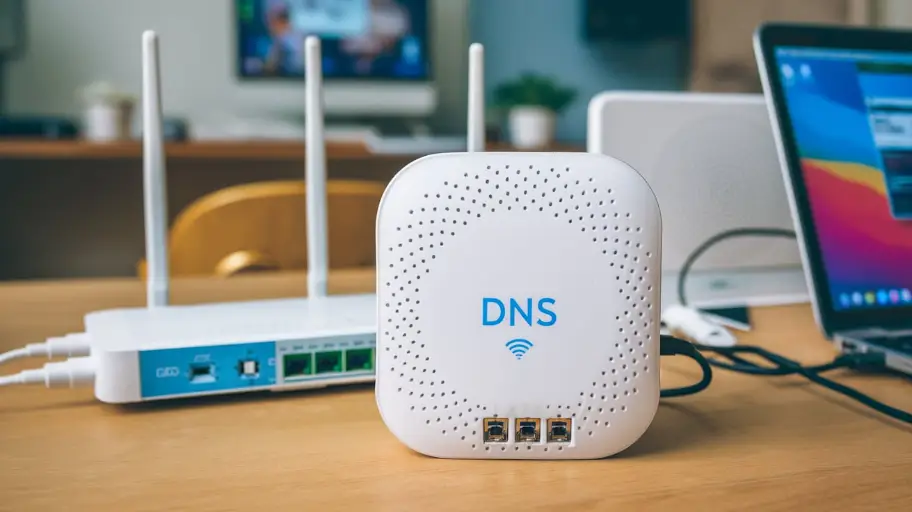
Both Smart DNS and VPN services help you to access content that is restricted by region. However, they do it in such a way that when it comes to the configuration of your internet connection, they are entirely different.
VPNs redirect all of your internet traffic through an encrypted tunnel, which might take time and cause your internet to slow down. The advantage of using Smart DNS services is that there is no traffic encryption; hence, there is no delay during streaming.
For those looking to unblock movies and TV shows without compromising the internet connection speed, Smart DNS is surely the answer. At the same time, these smart DNS services are offering reasonable protection but are more attractive to those who want to stream content with less or no VPN lag.
VPNs are usually recommended to be used in situations when privacy and security are the primary concerns, but Smart DNS works perfectly for watching videos on handheld devices, smart TVs, and gaming consuls, as the speed is what matters there.
Another advantage of Smart DNS is that it works over more platforms that are devoid of the confines of devices, which is an advantage over VPN services. Rather than using a VPN for HD video streaming, Smart DNS typically offers quicker and more efficient resolutions.
Smart DNS Services Ranked in 2026: The Complete Guide
Finding the right Smart DNS service in 2026 is harder because streaming platforms change their detection often. A service that worked last year may not unblock the same library today. Check the provider official site for the current channel list and trial terms before you pay.
Whichever the case, whether to access local content that has been cut out based on geographic or regional schedule, increase the quality of viewing, or move from the service to different gadgets, there is a need to identify the right Smart DNS service provider that will actually suit the need.
In the section below, we have summarized the best Smart DNS services offered over the World Wide Web for business in the year 2024, stating their benefits, prices, and importance.
SmartDNSProxy
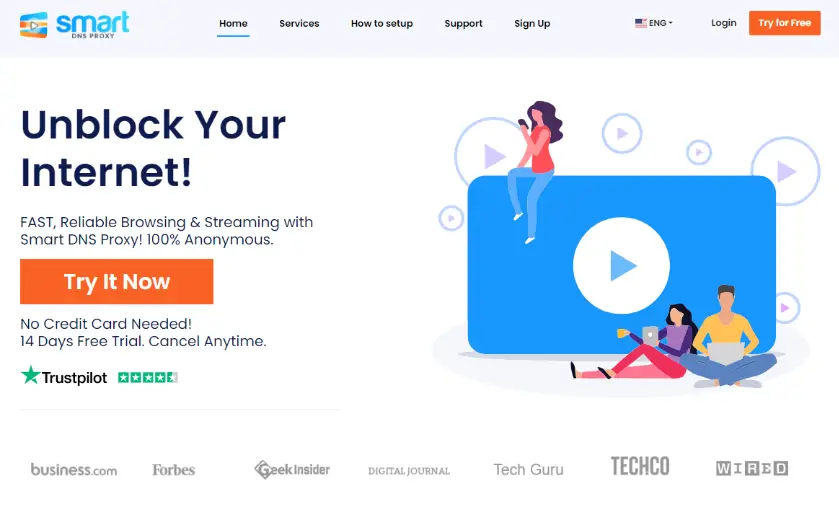
SmartDNSProxy happens to be one of the most sought-after Smart DNS services because of the many devices supported and the high rate of connection.
It follows that SmartDNSProxy is one of the best in bypassing the geo-restrictions that may make streaming harder for channels like Netflix USA, Hulu, BBC iPlayer, and Disney.
Besides the Smart DNS service, SmartDNSProxy also has some additional valuable capabilities that come with a VPN that enables a user to enjoy both security and quick browsing.
Key Features:
- Unblocks 400 Plus Streaming Services available across the globe.
- For iOS, Android, and Windows PCs and smartphones, as well as Apple TVs and other Smart TV devices and routers.
- A no-cost offer is provided for first-time users.
- Offers fast and dependable servers for smooth and uninterrupted streaming.
Pricing: Check the SmartDNSProxy official site for current pricing and trial terms. Older prices in reviews change often and are not reliable in 2026.
Unblock Us

Unblock Us was once a well known Smart DNS service for streaming. Its availability and ownership have changed over time, so treat old reviews with care. Before you pay, check the official site for a current channel list, a working trial and clear refund terms. If those are not clear, choose a provider that publishes them.
Also, Unblock Us has a very simple configuration that is compatible with most devices, such as routers, smart TVs, and portable devices.
Key Features:
- Made specifically for use with streaming sites such as ‘Netflix’ and ‘Hulu’.
- They have over 200 channels from around the world.
- The package includes a VPN service for all the customers who appreciate staying secure when online.
Pricing: Check the official site for current plans. Do not rely on the old monthly price quoted in older reviews.
NordVPN (Smart DNS Option)
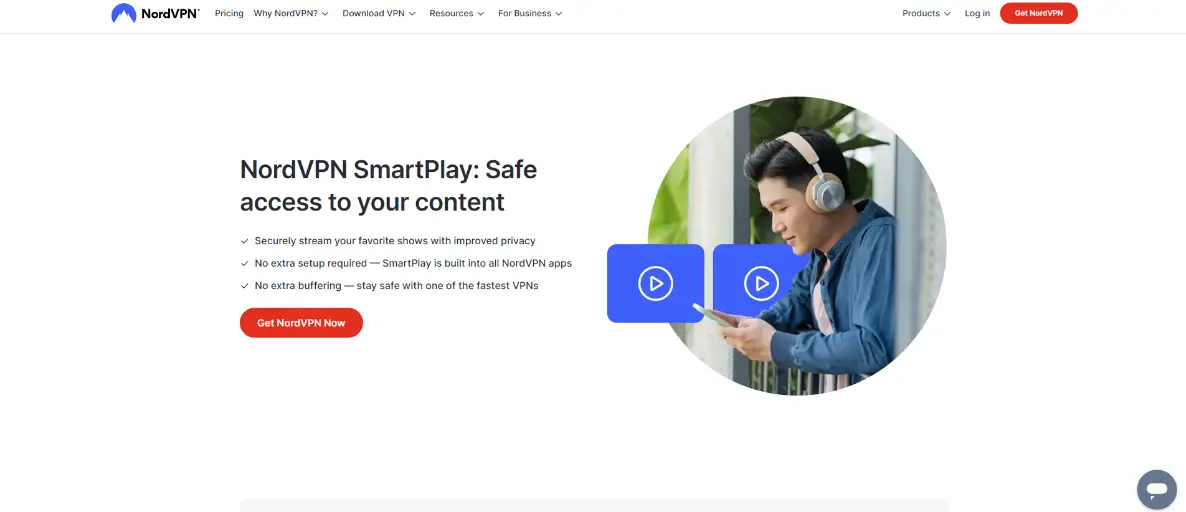
While it is popularly known as a VPN service provider, NordVPN has a feature called Smart DNS as well. It helps people to bypass geo-restrictions with low-speed issues.
The smart DNS option of Nord VPN is for people who want a combination of privacy and streaming.
Key Features:
- It offers Video Streaming by integrating the Smart DNS feature with the VPN.
- Unblocks US Netflix, Hulu, and other worldwide streaming services.
- Better performance than the average with protection from streaming privacy leaks.
Pricing: Check the NordVPN official site for current pricing. SmartPlay or Smart DNS features are included with NordVPN plans, and offers change often.
ExpressVPN (MediaStreamer DNS)
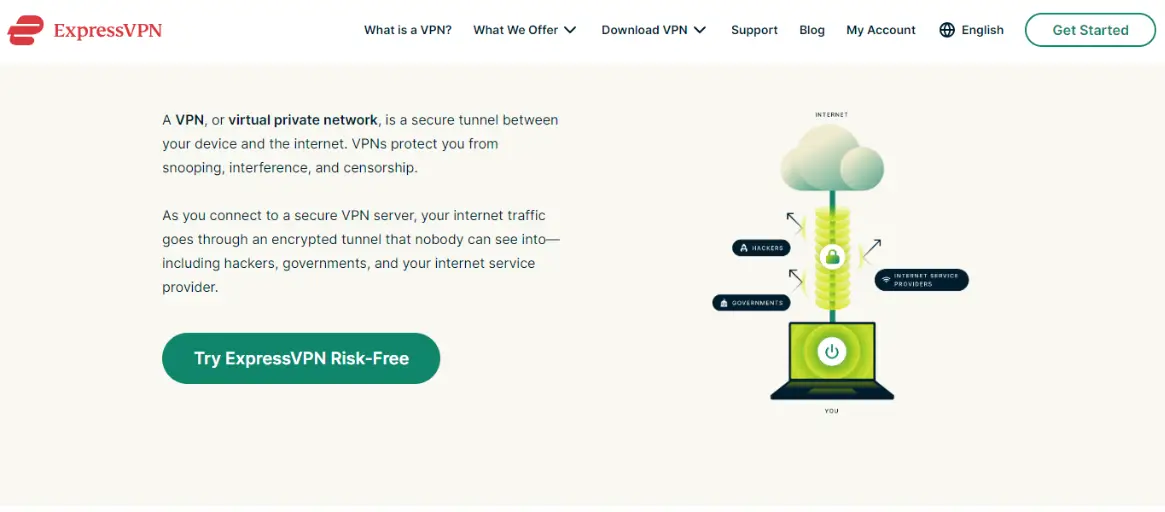
A smart DNS feature called MediaStreamer is embedded within Expressvpn, which is useful when streaming content. Films and rampant streaming of content of such services as Netflix, Hulu, and ESPN are unblocked with the opportunity of speed and low buffering.
Requirements: Works on most devices like Apple televisions, smart televisions, and routers.
Key Features:
- Super speed and high-performing streaming.
- It is very useful for devices that do not support VPN functionality natively, like Apple television.
- 24/7 live chat use this link for live chat customer support.
Pricing: Check the ExpressVPN official site for current pricing. MediaStreamer is included with an ExpressVPN subscription, and offers change often.
CactusVPN
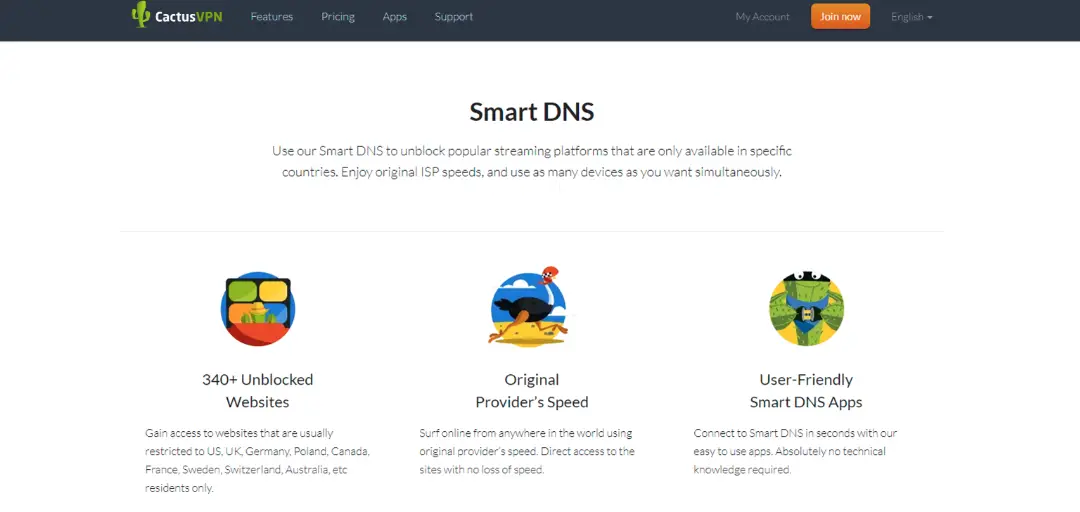
CactusVPN has both Smart DNS and VPN services, which makes it suitable for streaming and privacy. With the Smart DNS feature, one can easily access different streams without turning the connection into an encrypted one, getting faster speeds in the process.
CactusVPN allows multiple devices to be set up within its architecture easily, with customers being highly supported.
Key Features:
- It can bypass the geo-blocks on popular sites like the US Netflix and Hulu.
- Looks good, even on consoles and applies for routers.
- It offers a risk-free money-back policy for 30 days.
Pricing: Check the CactusVPN official site for current pricing and whether Smart DNS is sold alone or with the VPN.
KeepSolid SmartDNS
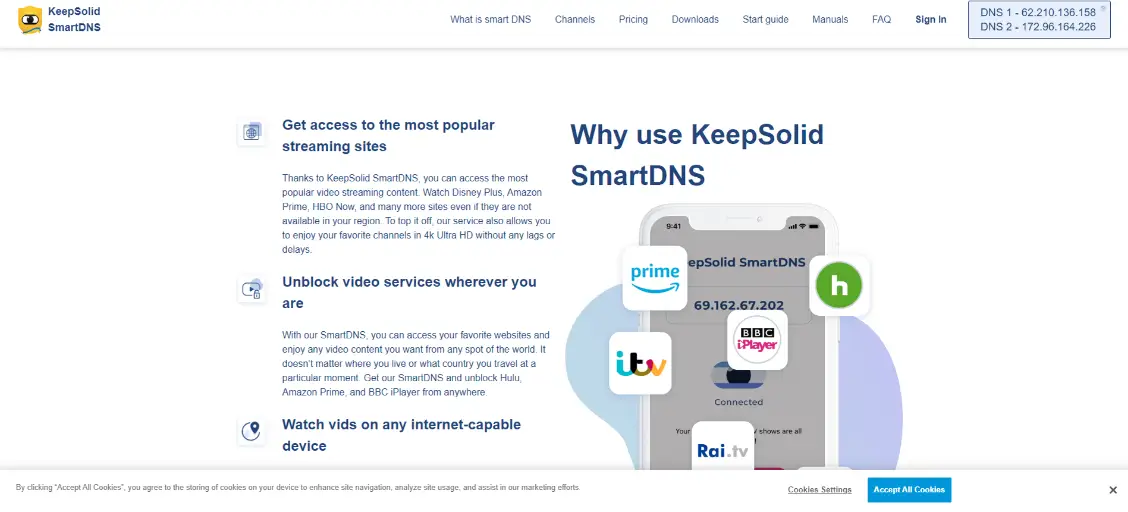
KeepSolid SmartDNS is that it helps users quickly access geo-restricted streaming content without the added encryption which slows down the connections.
It supports programs such as Netflix, Hulu, and BBC iPlayer, among several others. The provider also has a broad range of devices supported and an easy installation procedure.
Key Features:
- Emphasis on the speed of streaming services such as Netflix and Hulu.
- Operates on Apple TV, Smart TVs, mobile devices and routers.
- No credit card is necessary, and anybody can access a 7-day free trial.
Pricing: Check the KeepSolid SmartDNS official site for current pricing, trial terms and supported services.
These Smart DNS services are among the best options in 2026. Whether you need fast streaming or wide device support, compare the current channel list, trial and refund terms on the official site before you choose. Prices change often, so the pricing notes in this guide are a starting point only and should be checked on the provider site on the day you buy.
When choosing the most effective Smart DNS service for your requirements, be sure to keep in mind the service’s compatibility with your devices, the total number of streaming platforms it supports, and the other features, including customer care and security features.
Smart DNS vs. Smart DNS Proxy: What’s the Difference?

Contrary to popular belief, Smart DNS and Smart proxy DNS are not the same thing, even though they may sound similar. With a Smart DNS proxy service, all that is modified are your DNS requests. This allows you to watch streaming services from other countries without changing how you connect to the internet.
This collection of programs functions in contrast to the other main type of VPN service, which transmits all of your information over a secure connection via a remote server.
IPVanish and OverPlay are among the companies that provide the Smart DNS Proxy service for this purpose.
Nevertheless, there is no risk in taking this Smart DNS Proxy for daily Internet use. Both are able to do the same function of enabling the individual to access blocked sites.
Nonetheless, the focus here is on entertainment browsing, which is enhanced with the use of a Smart DNS proxy dabbed versatile proxy.
A Smart DNS service is then different, as most of them come equipped with features like DNS leak protection tools that hide the content from your ISP that you are using a proxy to access restricted content.
Watch Hulu, Netflix, BBC iPlayer & American websites in the UK
One of the major advantages of using Smart DNS service is that it allows you to access the blocked content, which is generally available on streaming sites like Netflix, Hulu, and ESPN.
Generally, these sites are geographically blocked to specific countries, but with Smart DNS, you are able to bypass those geographical limitations.
A Smart DNS service uses this technique to manipulate IP addresses, resulting in modification of geographic access on this streaming service, allowing you to access certain content that you normally would have missed.
And more often than not just the US version of Netflix but also Hulu with live TV or Japanese version because of the best Smart DNS services.
To access certain websites through Smart DNS, all that is required is for you to adjust the settings of your device according to the instructions given by your Smart DNS service. This can be accomplished on routers, Smart TVs, and even smartphones so you do not miss any soothing videos that you love.
How to Process the Setting of Smart DNS on Different Devices (Apple TV, Routers, Smart TVs)
Setting up Smart DNS is not quite a difficult task, but it might be different depending on what device you are using.
It doesn’t even have to be on an Apple TV, Smart TV, or a router; moretheless, every Smart DNS service provides comprehensive how-to documents to make it easy.
To give an instance of how to set Apple TV smart DNS for Apple TV, you will be required to change the Apple TV device DNS to the provided DNS from the Smart DNS service. The same procedures are followed when it comes to routers and Smart TVs, although the details may change depending on the make and make of the device.
In the case of those who use a router, configuring Smart DNS makes it possible for all the devices connected to it to be able to access the content that is usually blocked.
This implies that you won’t have to set each device up separately, which is the most convenient option for users who have more than one device for watching streamed video content.
Leading Smart DNS Services Offering Security Features
Most people subscribe to the Smart DNS services to surpass geographical restrictions.
Some providers apply advanced protection methods for your privacy; however, for instance, SmartDNSProxy applies encryption and DNS leaking protection, preventing your ISP from tracking your logging activities.
Unlocator is yet a provider that offers all of the above, as well as restrict control damage coupons, including a VPN service and encrypted DNS service, which you can use rather depending on the needs of DNS or VPN services.
It is possible that it is most convenient to choose the smart DNS where to live will work to ensure that speed and reside security have both features.
It is wise to go for providers who guarantee that help for setting up and troubleshooting will not be delayed by providing live chat support.
VPN vs. Smart DNS: Which Technology is Better for Streaming?
Should you ever be stuck trying to figure out whether to use a VPN or Smart DNS for your streaming needs, it is essential for you to look at the upsides and downsides. VPNs have the advantage in terms of privacy and security, as they maintain the confidentiality of all of the user’s internet activities through the process of encryption.
Unfortunately, the process of encryption may result in a reduction of the speed, which, when going through content that is extremely high, may lead to a fair amount of waiting time.
In contrast, Smart DNS services do not perform traffic encryption, which results in these services being adequate for streaming.
VPN providers are most suited for individuals who need those features of privacy and security, while Smart DNS services are suitable for people who need to access blocked websites at high speed.
On the other hand, it is possible to stream any web content, be it Hulu, Netflix, or even ESPN, with Smart DNS being the best option.
But if there is a need for privacy, smart DNS should be paired with VPN for absolute optimal performance and total satisfaction.
How Smart DNS Helps Stream Quality and Speed

A Smart DNS service brings the most significant benefit of allowing high-quality and fast streaming of miles of video content for its users.
As it is Smart DNS, there’s no data encryption like with a VPN, so the connection speed is relatively quick, which is vital for high-definition streaming.
Most users, however, have Smart DNS services and are able to access their streaming websites without the buffering associated with the use of VPN services.
This is ideal for video streaming as the speed and quality of the video stream are critical.
If it is speed and streaming capabilities that you need and not security, then you will appreciate Smart DNS, which allows you to access content without lowering the internet speed.
User Reviews and Recommendations: Which Smart DNS Services Are Worth It?
User reviews are probably one of the most critical elements essential when deciding what Smart DNS service to adopt.
Most users post praises on Reddit forums for services such as SmartDNSProxy and Unlocator due to their speed and service reliability when it comes to unlocking streaming services.
It is advisable to check whether providers offer a free trial or a money-back guarantee when considering a Smart DNS service so as to be able to test the features provided, if any.
How we evaluate: We compare providers on the streaming services they claim to support on their official sites, device support, setup guides, trial and refund terms, and whether they are clear that Smart DNS does not encrypt traffic. We do not claim hands-on testing. Disclosure: Some links in this post may be affiliate links. If you buy through them, SpyIdea may earn a commission at no extra cost to you. Also see our guides to unblocked VPNs and free VPN services for other options.
Bullet Point Summary: Key Takeaways
- Use of Smart DNS solutions is recommended when one needs to watch video content on sites such as Netflix, Hulu, and ESPN without using so much waiting time.
- Beneath the fast streaming blips are the simple facts that Smart DNS services do not encrypt your data, which is faster than VPNs.
- Best Smart DNS services for 2026 include providers such as Unlocator, Getflix and SmartDNSProxy. Compare their current channel lists before you buy.
- Apple TV, routers, Smart TV devices, and more while waiting for the installation process of Smart DNS are all very easy to set up to provide access without restrictions.
- It is user-reviewed that SmartDNSProxy is able to stream content efficiently and fast as well, with some compliments on customer service that is reasonably available.
- If one is willing to take a dose of risk with regard to privacy concerns, initiating a combination of Smart DNS and VPN can provide two ends to the consumer.
- Further, this guide gives clear reasons to consider a Smart DNS service to improve streaming in 2026.
FAQs on Smart DNS and Smart DNS Proxy
What is Smart DNS, and what makes it different from a VPN?
Making use of Smart DNS enables users to access content that is restricted in specific geographical areas as it changes their DNS address to one situated in a torrent region. Conversely, unlike a VPN, Smart DNS does not provide encryption of any packets of information, therefore proving exceptionally effective and much faster in terms of streaming content. Instead, VPNs keep all your online activities protected – perhaps more than necessary – by encrypting your internet traffic en route.
Is it legal to use Smart DNS?
Yes, SmartDNS can be used legally in most countries that permit the use of the Internet. However, some users may have Geo restrictions enabling streaming of content purely to users within a given geographical location. Therefore, caution is advised while using Smart DNS.
What devices support Smart DNS?
Indeed, effective Smart DNS can be utilized from a myriad of other devices, including Apple TV, Smart TVs, mobile phones, game consoles, as well as routers. Most of Smart DNS providers have set-up guides with every device for ease of accessibility and installation of the service.
Will Smart DNS affect my internet speed?
No, Smart DNS does not incorporate data encryption and, as a result, does not generally lower your internet speed. Actually, it is more efficient than a VPN while streaming because no encryption effort is needed.
Which Smart DNS providers are leading in 2026?
Leading options to compare in 2026 include SmartDNSProxy, Unlocator and Getflix, plus the Smart DNS features from NordVPN and ExpressVPN. Compare the current channel list, device support and trial terms on the official site, because streaming support changes often.
How do I use Smart DNS service on my router devices?
Configuring Smart DNS on your router requires you to change a router’s DNS to the DNS provided by the Smart DNS provider. It allows all the devices connected to the bridge to bypass geo-restricted content without having to configure each device individually.