Last updated: October 2026
- The Honest Answer First
- How Real Phone Spying Usually Works
- Key Takeaways
- Myths vs Reality: What the Signs Really Mean
- What the Dial Codes Really Do
- Signs That Deserve a Real Check
- Check 1: Call Forwarding in Your Phone Settings
- Check 2: Unknown Apps and App Permissions
- Check 3: Scan With Play Protect and Check iPhone Profiles
- Check 4: Battery and Data Use by App
- Check 5: Linked Devices and Account Sessions
- Check 6: Update the System and Your Apps
- Your First 30 Minutes: A Simple Order
- If You Find Stalkerware, Make a Safety Plan First
- When to Call Your Carrier or the Police
- How to Stay Calm and Methodical
- Frequently Asked Questions
Quick answer: Phone codes and call sounds cannot prove a tap. A legal carrier wiretap stays hidden from the phone itself. What you can find is stalkerware, odd call forwarding, and account access you did not allow.
Strange clicks and fast battery drain scare many phone owners. Most of those signs have a dull and harmless cause.
This guide sorts real risks from common myths. It then gives you clear checks that you can run in minutes. Start by learning what spyware is and how it works if the term is new to you.
The Honest Answer First
A true wiretap sits at the carrier level, not on your handset. Police or state agents use a court order, and the carrier copies the calls on its own network.
No app, code, or sound on the phone can reveal that kind of tap. Anyone who sells a tap detector app is selling false comfort.
The good news is that most real abuse looks very different. It comes from apps on the phone, shared accounts, or call forwarding that someone set up in secret.
Those three problems leave traces that you can check. This article shows you where each trace hides and how to clear it.
How Real Phone Spying Usually Works
Most spying starts with brief access to an unlocked phone. The installer adds a monitoring app, grants it wide rights, and hides its icon.
Other cases need no app at all. A person who knows your account password can read synced photos, mail, and chats from their own screen.
Location sharing causes a third group of cases. A map app or family group may share your live location with consent you gave long ago and forgot.
Each route needs your own device and your own accounts. That is why consent and account control sit at the heart of every fix in this guide.
Key Takeaways
- Clicks, echoes, and beeps do not prove a tap.
- Dial codes show call forwarding and your IMEI, not taps.
- Stalkerware and shared accounts cause most real spying.
- Check forwarding, apps, permissions, and linked devices first.
- Make a safety plan before you remove any suspect app.
- Call your carrier or the police if a threat feels real.
Keep these points in mind as you read. Each section below turns one point into simple steps.
Myths vs Reality: What the Signs Really Mean
Online videos promise secret codes that expose any tap. Those claims spread fast because fear sells views.
The table below tests the top claims one by one. It also shows the check that gives you a real answer.
| Myth | Reality | What to check instead |
|---|---|---|
| Beeps or clicks mean a tap | Networks and apps add noise, compression, and echo on their own | Compare calls on Wi-Fi and mobile data, then test a second phone |
| Dial *#21# to expose a tap | The code lists call forwarding status on many carriers | Open Phone settings and review call forwarding there |
| The IMEI code detects taps | It only shows the device IMEI number | Use the IMEI to check the device with your carrier |
| A hot phone means someone listens live | Heat comes from load, weak signal, or a busy app | Check battery use by app for one full day |
| A detector app can find a wiretap | No app can see a carrier level tap | Spend effort on apps, accounts, and forwarding instead |
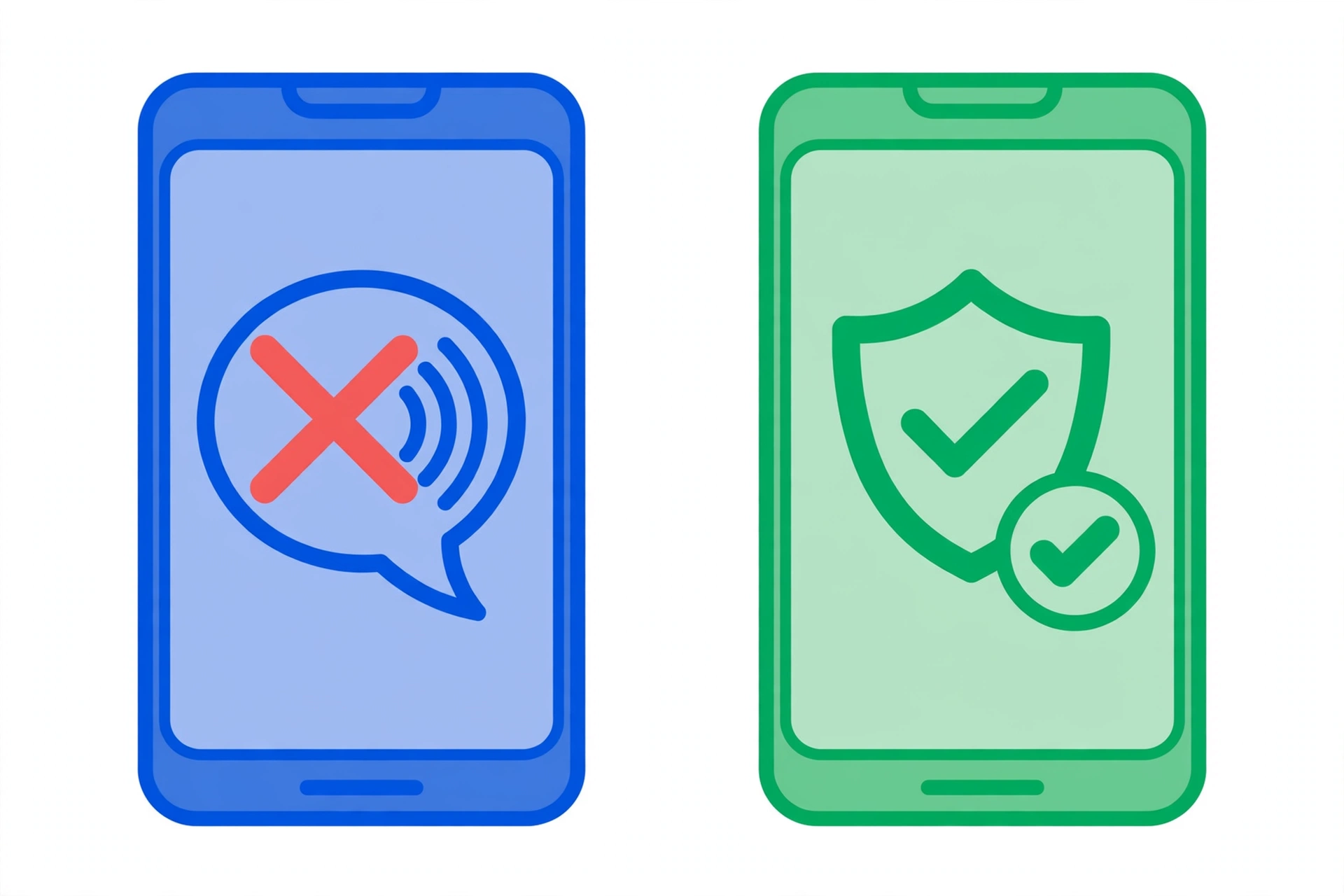
Notice a pattern across all five rows. Each myth points at the network, while each real check points at the phone or the account.
That shift matters for your safety. You control your phone and your accounts, so you can fix what you find there.
Myths also push people toward paid apps and fake code lists. Those tools take money and show random data that proves nothing.
A calm check of settings gives you facts instead. Facts let you act once and then relax.
What the Dial Codes Really Do
Dial codes are old service tools from the GSM network era. Carriers built them so staff could read basic line settings fast.
They still work on many networks today. They just never did the job that viral posts claim.
- *#06# shows the IMEI, the unique ID number of your device.
- *#21# shows if all calls forward to another number, on many carriers.
- *#62# shows where calls go when your phone is off or out of reach.
- *#67# shows where calls go when your line is busy.
- ##002# cancels all call forwarding on many GSM carriers.
Support for each code varies by carrier and by country. A code that works on one SIM may fail on the next.
Some phones show an error or a blank screen for a code. That result means the carrier blocks the code, not that a tap hides it.
Treat the codes as a forwarding check, not a tap test. Then confirm the same facts inside your Phone app settings, where the labels are clear.
Signs That Deserve a Real Check
Some signs still matter, even though none proves a tap alone. The skill is to match each sign with one calm test.
| Sign | Innocent cause | Real check |
|---|---|---|
| Battery drops much faster than before | Old battery, new app, or weak signal | Battery screen names one app with heavy use |
| Data use jumps with no clear reason | Cloud backup or video apps sync in the background | Data screen shows an app you do not know |
| Strangers know facts from private chats | A shared account or a linked device stays signed in | Review linked devices and account sessions |
| Calls reach a stranger or a full mailbox | A carrier fault or a wrong number in settings | Forwarding points to a number you never set |
| Phone wakes, glows, or restarts alone | Updates and app crashes can cause this too | It repeats after updates and a clean restart |
One sign on its own means very little. Two or three signs plus one odd setting should push you to act.
Watch the pattern for two days before you judge. Note the time, the app in use, and the signal strength at each odd event.
Patterns beat single events every time. A fault repeats at random, while a spy app repeats on a schedule or after each restart.
Our guide to signs your phone is being tracked walks through each warning in more depth. Use it if you want a longer sign by sign list.
Check 1: Call Forwarding in Your Phone Settings
Forwarding sends your calls to a second number without any ring on your phone. A snooper can set it in under a minute with brief access.
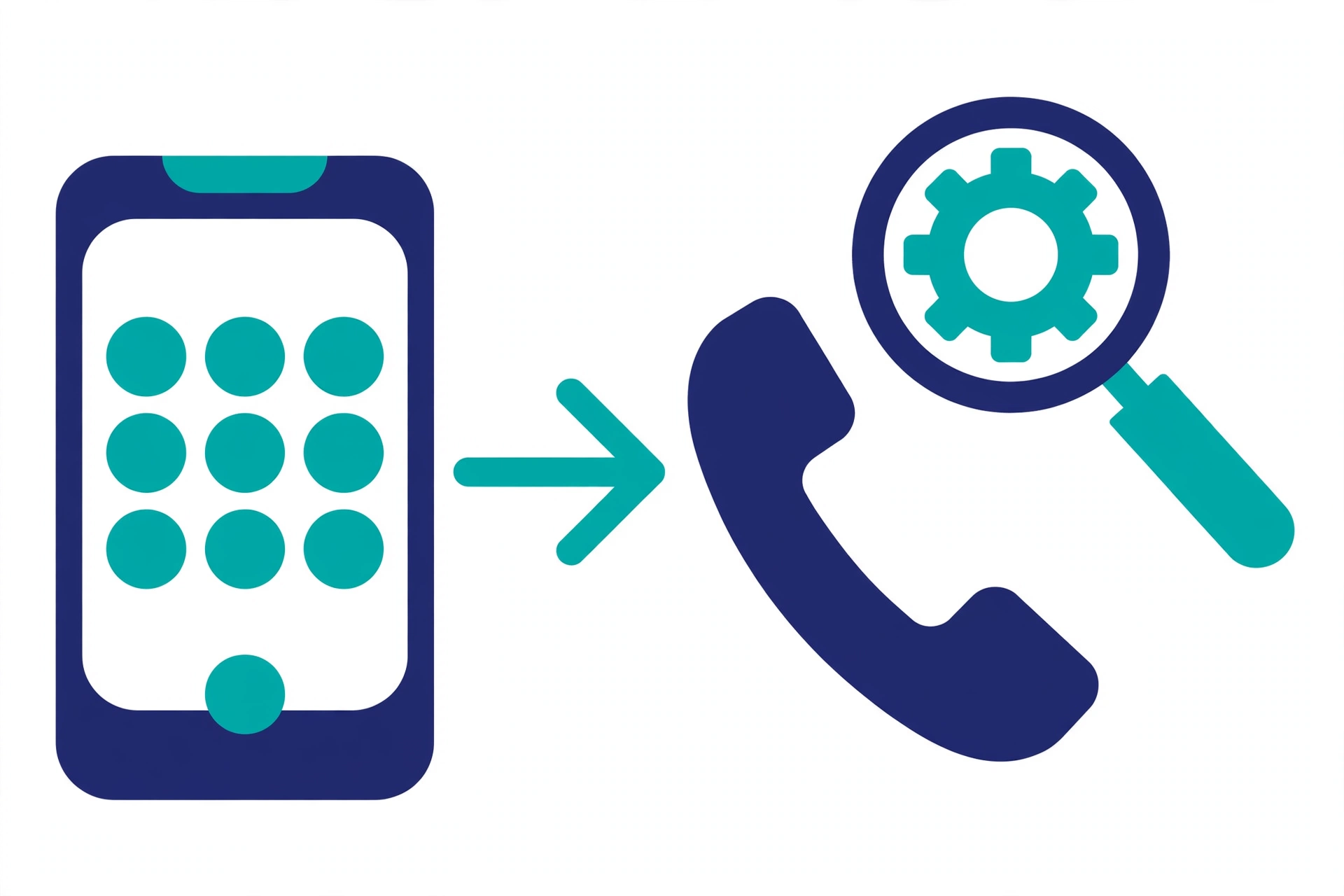
On Android, open the Phone app and tap the three dots, then Settings, then Calls, then Call forwarding. Turn off every entry that names a number you do not know.
On iPhone, open Settings, then Apps, then Phone, then Call Forwarding. The screen shows one switch plus the number in use, if any.
Some carriers add their own voicemail number to these fields. That entry is normal, so compare odd numbers with the support page of your carrier before you panic.
Write down any odd number before you change it. That record helps if you later speak to your carrier or the police.
Check 2: Unknown Apps and App Permissions
Stalkerware hides in the app list under a plain name. It often asks for location, microphone, and accessibility access at once.
Open your full app list and read every name with care. Remove any app you did not install and do not need.
Look for blank icons, names with system words, and apps with no clear purpose. Real system tools sit in a system list that your phone marks as such.
Then audit the rights each app holds. Our step by step guide on how to check app permissions covers Android and iPhone in full.
Pay close care to accessibility and device admin rights. Those two powers let an app read the screen and block removal, so only tools you trust should hold them.
Android owners can dig deeper with our guide to detecting spyware on Android. iPhone owners should use our guide to detecting spyware on iPhone for profile and sharing checks.
Check 3: Scan With Play Protect and Check iPhone Profiles
Google Play Protect scans apps for harmful acts, even apps from outside the Play Store. Open the Play Store, tap your profile icon, then Play Protect, then Scan.
Treat the scan as a first pass, not a full verdict. A clean scan plus clean settings is a strong sign, but no scan finds all spyware.
On iPhone, open Settings, then General, then VPN and Device Management. Delete any profile you do not know, since a profile can steer mail and web traffic.
iPhone owners can also turn on App Privacy Report in Privacy and Security settings. The report shows which apps used the mic, camera, and location in the past seven days.
Check 4: Battery and Data Use by App
A hidden app still burns power and sends data. The battery and data screens name the apps that use the most of each.
On Android, open Settings, then Battery, then Battery usage. On iPhone, open Settings, then Battery, and scroll to the app list.
For data, open Settings, then Network and internet, then SIMs, then App data usage on Android. On iPhone, open Settings, then Mobile Service, and read the list under Mobile Data.
Look for a name you do not know near the top. High use from a known video app is normal, but high use from a blank icon app is not.
Check the same screens again after one full day. A spy app keeps its rank, while a one off backup or update drops away fast.
Check 5: Linked Devices and Account Sessions
Many snoopers need no app at all. They read your chats and photos through a shared account or a linked device.
Open WhatsApp and check Linked Devices for sessions you do not know. Remove every session that is not yours, then turn on two step verification.
Next, open your Google or Apple account security page. Sign out devices you cannot name, and change the password from a safe device.
Check your mail account for filter rules you did not set. A secret rule can copy each new mail to a second address in silence.
Also review photo and drive sharing links. One shared album link can expose new photos for months if nobody closes it.
Check 6: Update the System and Your Apps
Updates close holes that spyware uses to stay hidden. Turn on auto updates for the system and for your apps today.
Restart the phone once the update ends. A fresh start also clears stuck apps that cause heat and odd sounds.
Delete apps from outside the official stores unless you truly need them. Side loaded apps skip store checks, so they carry more risk.
Your First 30 Minutes: A Simple Order
Work in this order if worry feels high right now. The list moves from fast facts to deep fixes.
- Note the top three signs and the dates you saw them.
- Check call forwarding in Phone settings and note odd numbers.
- Read the full app list and mark apps you do not know.
- Run the Play Protect scan on Android, or the profile check on iPhone.
- Read battery and data use by app for odd names.
- Review linked devices and sign out unknown sessions.
- Update the system and your apps, then restart once.
- Plan removal with care if any check found a real problem.
Most clean phones pass all eight steps with no finds. That clean run is real peace of mind, and it costs half an hour.
If You Find Stalkerware, Make a Safety Plan First
Removal can alert the person who planted the app. Plan first if that person lives with you or sees you often.
Save proof with screenshots from a safe device. Note app names, numbers, and dates before you delete a thing.
Support groups that fight stalkerware can help you plan each move. Many offer free and private advice by phone or chat.
Then follow our full guide on how to remove stalkerware step by step. It covers safe mode, device admin rights, and password resets in the right order.
When to Call Your Carrier or the Police
Call your carrier if forwarding points to a stranger or your bill lists odd services. The carrier can check the line and reset forwarding from its side.
Call the police if threats, blackmail, or stalking enter the picture. A credible threat turns a tech task into a safety case.
Keep your notes, screenshots, and bills in one safe folder. Clear records help both the carrier team and the police act fast.
You now hold a calm and honest plan. Run the six checks, fix what you find, and ignore the myths that waste your time.
How to Stay Calm and Methodical
Fear can make small faults look like hard proof of a tap. A calm method beats a fast guess every time. Write each odd sign in a short note with the date and the time.
Patterns in your notes point to the true cause far better than memory does. Change one setting at a time, then watch the result for a day. If the sign stops, you found the cause and you can stop there.
Share the checks with a person you trust if worry starts to grow. A second pair of eyes often spots a missed app or setting fast. Most readers finish the six checks and find a plain cause.
A loose battery graph, a chatty app, or an old forwarding rule explains most scares. Repeat the full check once a month as a simple habit. New apps and updates change your phone over time.
A short monthly review keeps control in your hands. Turn on two-step sign-in for your mail and cloud accounts today. Strong accounts block the most common spying route of all, the shared password.
Keep your phone locked with a code that only you know. Brief access to an unlocked phone starts most real cases of spying.
Frequently Asked Questions
These short answers cover the doubts readers raise most. Each answer matches the checks in this guide.
Can a code tell me if my phone is tapped?
No code can do that. Codes such as *#21# only show call forwarding status on many carriers, and *#06# only shows your IMEI number.
Do clicks and echoes on calls prove a tap?
No. Networks, apps, and weak signals cause clicks, echoes, and beeps every day. Treat sounds as a prompt to run real checks, not as proof.
What is the most likely cause of phone spying?
Most cases involve stalkerware, a shared account, or a linked device. These leave traces in app lists, permissions, and account sessions that you can review.
What does ##002# do on my phone?
On many GSM carriers, ##002# cancels all call forwarding. Support varies by carrier, so confirm the result inside your Phone app settings after you dial it.
What should I do first if I find a suspect app?
Do not delete it at once if the installer may react badly. Save proof, make a safety plan, and remove the app with help if you need it.