
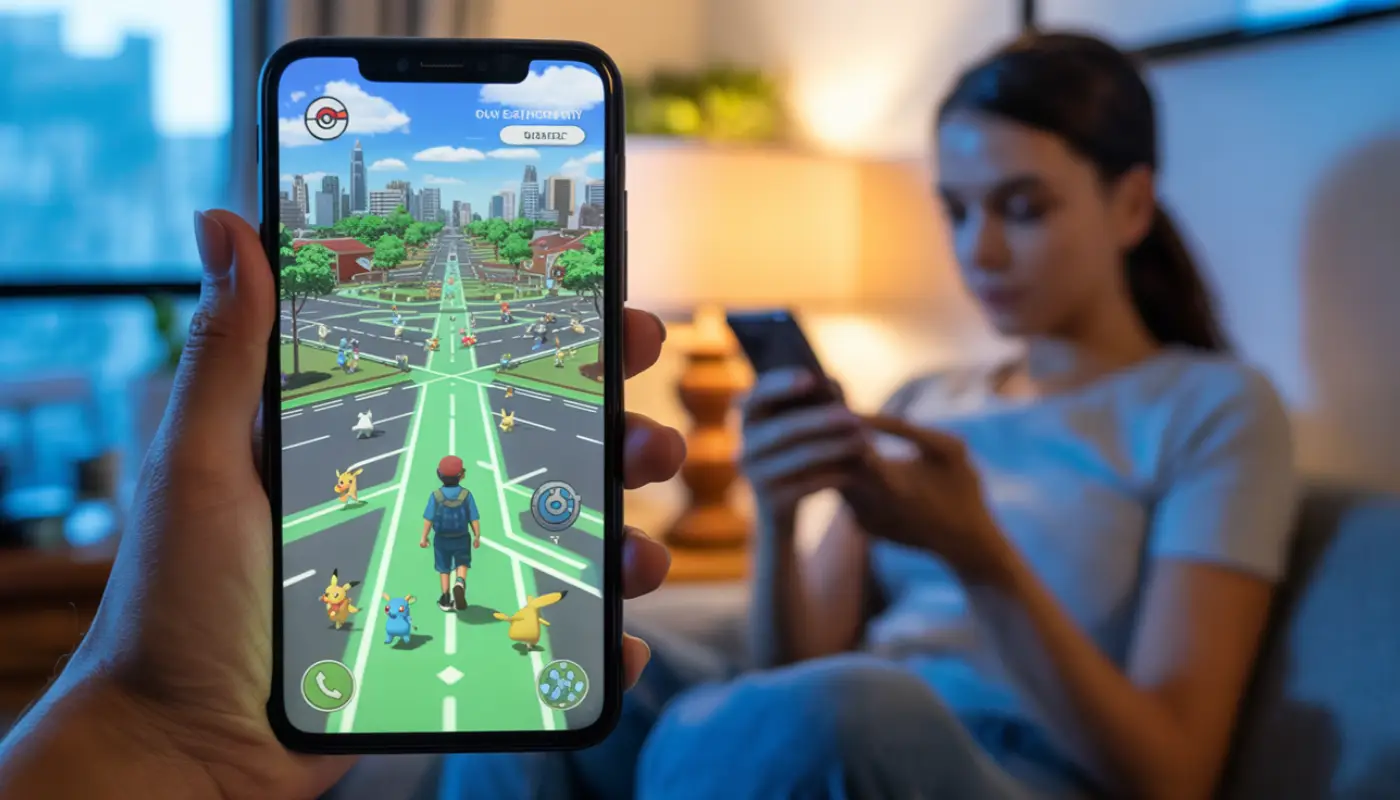
Are you an avid Pokemon Go gamer who wants to enjoy the game more without geographical limitations? Then a location spoofer is what you need. Pokemon Go spoofing locations gives you a fun and immersive experience, enabling you to find region-exclusive Pokémon, teleport, and access unique places without being there physically.
In this guide, you will learn how to spoof Pokémon Go location safely without getting banned in 2025.
Disclaimer: While spoofing Pokémon Go location is not illegal, it violates Niantic, Inc.’s Terms of Service. This can lead to penalties, such as warnings, temporary bans, and permanent account termination. This guide is strictly for educational purposes and not intended to instruct players to violate player guidelines. Hence, proceed with this step-by-step guide at your own risk.
Why Spoof Pokémon Go Location?
Pokemon GO, released in 2016, revolutionized the world of mobile gaming by offering an immersive, real-life adventure, where players are forced to explore their local environments and carry out some physical activities.
In the game, players are meant to battle in raids and gyms, catch Pokémon using their device’s GPS, and participate in global events.
However, players’ ability to explore and engage in physical activities is often challenged by poor weather, geographical restrictions, the scarcity of exclusive Pokémon in certain locations, or other personal limitations.
Therefore, avid Pokemon GO players adopted a way to virtually bypass their location to search for rare Pokémon, a method known as spoofing.
Location spoofing your pokémon go location enables players to virtually visit anywhere in the world from the comfort of their home, overcoming geographical limitations. It enables players to teleport, accessing rare Pokémon, remote Raids, and densely populated PokéStops.
Knowing the different safe methods to spoof becomes an area of interest as Pokémon Go’s developer, Niantic, Inc., considers this as cheating and works continually to penalize this practice.
Now that you know spoofing offers a level of fun and an advantage to users, let’s dive into the available safe spoofing methods.
Best Pokémon Go Location Spoofing Methods
Generally, spoofing involves tricking your device’s operating system (OS) and the Pokemon Go app installed on it. It makes them believe that your device’s GPS coordinates are somewhere they are not.
Here are some of the best and practical methods of spoofing in Pokémon Go without putting your account at risk. Typically, these methods differ significantly between iOS and Android devices due to their distinct security architecture.
Android Spoofing Methods
Here are step-by-step Pokemon Go spoofing methods on Android devices. Originally, Android’s architecture enabled users to easily manipulate their location. However, the procedure for location manipulation has become more complex, often requiring device modification, since the recent security updates.
Using a Third-Party App to Mock Location
This was the basic and simplest spoofing method. However, this method has been heavily patched by Niantic, Inc. for the latest game updates and Android versions.
Nevertheless, some mock location and spoofing apps, such as PoGoskill, iAnyGo, Spoofer Go, iSpoofer, Locachange, and PGSharp, offer powerful improvements and new features that allow spoofing without getting banned.
To use any of these apps, you first need to enable the developer mode on your device. To enable this option, navigate to the “About phone” or “About device” in your device Settings. If you’re using a Samsung device, navigate to “Software information.” Tap on “Build number” seven times to enable the “Developer Options.”
After that, install your preferred spoofing app from the Google Play Store. We recommend downloading the app from the official website or Google Play Store to avoid the risk of malware.
Navigate to your device Settings, scroll down to “Developer Options.” In “Developer Options,” select the installed app as your “Mock location app.”
Launch the spoofing app and set your preferred virtual location.
As mentioned above, Niantic is constantly releasing updates and patches to block these apps. As a result, most of the latest Pokémon Go versions can immediately detect this method, leading to an instant soft ban or the “Failed to Detect Location (Error 12)” message.
If this method doesn’t work for you or you want a more viable option, check the next method.
Rooting Your Device with a Mock Location Module
Rooting your device or ip address with a mock location module is one of the most reliable spoofing methods. It integrates the mock location function deeper into the operating system, bypassing Niantic, Inc.’s basic detection.
First, you need to root your Android device using tools such as iRoot, KingoRoot, SRSRoot, or Magisk.
Rooting grants you administrator or superuser access to your device by modifying your device’s core system files. However, it voids warranties and causes significant security vulnerabilities. Hence, root your device at your own risk.
Next, download, install, and enable a Mock Location Module (often a Magisk module). The module injects the mock location system-wide, hiding the root status and spoofing from Pokemon Go.
Then, install a GPS spoofing app like PGSharp. You can also go to the Google Play Store and search for “GPS spoofing” to explore more options. An app with a Joystick control for smooth in-game movement is better. Also, configure the app to ensure that the spoofing is hidden from the game.
Finally, download and install reliable and secure VPNs, such as ExpressVPN, PrivateVPN, Proton VPN, or Private Internet Access. Launch the VPN app and select your preferred location from the list of servers across multiple countries.
While this method is advanced and more effective than the method above, it is also extremely complex and risky. You risk damaging your device if you root it incorrectly. Also, your device may not be able to receive continuous updates needed to stay ahead of Niantic Inc.’s detection.
iOS Spoofing Methods
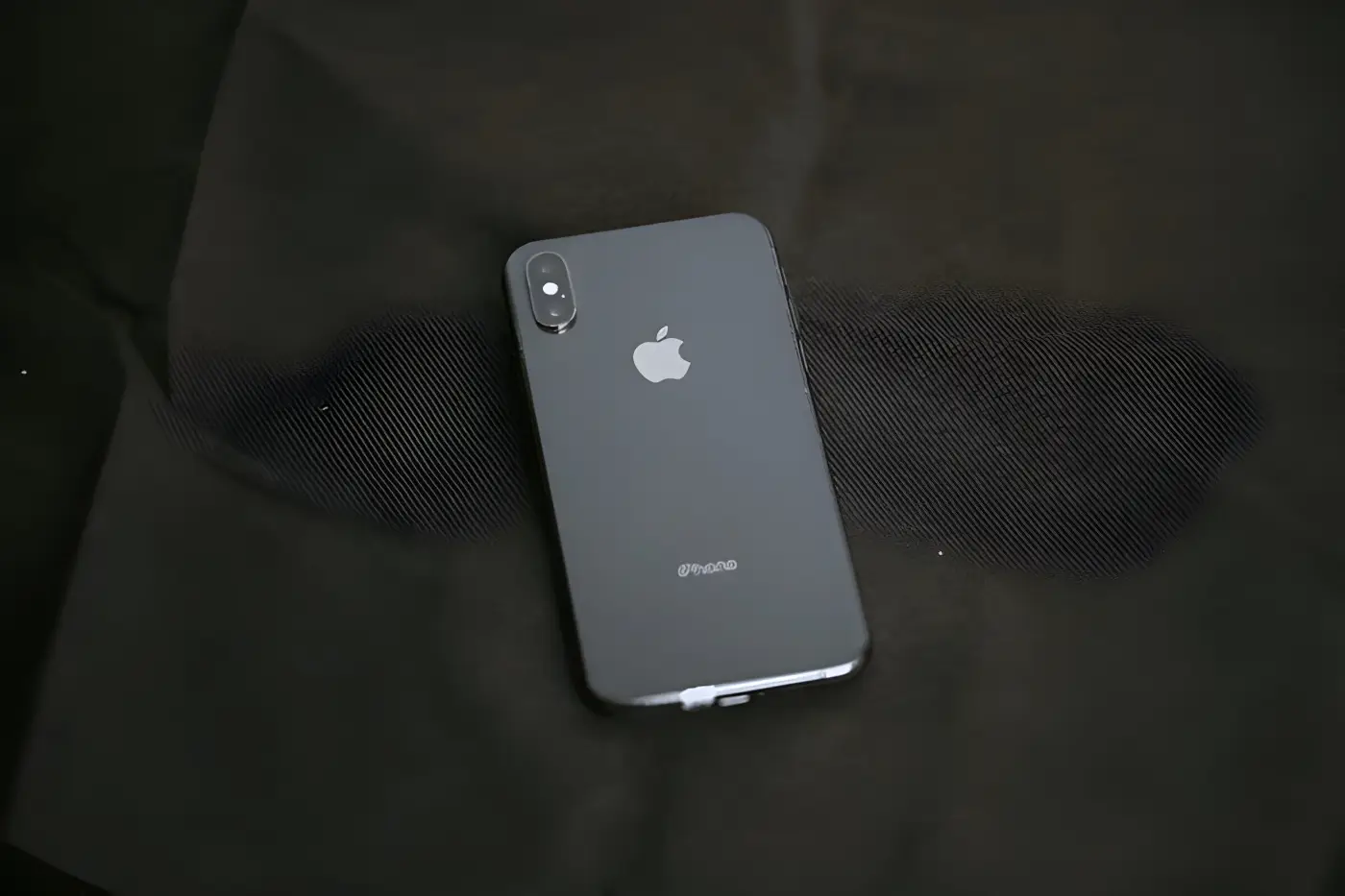
Apple has stringent security measures that make modifying the GPS location on an iOS device without an official tool significantly more difficult than on Android. Nevertheless, there are still a few ways to go about it, which include using:
GPS Spoofer Desktop Software
This is the most popular method commonly used by iOS users. This method has a relatively easy setup, and you don’t need to jailbreak your iOS device.
First, download and install a reliable desktop GPS Spoofer program, such as iMyFone AnyTo and MockGo, on your Mac/PC. You can also install Locachange to easily change your GPS coordinates.
Some of these software applications are paid services and offer features such as preset routes, “Teleport Mode,” “Simulated Movement,” “Joystick Control,” and “GPX File Import.”
Launch the program and connect your iOS device to your Mac/PC using a USB cable.
On the program’s map interface, select your new location.
The program would virtually change the GPS coordinates of your iOS device to your selected location, which Pokémon Go would then read.
The major shortcoming with this method is that it requires a USB connection with the Mac/PC. Although some programs offer wireless connections, they are less stable than wired connections.
Modified Pokémon Go Clients
This method is also popular but highly risky, as it involves installing an unofficial version of Pokemon Go on your device. This method is also straightforward because everything is in one app, and there is no need for a separate GPS spoofing program.
Download and install a modified version of the Pokémon Go app, also known as a “side-loaded” app. Such apps already include essential spoofing features, such as teleport, joystick, cool time, and enhanced throw.
Most of the time, installing unofficial apps on iOS devices requires a developer account or an external signing service, which are frequently revoked. Also, you have the highest ban risk when using this method.
Jailbreaking and Tweak Injection
Just like rooting, this method is the most advanced and effective of the three methods. Jailbreaking enables deep system modification on your iOS devices, but this can affect your device’s security features.
If you don’t mind, then proceed with the steps:
Jailbreak your iOS device using tools such as Checkra1n, Palera1n, Unc0ver, and Dopamine. Specialized tools often vary significantly based on your iOS version or device model.
Download and install a location-modifying app on your jailbroken device. You can get it from a third-party app store, such as Sileo or Cydia. You can also use any reliable VPN. With the tweak or VPN, mask/hide your device’s jailbroken status from the Pokémon Go app.
Then, go to the App Store to install a GPS spoofing app.
Due to the evolving app landscape and associated risks, ExpressVPN cannot provide a specific recommendation for GPS spoofing apps.
Connect to your desired spoofed location and enjoy your Pokémon Go game.
This method gives you full control over your device and location settings. However, it is complex to set up, voids Apple’s warranty, and can destabilize your device.
How to Spoof Pokémon Go Location Correctly Without Getting Banned?

Now, you’ve learned the various ways to spoof on Pokémon Go location. While this can enhance your gaming experience, doing it incorrectly may lead to a soft ban.
Therefore,
- Avoid moving too fast in the game. While moving from one geographical location to another is now possible virtually, it becomes suspicious to move too fast between countries. Imagine moving dramatically between three countries in less than an hour.
- Don’t share your Pokémon GO account with others. This can be very risky. Remember that you already changed your location in Pokémon Go; sharing your account can likely cause issues with location.
- Avoid spoofing using cracked game versions and getting detected.
Conclusion
In this guide, we’ve shared with you all the methods of spoofing your Pokemon Go location responsibly. We also shared reliable Pokemon Go spoofing tools that make location spoofing effortless.
Now that you know how to spoof your location, it’s time to actually get started with a fun and immersive experience in 2025 and beyond.
Location spoofing in Pokémon GO opens up many exciting opportunities, such as catching region-exclusive Pokémon, attending events, and exploring the game’s full potential.
However, you need to be careful to avoid being banned by using reliable spoofing tools, observing cooldown periods, avoiding excessive teleporting, ensuring your activity appears natural, and not spoofing in events that require geographical presence.