
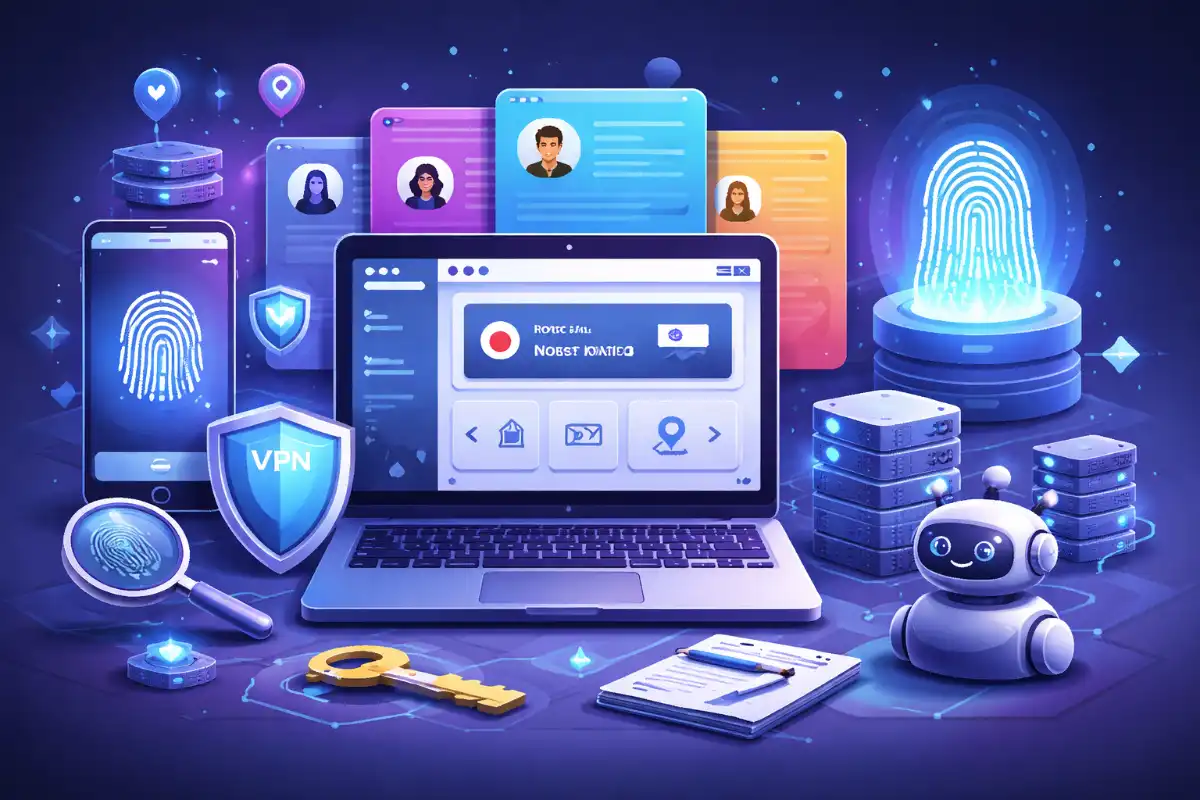
Managing multiple online accounts has become significantly harder over the last few years. Platforms like Google, Facebook, Amazon, TikTok, and crypto exchanges now rely heavily on browser fingerprinting, behavioral analysis, and device-level signals to detect suspicious activity. Traditional VPNs or incognito mode no longer provide sufficient protection. This is where best antidetect browsers come in.
- What Is an Antidetect Browser?
- Why Antidetect Browsers Matter in 2026
- How Antidetect Browsers Work (Step by Step)
- Who Uses Antidetect Browsers?
- Best Antidetect Browsers in 2026 (Expert Comparison)
- Feature Comparison Snapshot
- Pricing & Cost Expectations
- How to Choose the Right Antidetect Browser
- Risks, Warnings & Common Mistakes
- Antidetect Browser Alternatives
- Best Practices for Safe Usage
- Conclusion
- FAQs
Antidetect browsers are specialized tools designed to create isolated browser environments with unique digital fingerprints. They allow users to safely manage multiple accounts, automate workflows, and reduce the risk of bans or account linkage.
In 2026, they’re widely used in affiliate marketing, e-commerce, crypto, social media management, web scraping, and QA testing.
This guide explains how antidetect browsers work, who they’re for, and which tools currently lead the market—without hype or fluff.
What Is an Antidetect Browser?
An antidetect browser is a privacy-focused browser that allows you to create separate browser profiles, each with its own unique fingerprint.
Instead of sharing the same device identity across sessions, every profile can have different values for:
- User agent
- Operating system
- Screen resolution
- Time zone & language
- WebGL, Canvas, AudioContext
- Cookies & local storage
- IP address (via proxy integration)
To websites, each profile looks like a completely different physical device.
Why Antidetect Browsers Matter in 2026
Modern detection systems don’t rely on cookies alone. They analyze hundreds of signals simultaneously. If multiple accounts share enough similarities, they get flagged—even if you use different emails or proxies.
Antidetect browsers matter because they:
- Prevent account linking and mass bans
- Enable scalable multi-account workflows
- Support automation without triggering alarms
- Reduce operational risk for teams and businesses
- Allow controlled testing across environments
For many industries, they’re no longer optional—they’re infrastructure.
How Antidetect Browsers Work (Step by Step)
- Profile Creation: You create a browser profile with a unique fingerprint or a realistic preset.
- Proxy Assignment: Each profile is paired with a residential, mobile, or datacenter proxy.
- Fingerprint Isolation: Cookies, cache, storage, and hardware signals are fully separated.
- Session Persistence: Profiles retain state between sessions like a normal browser.
- Automation (Optional): Tools integrate with Selenium, Puppeteer, or Playwright for bots.
This architecture allows hundreds—or thousands—of isolated identities on one machine.
Who Uses Antidetect Browsers?
Antidetect browsers serve a wide range of professional users:
- Affiliate marketers managing offers and traffic sources
- E-commerce sellers running multiple storefronts or ad accounts
- Social media managers handling client profiles safely
- Crypto traders & airdrop hunters isolating wallets and logins
- Ad agencies operating across platforms and regions
- Developers & QA teams testing localization and UX
- Web scraping teams reducing fingerprint-based blocks
If account bans equal revenue loss, antidetect browsers are relevant.
Best Antidetect Browsers in 2026 (Expert Comparison)
1. Multilogin
Multilogin is often considered the industry benchmark. It focuses on high-fidelity fingerprint simulation and compliance-friendly architecture.
Best for: Enterprises, agencies, compliance-sensitive teams
Pros
- Extremely realistic fingerprints
- Strong proxy compatibility
- Team collaboration features
- Stable automation support
Cons
- Higher pricing
- Overkill for solo users
BitBrowser
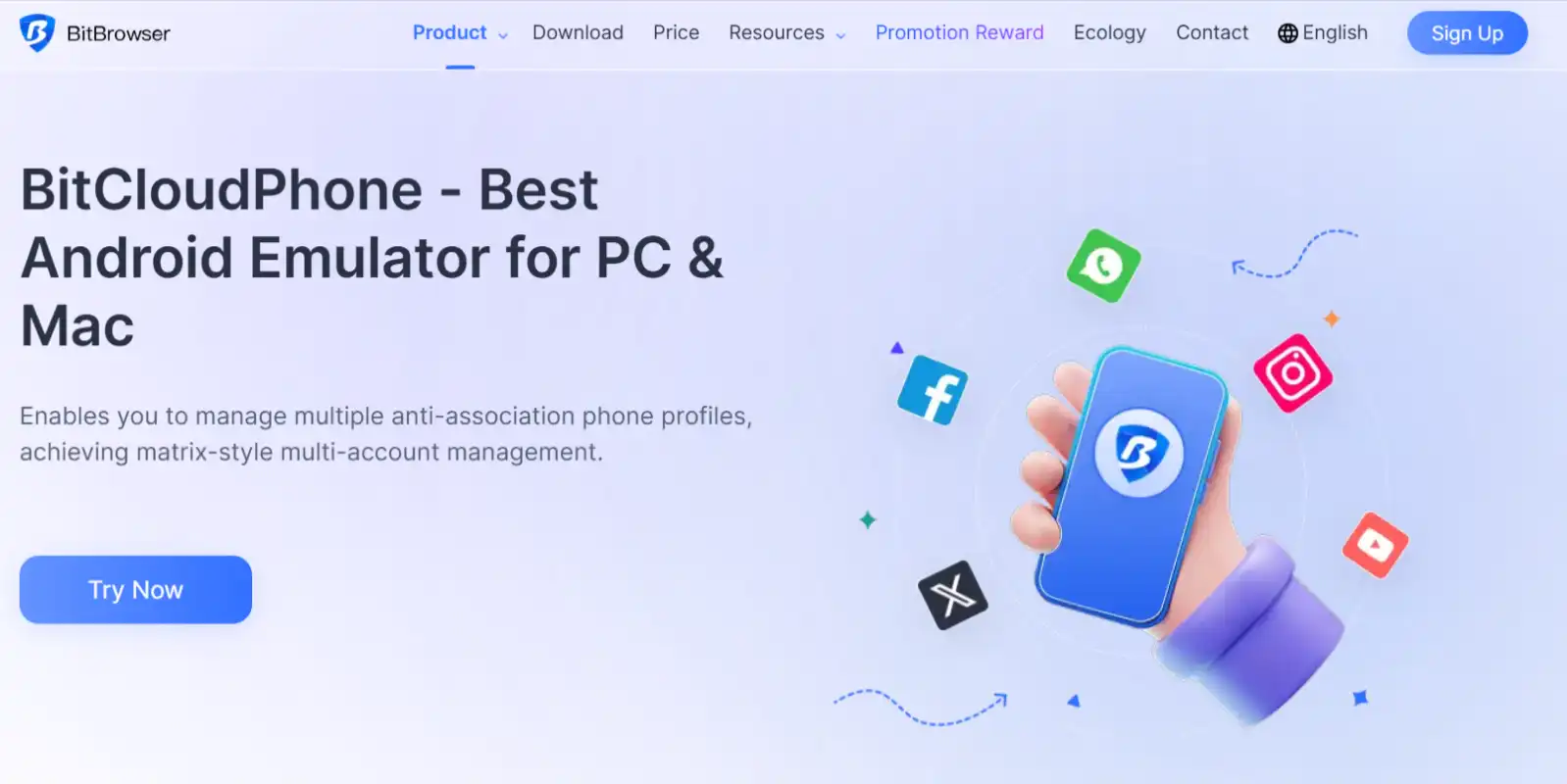
BitBrowser is popular for its balance of power and usability, especially in social media and e-commerce.
Best for: Media buyers, dropshippers, social teams
Pros
- Intuitive UI
- Built-in automation tools
- Good pricing tiers
- Strong Facebook & TikTok workflows
Cons
- Fingerprint depth slightly lower than Multilogin
GoLogin
GoLogin emphasizes accessibility and remote use, making it popular among freelancers and distributed teams.
Best for: Freelancers, small teams, beginners
Pros
- Affordable plans
- Cloud profile sync
- Simple learning curve
Cons
- Fewer advanced fingerprint controls
Dolphin Anty
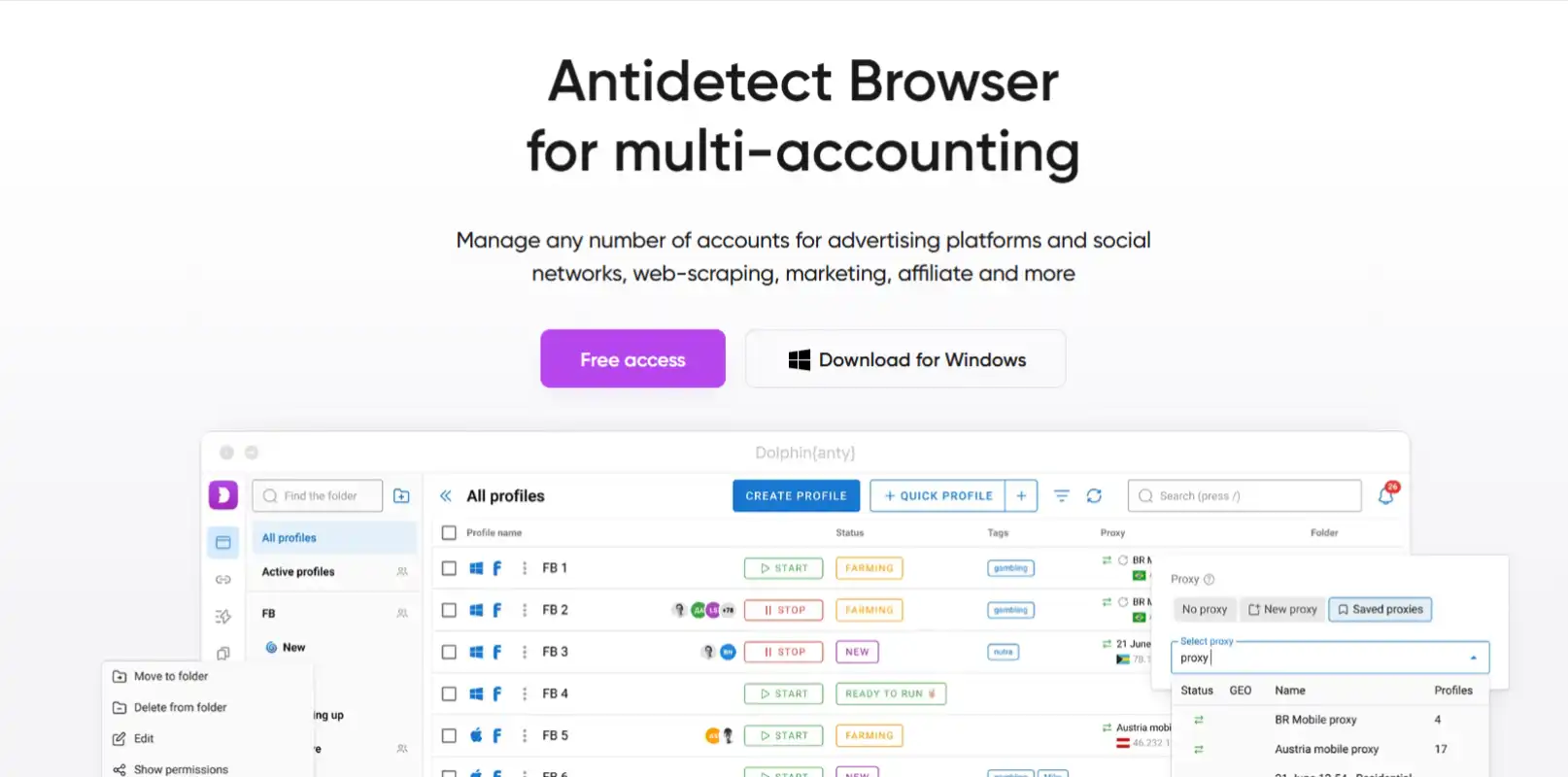
Dolphin Anty is widely used in affiliate marketing and traffic arbitrage.
Best for: Affiliates, arbitrage, automation-heavy users
Pros
- Strong automation support
- Competitive pricing
- Active community
Cons
- UI feels technical for new users
Incogniton
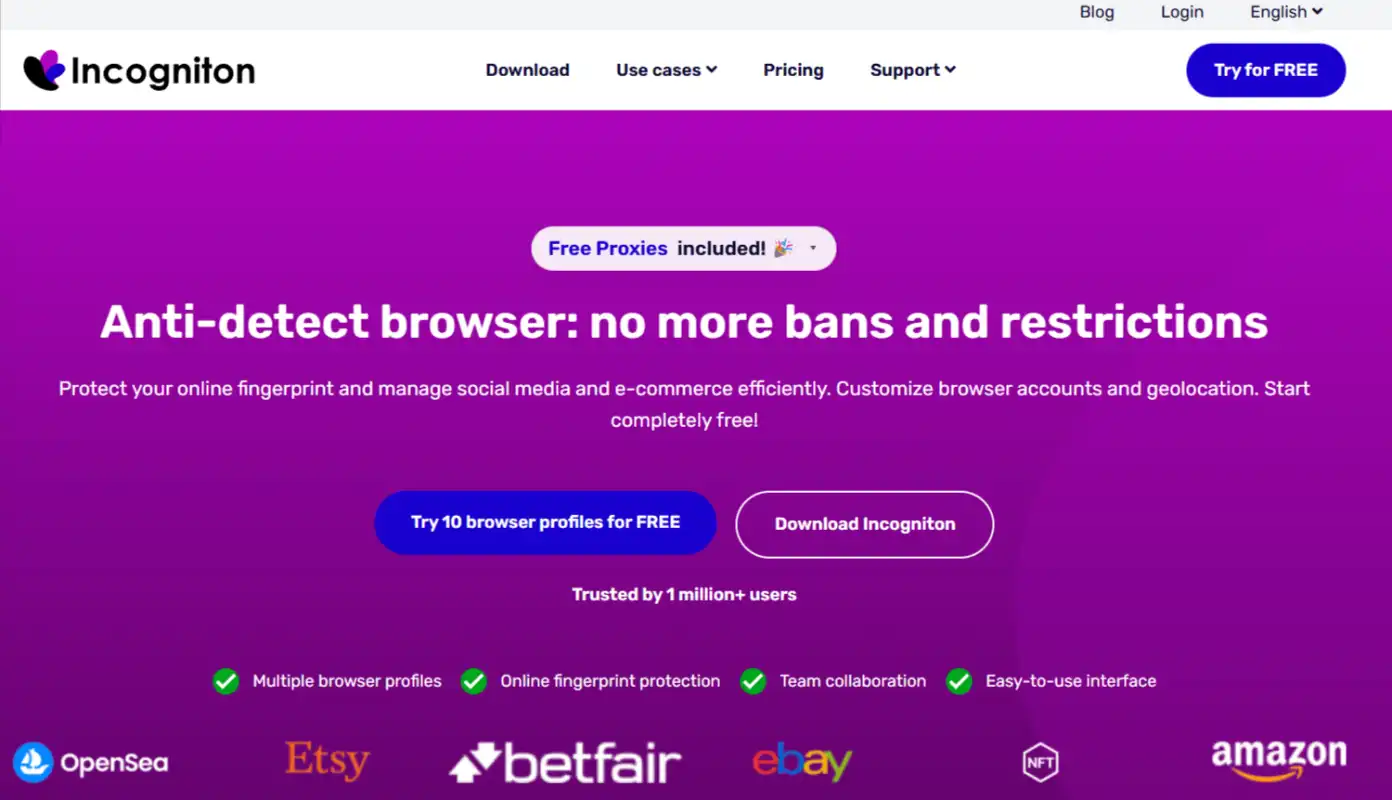
Incogniton is a lightweight antidetect browser focused on simplicity and cost efficiency.
Best for: Solo users, startups, light multi-account needs
Pros
- Clean interface
- Budget-friendly
- Good isolation basics
Cons
- Limited enterprise features
Feature Comparison Snapshot
| Feature | Multilogin | AdsPower | GoLogin | Dolphin Anty | Incogniton |
|---|---|---|---|---|---|
| Fingerprint Depth | Very High | High | Medium | High | Medium |
| Automation Support | Yes | Yes | Limited | Yes | Limited |
| Team Management | Advanced | Strong | Basic | Medium | Basic |
| Learning Curve | Medium | Low | Low | Medium | Low |
| Pricing Tier | High | Medium | Low | Medium | Low |
Pricing & Cost Expectations
Pricing varies by number of profiles and team members.
Typical monthly ranges:
- Entry-level: $30–$60
- Professional: $80–$150
- Enterprise: $200+
Costs may increase when factoring in:
- Residential or mobile proxies
- Automation infrastructure
- Cloud storage or API access
How to Choose the Right Antidetect Browser

Use this decision framework:
Choose Multilogin if
You need maximum realism, compliance, and enterprise stability.
Choose AdsPower if
You run ads, social accounts, or e-commerce operations at scale.
Choose GoLogin if
You’re a freelancer or beginner managing a moderate number of accounts.
Choose Dolphin Anty if
Automation and traffic arbitrage are core to your workflow.
Choose Incogniton if
You want affordable isolation without complex setup.
Risks, Warnings & Common Mistakes

Antidetect browsers reduce risk—but don’t eliminate it.
Common mistakes include:
- Using poor-quality proxies
- Reusing the same fingerprint across accounts
- Logging into multiple profiles too quickly
- Ignoring platform behavior patterns
- Mixing personal and work profiles
Websites analyze behavior, not just fingerprints. Automation must mimic human patterns.
Antidetect Browser Alternatives
In some cases, alternatives may suffice:
- Dedicated physical devices (expensive, low scale)
- Virtual machines (VMs) (resource-heavy)
- Chrome profiles + VPNs (high detection risk)
- Mobile device farms (costly, complex)
Antidetect browsers remain the most scalable solution.
Best Practices for Safe Usage

- Always pair profiles with clean, consistent proxies
- Keep profile behavior realistic
- Avoid logging multiple accounts simultaneously
- Regularly rotate fingerprints when appropriate
- Use automation cautiously
- Document workflows for teams
Discipline matters more than tools.
Conclusion
Antidetect browsers have become essential infrastructure for anyone managing multiple online identities in 2026. They address the realities of modern fingerprinting, behavioral tracking, and automated detection systems.
The “best” antidetect browser depends on your scale, risk tolerance, and workflow complexity. For enterprises, realism and compliance matter most. For solo users, affordability and ease of use take priority.
Choose carefully, combine them with high-quality proxies, and treat operational discipline as seriously as the software itself.
FAQs
Are antidetect browsers legal?
Yes. They are legal tools. Misuse depends on how they’re applied.
Can antidetect browsers guarantee no bans?
No. They reduce risk but cannot override platform policies.
Do I still need proxies with an antidetect browser?
Yes. Proxies are essential for IP separation.
Which antidetect browser is best for beginners?
GoLogin and Incogniton are beginner-friendly.
Are free antidetect browsers safe?
Most free options are limited or risky. Paid tools are safer.
Can antidetect browsers be used for automation?
Yes. Many support Selenium, Puppeteer, and Playwright.
Do they work on macOS and Windows?
Most major tools support both operating systems.